
A security engineer is following up on a risk report that flagged an internal server for repeated outbound connections to an unusual address. The engineer needs to confirm which server applications and operating system FTD has detected on that asset, rather than simply reviewing its traffic history. Which view in Secure Firewall Management Center shows the profiled attributes collected for that host?
Select an answer to reveal the explanation.
Short Explanation
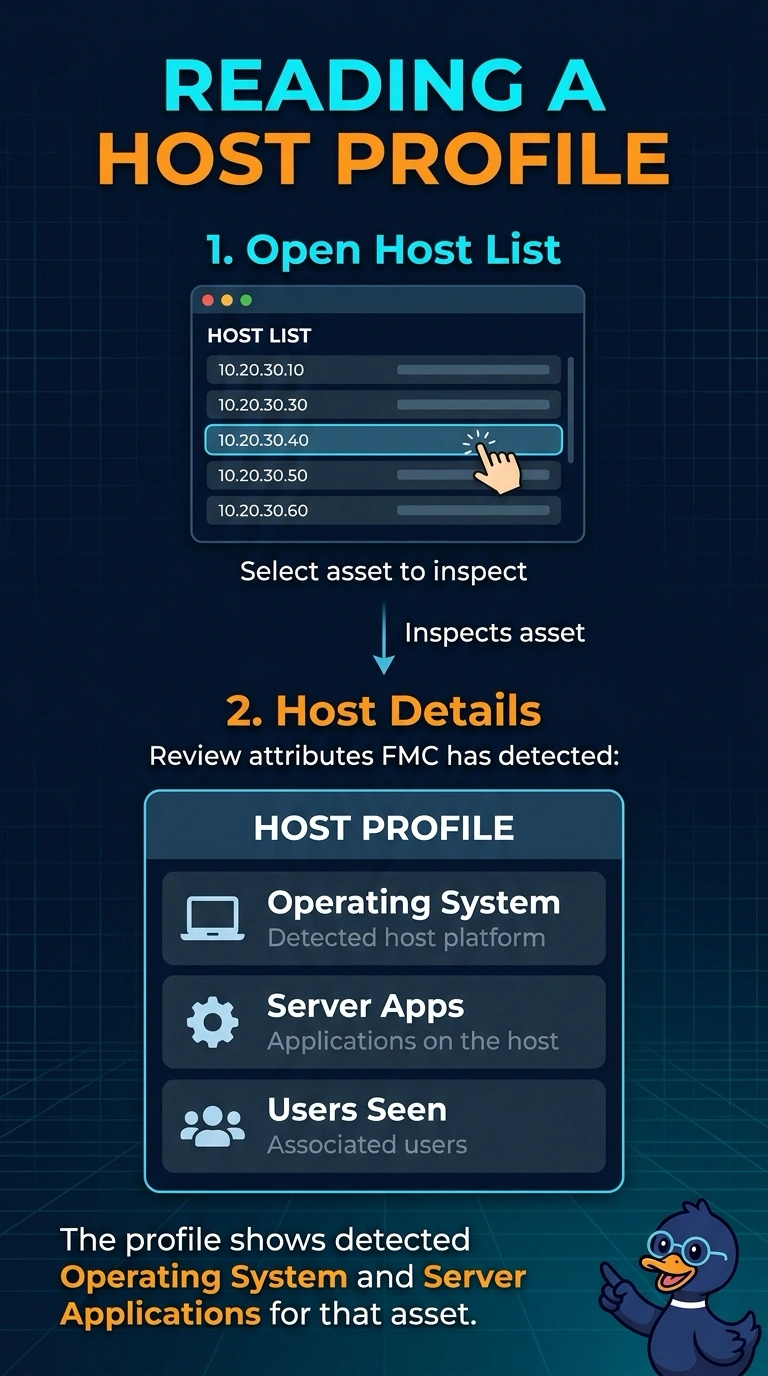
Open the host profile details to see the operating system and server applications FTD detected for that asset. It’s like checking the server’s inventory card for its profiled attributes, rather than reviewing its traffic history.
Full Explanation
Host profile details are the correct view because Secure Firewall Management Center (FMC) builds a profiled description of an asset from attributes it learns through observed traffic. For the selected host, these details include the operating system and server applications FMC has detected, directly answering which applications and OS are associated with that server. A network discovery policy is a configuration approach: it defines the networks and interfaces on which discovery is configured, rather than displaying the attributes learned for one host. A risk report is a risk-and-event summary approach, grouping activity by risk and event type over a selected period; it does not provide the host’s profiled description. Connection events are a traffic-history approach: they list observed destinations and ports for the asset during the selected period, but do not serve as the view of its detected profile. Exam caveat: profiling depends on traffic FMC can observe, so attributes may be incomplete when a host is quiet or its traffic is not visible to the sensor. Practical check: select the asset in FMC and inspect its host profile details for the detected OS and applications; if expected attributes are absent, consider whether relevant host traffic was visible to the sensor.