
During a site outage a security engineer has console access to an FTD appliance, but the Management Center is unreachable over the network. They need to confirm interface status and current connections, then look at a suspect system process, using only commands that leave the running configuration untouched. Which division of work between the standard CLI and expert mode fits this diagnosis?
Select an answer to reveal the explanation.
Short Explanation
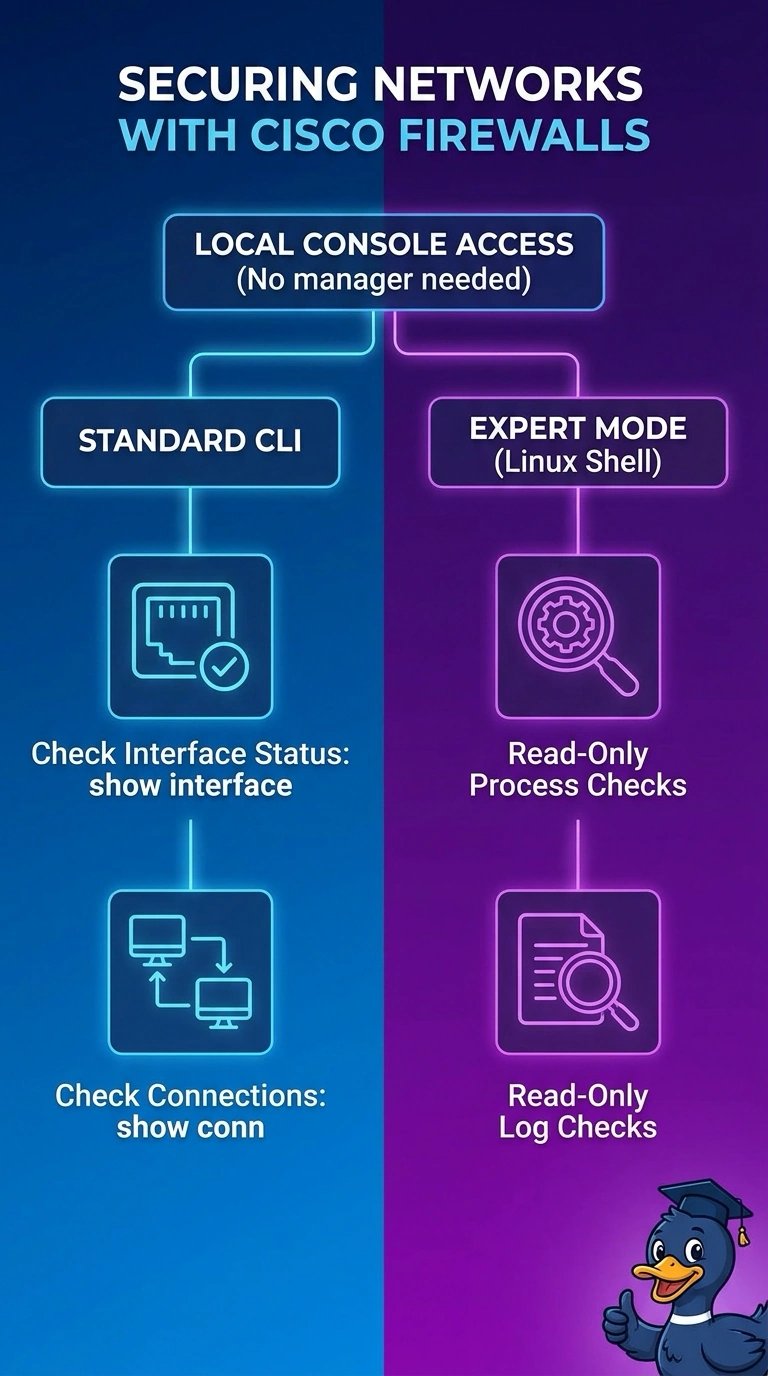
You can use show interface and show conn in the standard CLI to check interface status and current connections, then use read-only commands in expert mode to inspect the suspect process and logs. That keeps each check in the right place while avoiding changes to the running system.
Full Explanation
The standard CLI is the right place to run show interface and show conn: these commands report interface status and the FTD appliance’s current connection table. Use expert mode for read-only operating-system-level checks of the suspect process and relevant logs, preserving the running configuration. Restarting the process before reviewing logs uses the correct sources for interface and connection data, but changes runtime state and is not a non-mutating diagnostic. Using expert-mode host socket tools to review connections is a plausible host-level approach, but tools such as ss show host sockets, not the FTD dataplane connection table, so they cannot replace show conn. Checking interface and connection state and reviewing logs is also insufficient if you infer the suspect process from logs without inspecting the process itself. Exam caveat: expert mode exposes the underlying operating system, but not every host-level view represents FTD dataplane state, and commands that alter processes or files are not read-only. Practical check: before running an expert-mode command, verify that it only displays information, then confirm interface and connection findings with the standard-CLI show commands.