
You added a Secure Firewall Threat Defense appliance to the Secure Firewall Management Center and pushed a new access rule, but the team needs confirmation that the device is registered, that deployment finished, and that the appliance is healthy. The change window closes in ten minutes. Which Management Center pages and device checks give registration status, deployment result and device health?
Select an answer to reveal the explanation.
Short Explanation
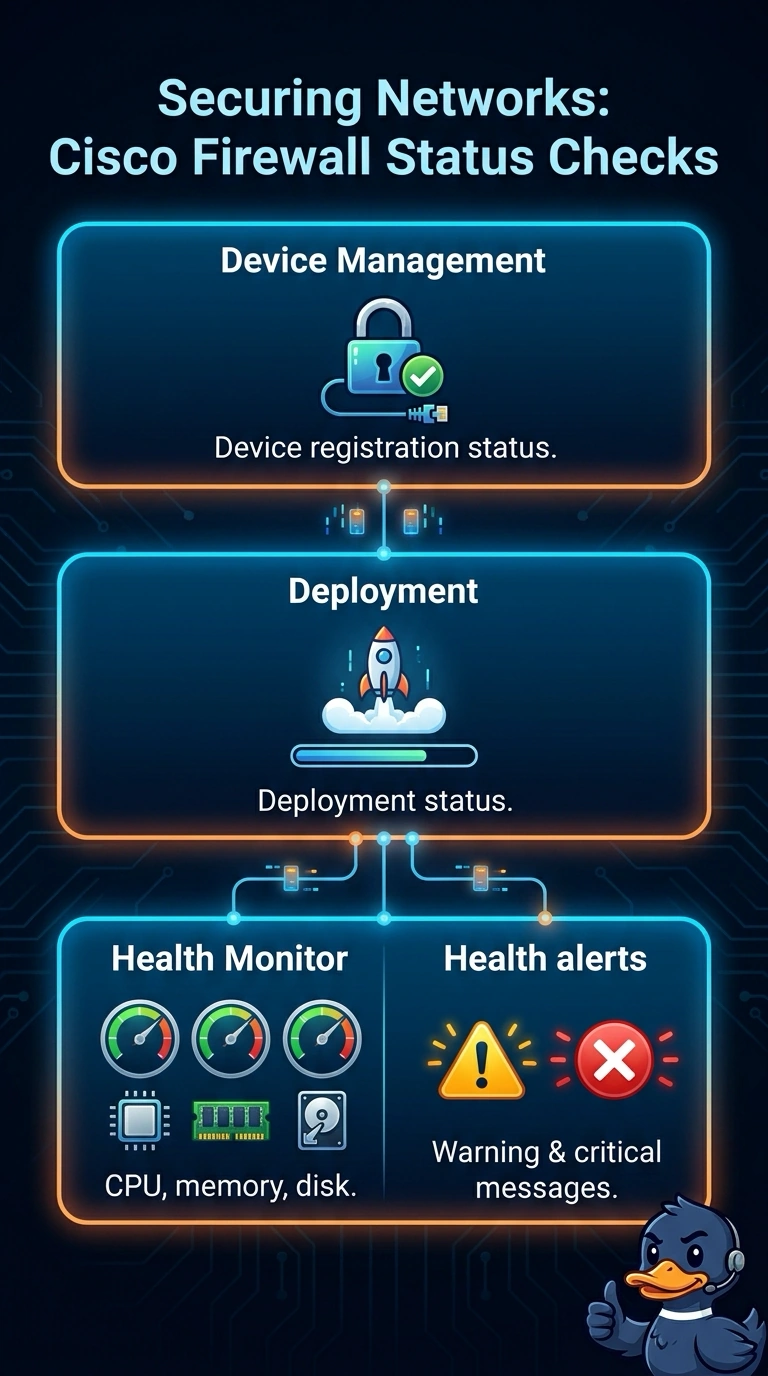
Use these pages as a three-stop checklist: Device Management confirms your appliance is registered, the Deployment page shows whether deployment finished, and the Health Monitor reports CPU, memory, and disk health. You can’t use ping replies or a saved policy to confirm all three.
Full Explanation
Verify registration in Device Management, deployment status on the Deployment page, and appliance health in System > Health > Monitor, where CPU, memory, and disk data are available. These checks answer distinct questions: Device Management confirms that the appliance is registered with the Management Center; the Deployment page reports whether the pushed change has been deployed; and Health Monitor reports resource condition. Ping replies cannot prove deployment finished because ping establishes network reachability, not completion of a policy deployment. Ping replies also cannot prove registration: reachability does not establish Management Center registration. System-event volume is not a measure of CPU, memory, or disk condition, so it cannot establish device health. Exam caveat: registration, successful deployment, and device health are independent; evidence for one does not prove the others, and saving a policy does not mean it was deployed. Practical check: before the change window closes, inspect all three locations and confirm the deployment result alongside current CPU, memory, and disk health data.