
After editing the access control policy, an engineer clicks Deploy on the Management Center and leaves for the night. At handover the reviewer must prove three separate facts: the appliance is still registered to this manager, the push completed, and no health alarm fired overnight. Where should each of those three statuses be verified?
Select an answer to reveal the explanation.
Short Explanation
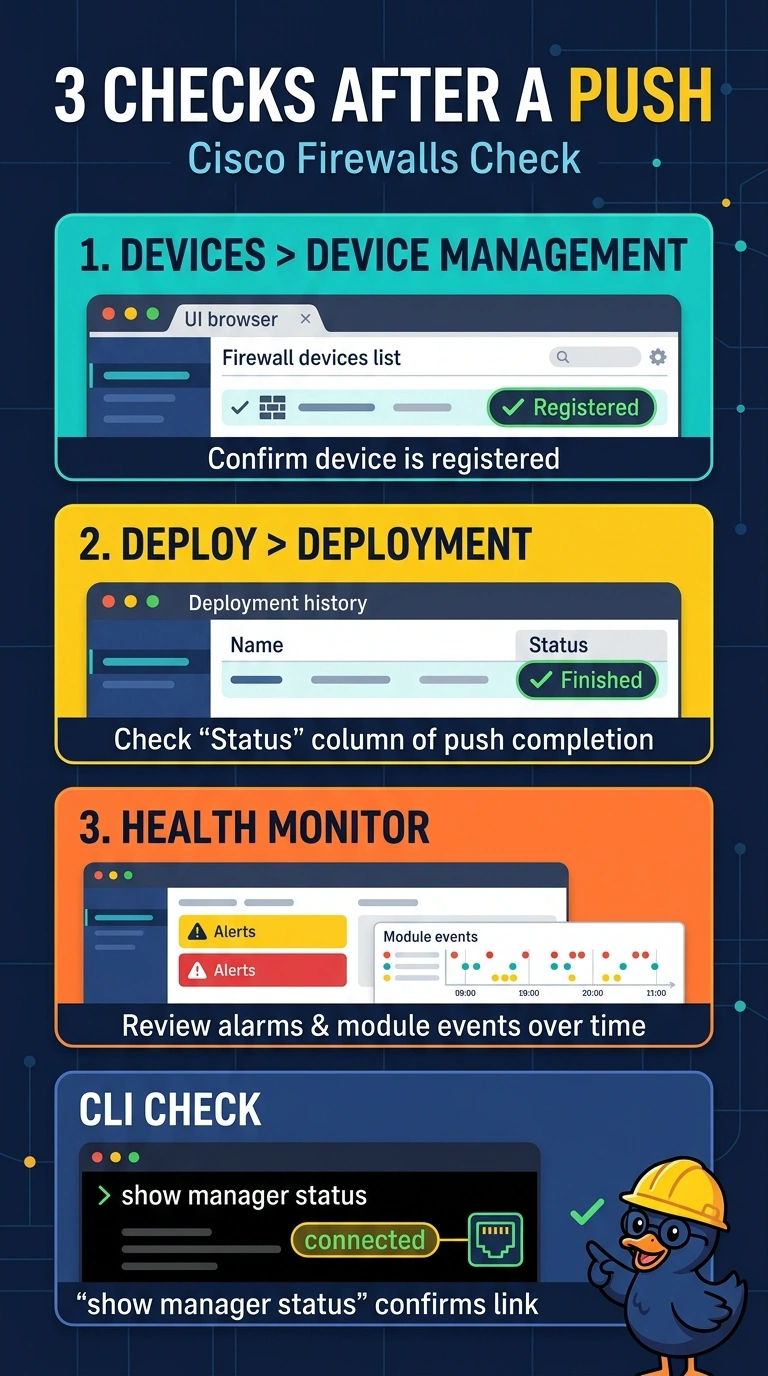
You’ll need three separate checkboxes, since no single screen shows the whole picture: verify registration in Devices > Device Management, the push in Deploy > Deployment, and overnight alarms in the health monitor. That way, you can confirm the manager connection, deployment, and appliance health independently.
Full Explanation
The required evidence comes from three distinct views: Devices > Device Management establishes that the appliance remains registered to this manager; Deploy > Deployment records whether the push completed; and the health monitor shows whether an alarm occurred overnight. A recent last-contact or connectivity status is useful operational evidence, but it does not by itself establish that the appliance is still registered to this manager, so that approach leaves the registration fact unproven. Comparing the running policy revision with the edited revision can help confirm what configuration is active, but it is not a substitute for the deployment record, which verifies the push’s completion status; the revision may not show the job outcome or its state. Notification-mailbox history can be a useful alerting cross-check, but an empty mailbox does not prove that no alarm fired: notifications may be disabled, filtered, delayed, or routed elsewhere. Exam caveat: distinguish evidence that a device is reachable or has a particular configuration from evidence of its manager registration and deployment-job status. Practical check: open each required view for the same appliance and overnight time window, and retain the status or timestamp shown in each.