
A compliance manager who has no FMC login must receive every Monday at 07:00 a PDF of the prior week's connection events, malware alerts and access-control rule hits; the organization will retain the emailed PDF as evidence. The SOC separately wants live monitoring widgets on one shared screen. Which FMC feature delivers the manager's recurring report?
Select an answer to reveal the explanation.
Short Explanation
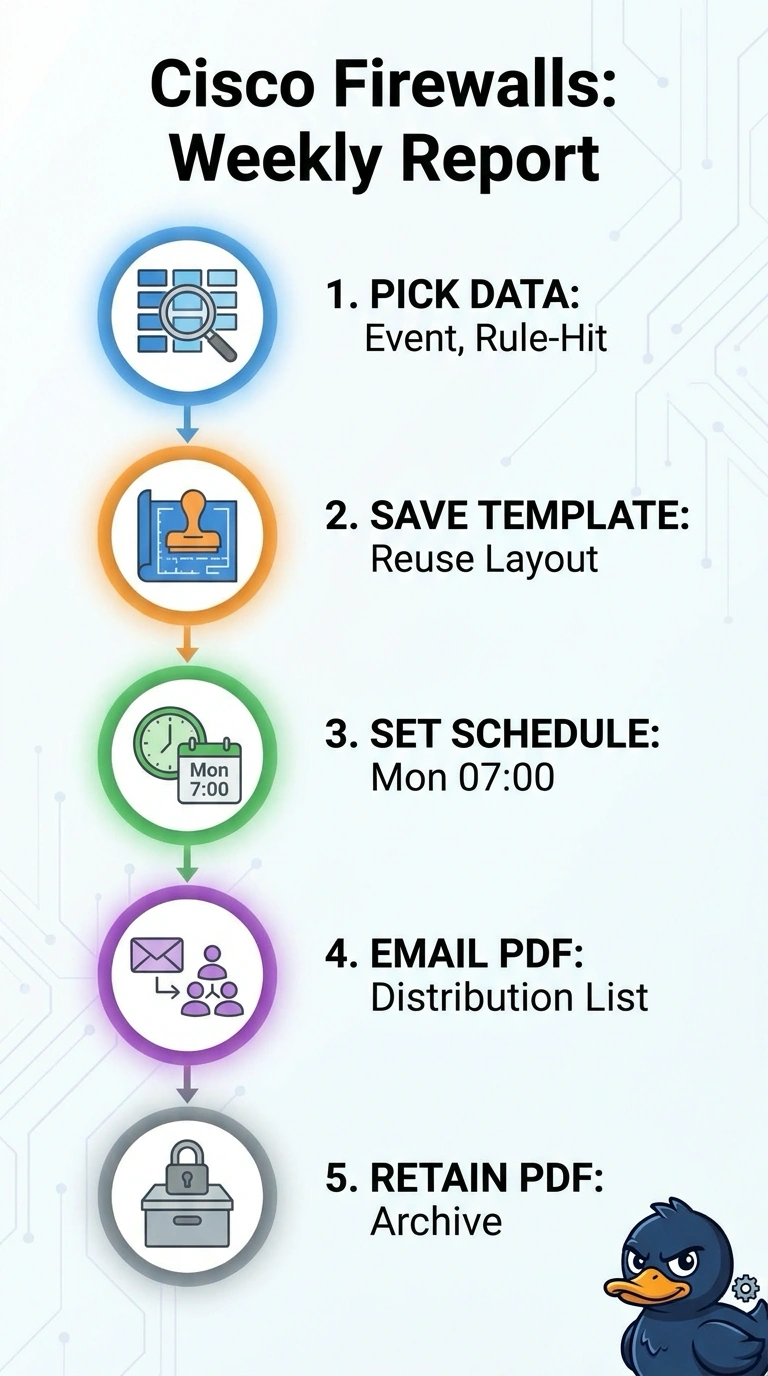
A scheduled report template can email your manager a PDF every Monday at 07:00, even without an FMC login. It’s like a weekly snapshot: include the connection, malware, and rule-hit data, then retain the PDF as evidence; dashboards are for live monitoring.
Full Explanation
A scheduled FMC report is the appropriate feature because it can assemble the specified connection, malware and access-control rule-hit data for a defined reporting period, render the result as a PDF, and email it on a recurring schedule. The emailed artifact also suits the manager’s lack of an FMC login and can be retained as evidence. An emailed XLSX export is a reasonable way to distribute structured report data, but it fails the explicit PDF requirement; changing the file format can also affect how evidence is reviewed or preserved. Leaving out the rule-hit data keeps the report simpler and still emails a PDF on time, but it omits one of the three data sets the manager must receive, so the retained evidence would be incomplete. Saving a generated PDF to a shared evidence repository is a valid document-management practice, but it does not deliver the report by email as requested. The SOC’s live widgets serve a separate monitoring purpose and do not replace this recurring report. Exam caveat: distinguish scheduled reports from dashboards, which present current or near-real-time views rather than the requested emailed artifact. Practical check: confirm the report’s date range, PDF output, recipient address, schedule time and time zone, then verify a test delivery and retention of the resulting file.