
A company's Secure Firewall Management Center must inspect PDF and PE files arriving on the web proxy segment and decide their disposition. Files larger than 20 MB are already rejected upstream, and the team needs candidates with no usable signature checked against cloud reputation rather than passed through silently. Which file policy configuration submits each candidate for cloud lookup and blocks files returned with a Malware disposition?
Select an answer to reveal the explanation.
Short Explanation
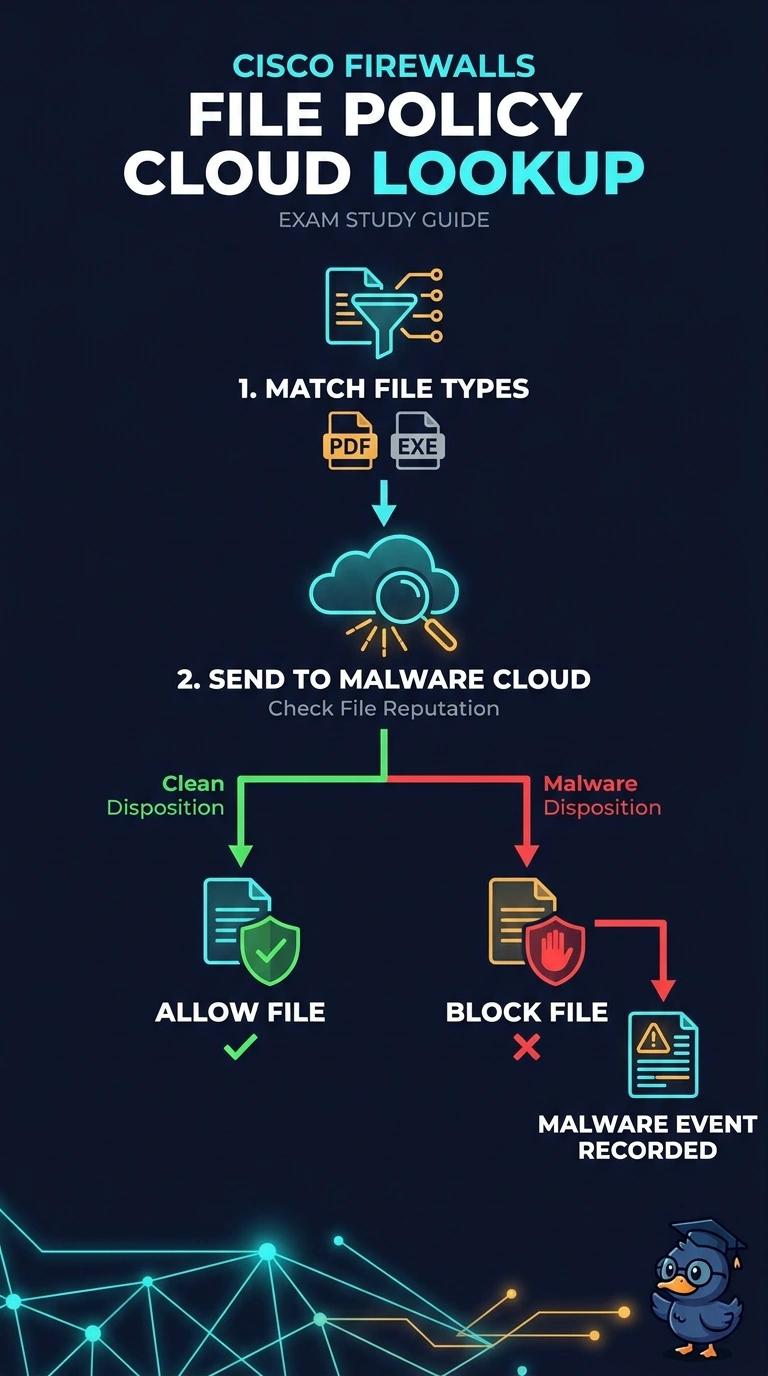
You can match both PDF and PE files, send candidates without a usable signature to malware cloud lookup, and block files returned with a Malware disposition. That gives you a reputation check before a file is allowed through.
Full Explanation
The required configuration matches the allowed PDF and PE types, sends candidates with no usable signature to malware cloud lookup, and blocks files returned with a Malware disposition. This gives unknown candidates a reputation verdict instead of silently passing them through, while enforcing the requested action on malware; the upstream 20 MB rejection remains separate. Matching allowed types and querying the cloud but monitoring Malware results supports investigation or alerting, yet does not block as required. Relying on local signatures and blocking known malware can handle files classifiable locally, but it omits cloud lookup for candidates without a usable signature. Matching PDF files, then querying and blocking Malware results, has the right disposition handling but excludes PE files and therefore misses part of the required coverage. Exam caveat: file-type matching and malware-disposition handling are separate policy decisions, so a malware verdict does not by itself guarantee blocking. Practical check: test representative PDF and PE candidates without usable local signatures, plus a file expected to return Malware, and verify lookup occurs and the Malware result is blocked.