
A financial services SOC receives its industry group's threat intelligence feed every hour, but analysts still paste indicators into the FMC block list by hand. Security leadership wants traffic matching observables in that feed blocked automatically when those observables are encountered. Which Threat Intelligence Director configuration delivers that automation?
Select an answer to reveal the explanation.
Short Explanation
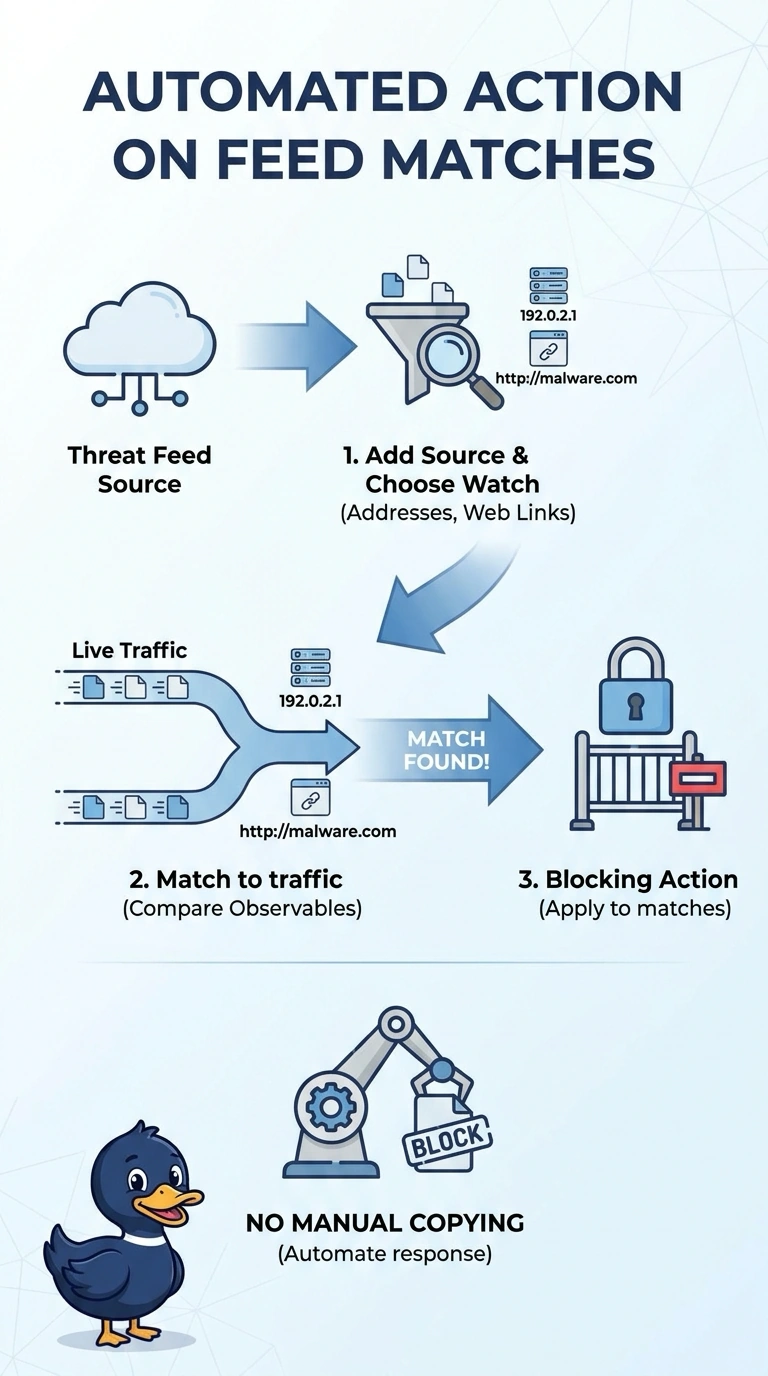
Register the industry feed as a Threat Intelligence Director source and set matching observables to trigger a blocking action. It works like a lookout: when traffic matches an observable, you’ve configured the system to block it automatically—not to block every feed item as soon as it arrives.
Full Explanation
The correct configuration registers the industry group's feed as a Threat Intelligence Director (TID) source and assigns a blocking action to matching observables. TID ingests the source and applies the configured action when matching traffic is encountered, replacing the analysts' manual block-list updates. The Talos-based approach can automatically block addresses, but its intelligence comes from Talos reputation lists, not the group's hourly feed; it therefore fails the stated feed-source requirement. The alert-only TID approach ingests the right source and detects matches, but an alert does not prevent the matching traffic, so it fails the blocking requirement. An auto-updating custom feed in FMC Security Intelligence can automate blocking from feed entries, but it configures Security Intelligence rather than the requested TID source-and-action workflow. Exam caveat: distinguish the intelligence source from the enforcement action—successful ingestion or alerting alone does not establish that matching traffic will be blocked. Practical check: verify the feed's last-update status, confirm the TID action is set to block, and test a known indicator in a controlled environment to ensure the expected connection is denied.