
A hospital must inspect traffic between its inpatient wireless VLAN and the EHR servers. Security requires blocking exploit attempts within the same TCP session, and the network team will tolerate a brief failover but not a sustained traffic outage if the device fails. Which NGIPS deployment mode should be selected?
Select an answer to reveal the explanation.
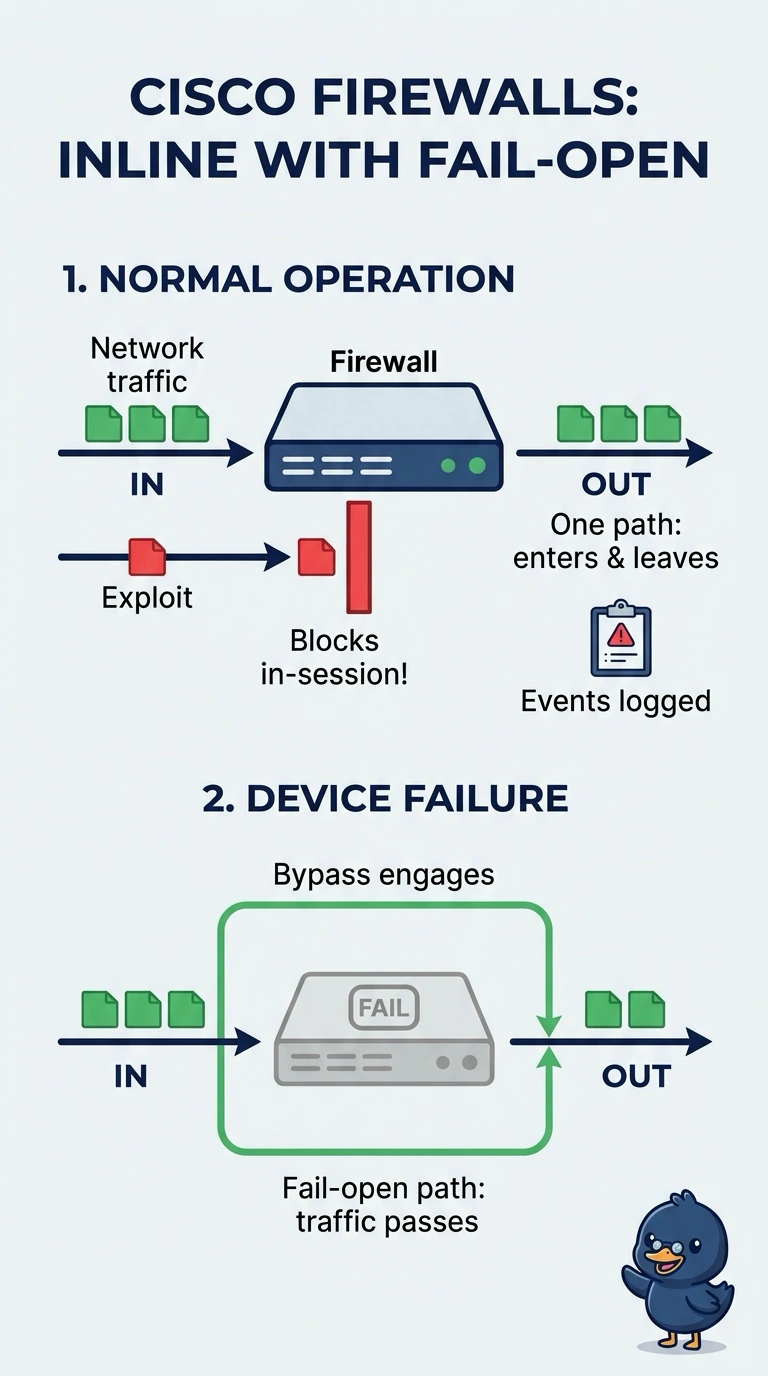
Short Explanation
Choose inline fail-open: it can block an exploit in the same TCP session, then let traffic through if the device fails. It’s like a security gate that opens during a breakdown, though you may see a brief pause while failover kicks in.
Full Explanation
Inline fail-open is the best fit because an inline NGIPS can inspect and block exploit traffic within the active TCP session, while its bypass behavior allows traffic to continue if the device fails. The team can tolerate a brief failover, but the stated priority rules out a design that leaves traffic blocked during a sustained outage. Inline fail-close is a legitimate choice where security takes precedence over availability, and it can block exploits in-session; it fails here because a device failure can prevent hospital traffic from passing until the device or path is restored. A passive sensor with TCP resets is a commonly used detection-and-response pattern and avoids placing the sensor in the forwarding path, but the exploit traffic may already have reached the EHR server before the reset is sent, so detection does not provide inline prevention. Upstream firewall shunning can contain a detected source and fail-open preserves forwarding if the NGIPS fails, but applying a block to subsequent connections does not reliably stop the exploit in the current TCP session. Exam caveat: fail-open describes behavior on device or inspection-path failure, not the inspection policy during normal operation; the NGIPS must still be configured to block. Practical check: verify, in a representative test, that a known exploit is dropped within an established session and that a simulated NGIPS failure allows the required VLAN-to-EHR traffic to pass.