
A senior engineer has approved a short firewall engine debug run on a production Secure Firewall Threat Defense device in a busy data center to chase an intermittent policy drop. The junior engineer wants maximum verbosity for a whole night and expects a huge volume of output. Which practice makes this firewall engine debug session safe and useful?
Select an answer to reveal the explanation.
Short Explanation
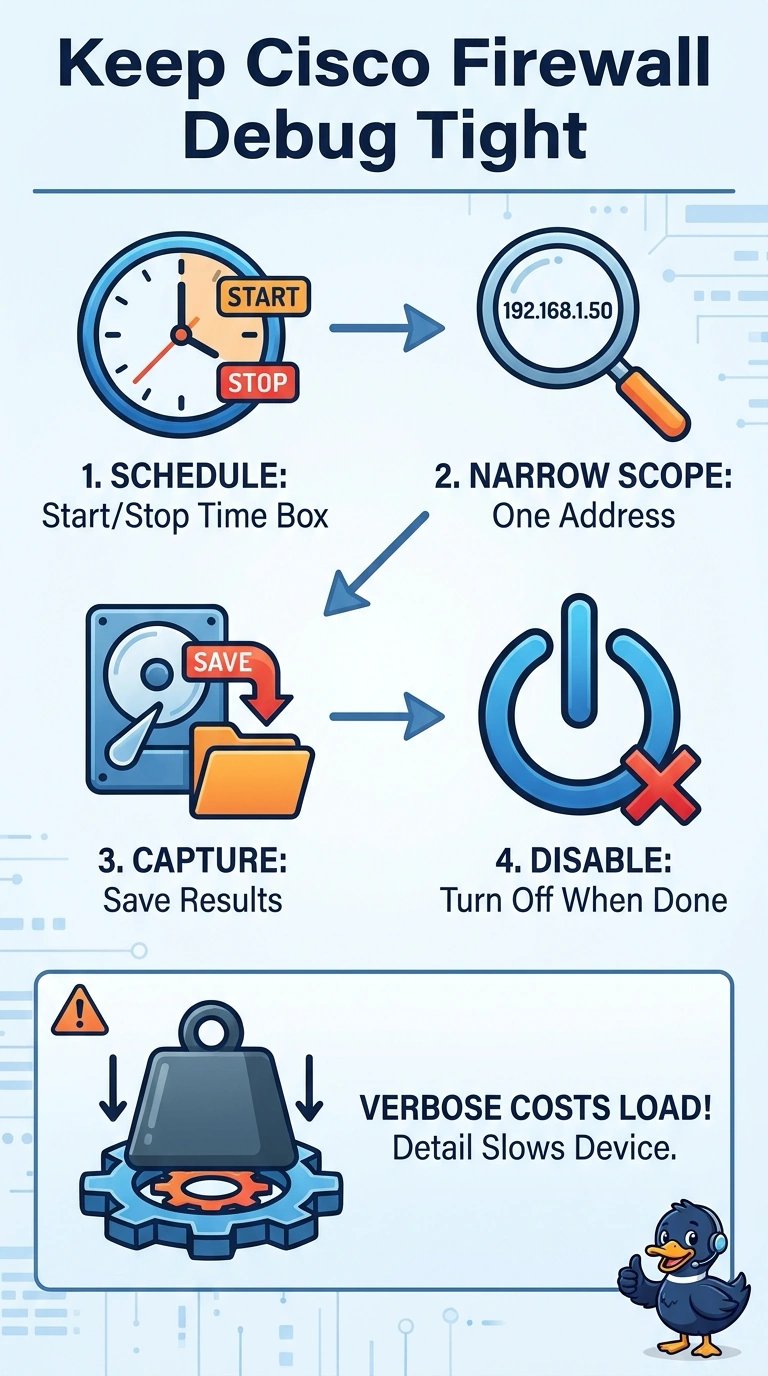
Exactly, you keep a production debug useful by narrowing the target and limiting the run; a busy sensor is no place to boil the ocean. Capture the output for later review, and keep the session time-boxed to reduce performance impact and avoid flooding logs.
Full Explanation
The safe and useful practice is to run the firewall engine debug only during a short, approved window, scope it to one address, and capture the output for later review. Limiting the duration reduces exposure to performance impact, the address filter keeps unrelated traffic from generating unnecessary output, and a saved capture allows review after the session ends. A short, scheduled, moderate-verbosity debug that saves output but omits the address filter still lacks important scope control; unrelated traffic on a busy device can create substantial output and load. A short, one-address debug reviewed only as a live console stream has appropriate time and address limits, but it does not preserve a capture for later analysis, which can hinder investigation of intermittent drops. A one-address, moderate-verbosity debug with saved output is focused, but starting immediately outside the approved window disregards the production change constraint; narrow scope does not authorize an unscheduled run. Exam caveat: debug commands and their resource impact vary by platform and software release, so a narrow filter does not make an extended or unscheduled session safe. Practical check: before enabling the debug, confirm the exact filter, verbosity, start and stop times, output destination, and rollback command against the approved change plan.