
After an incident at a branch, a regional bank's analyst must brief the team on every host the system has discovered on that VLAN, grouped so the layout is easy to follow, with each entry opening into the host's details. The brief needs a visual overview rather than a table of log rows. Which FMC view shows the whole segment as one map?
Select an answer to reveal the explanation.
Short Explanation
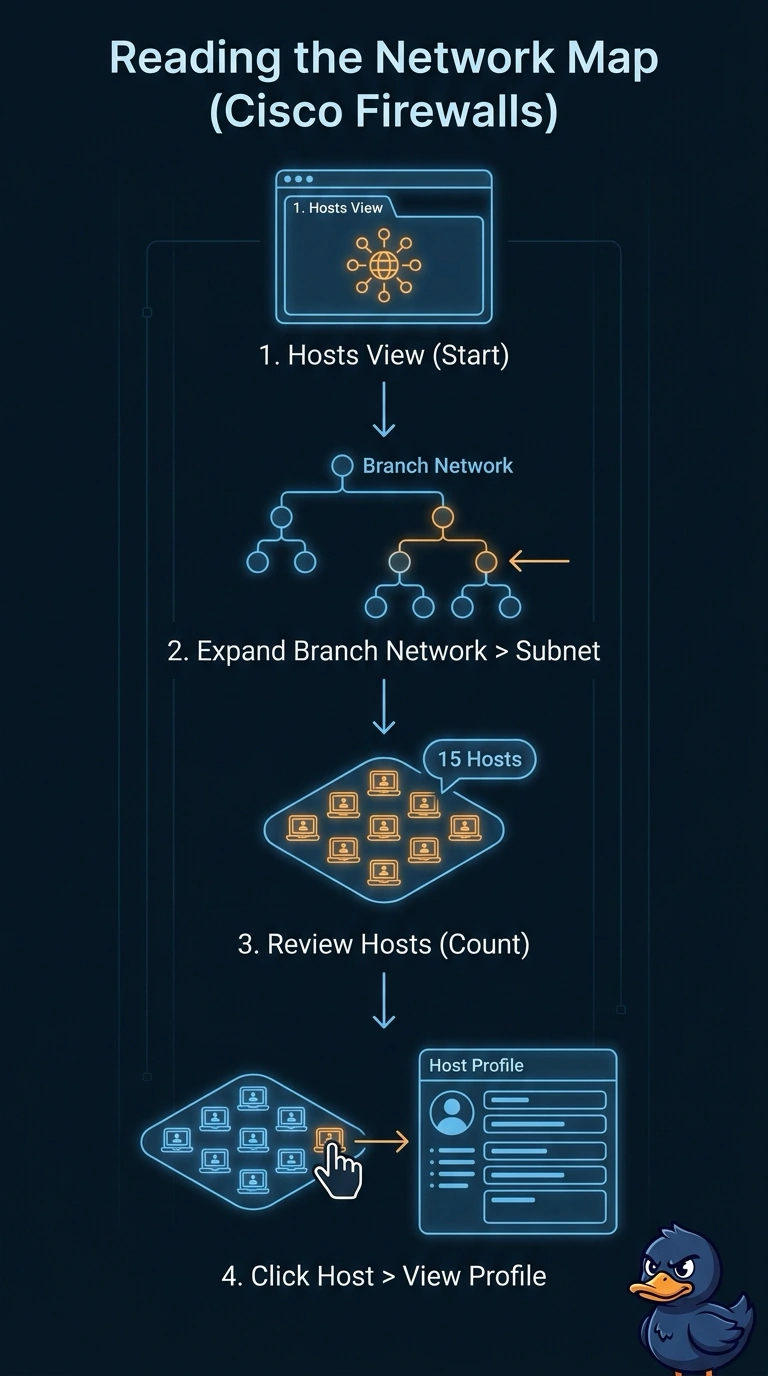
You need the segment-wide picture, not another list of rows, so the map view does the heavy lifting. It's like a transit map showing the stations instead of printing every trip on its own line. The network map groups discovered hosts by subnet and lets you drill into a host profile.
Full Explanation
The network map for the specified subnet is the best fit because it presents discovered hosts as a visual overview, organizes them by network, and lets the analyst open an individual host profile directly from the map. That supports both the briefing’s layout needs and its requirement to inspect each host without switching to a separate search or report. A filtered host inventory can provide complete VLAN coverage, network grouping, and links to profiles, but its rows form an inventory list rather than the requested visual overview. A static map image can show the VLAN’s discovered hosts in an organized visual layout, but the image has no interactive entries that open host details. A map of the parent network retains the map, grouping, and click-through behavior, but its broader scope can include hosts outside the VLAN, so it does not isolate the requested segment. Exam caveat: discovery-based views show what FMC has learned; they do not guarantee that every physical or configured device has been discovered. Practical check: confirm the map is scoped to the correct VLAN or subnet and verify that its host count and a sample of host profiles match the intended briefing scope.