
An on-call engineer at a branch office must confirm from the device itself which packets arrive on an FTD inside interface while a colleague in the data center reproduces a failed request. The engineer is already logged into the device CLI. Which CLI mode and command give the live capture?
Select an answer to reveal the explanation.
Short Explanation
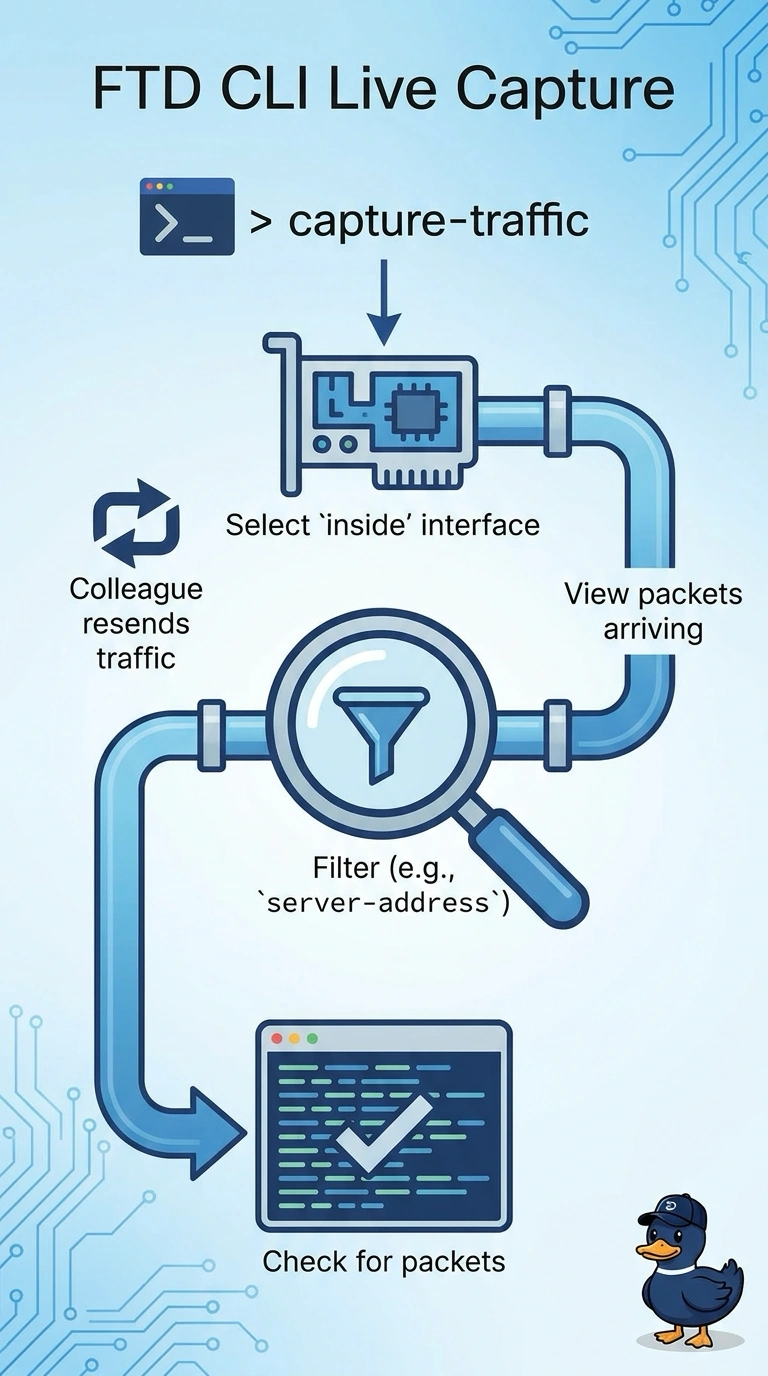
Run capture-traffic in the FTD CLI to capture live packets on your selected inside interface. It’s like watching the doorway in real time, so you can confirm whether the request arrives during the test—your live capture shows what reaches the device.
Full Explanation
The correct approach is a live packet capture from the FTD CLI: run capture-traffic and select the inside interface. The command observes packets arriving on that interface as they are transmitted, so while the colleague reproduces the failed request, the engineer can determine whether the request reaches the firewall. Seeing it arrive does not by itself explain what happens afterward, but it separates an interface-arrival problem from a later drop or processing issue. The interface-counter approach is conceptually different: Clish counters report accumulated interface totals, not whether a particular request arrived during this test. A device-originated ping is a reachability test sourced by the firewall; it does not trace or confirm the host’s request. Management Center connection events are recorded flow information, not a live packet capture taken on the device, so they cannot provide the same immediate packet-level observation. Exam caveat: a capture is meaningful only on the interface being investigated; traffic absent there may have failed to reach that interface, rather than proving the host sent nothing. Practical check: start the capture on the inside interface before the reproduction, then verify whether packets corresponding to the request appear as it is sent.