
A hospital network team runs four Secure Firewall Threat Defense devices from one Secure Firewall Management Center. Intrusion prevention signatures must refresh every night, no sensor may reboot because the ward network runs around the clock, and no software upgrade is approved this quarter. Which update approach should they schedule for the nightly intrusion rule refresh?
Select an answer to reveal the explanation.
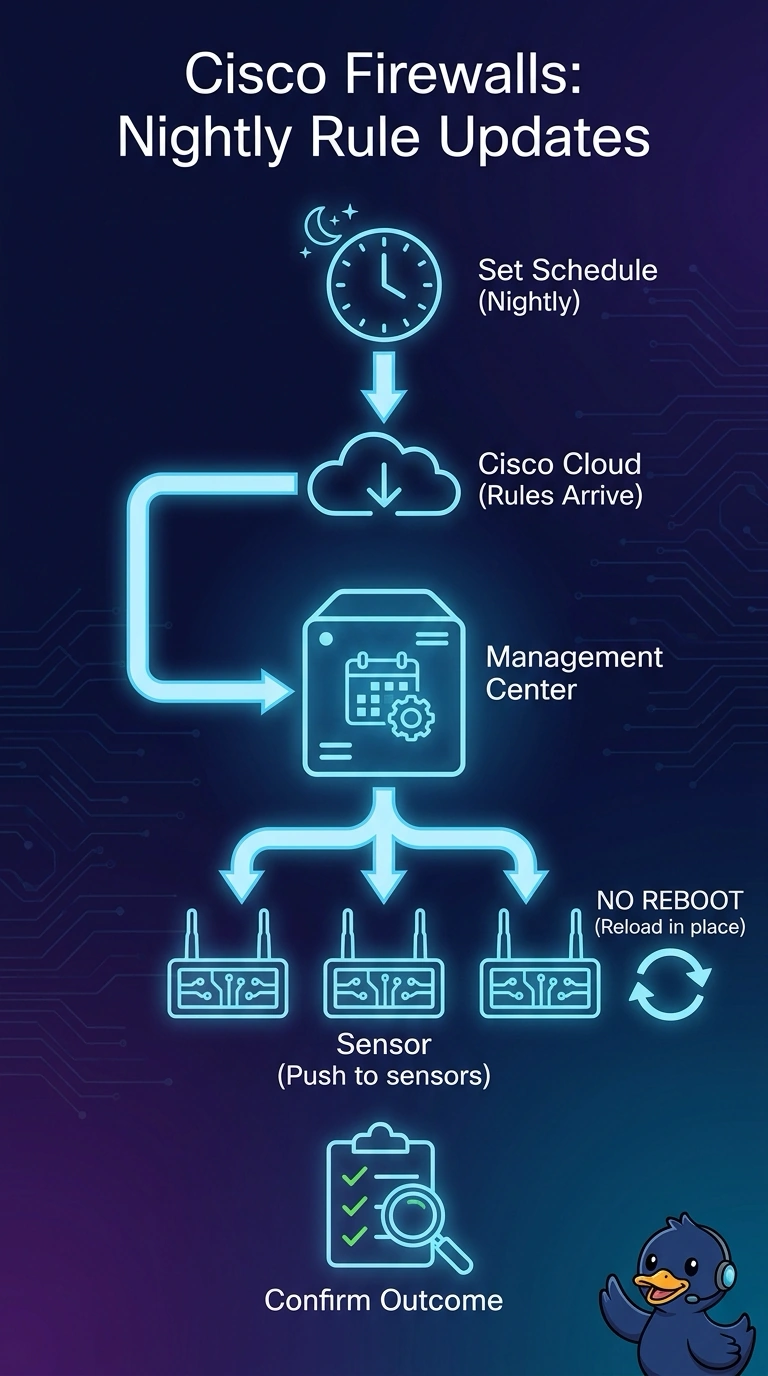
Short Explanation
You can schedule a recurring intrusion rule update in Management Center to refresh signatures nightly on all four sensors without rebooting them, keeping the ward network running. A nightly package download left staged and undeployed would not apply the refreshed rules, so make sure the task deploys them.
Full Explanation
A recurring intrusion rule update task in the Management Center is the right approach because it can refresh intrusion rules on a nightly schedule across all four managed sensors without requiring a sensor reboot or a software upgrade. Scheduling a nightly package download but leaving it staged and undeployed only downloads the package; it does not apply the refreshed rules, so the sensors would miss the required nightly refresh. A weekly recurring update keeps the software unchanged, but its cadence does not meet the hospital’s explicit nightly requirement. Scheduling nightly updates for only three sensors leaves the fourth on its current rules, so the full network is not covered. Exam caveat: intrusion rule updates and Secure Firewall software upgrades are separate maintenance operations; do not assume that the reboot behavior of one applies to the other. In practice, verify that the task recurs nightly, includes all four sensors, has the necessary package available, and deploys the update; then confirm successful rule-version changes on every sensor without a reboot.