
A branch office runs voice and video over a single 100 Mbps uplink that saturates during nightly backups, making calls choppy. The budget allows only the current link, and the team wants the fix enforced on the Threat Defense appliance rather than the router. Which QoS rule on Threat Defense can limit bulk transfers while leaving real-time media uncapped?
Select an answer to reveal the explanation.
Short Explanation
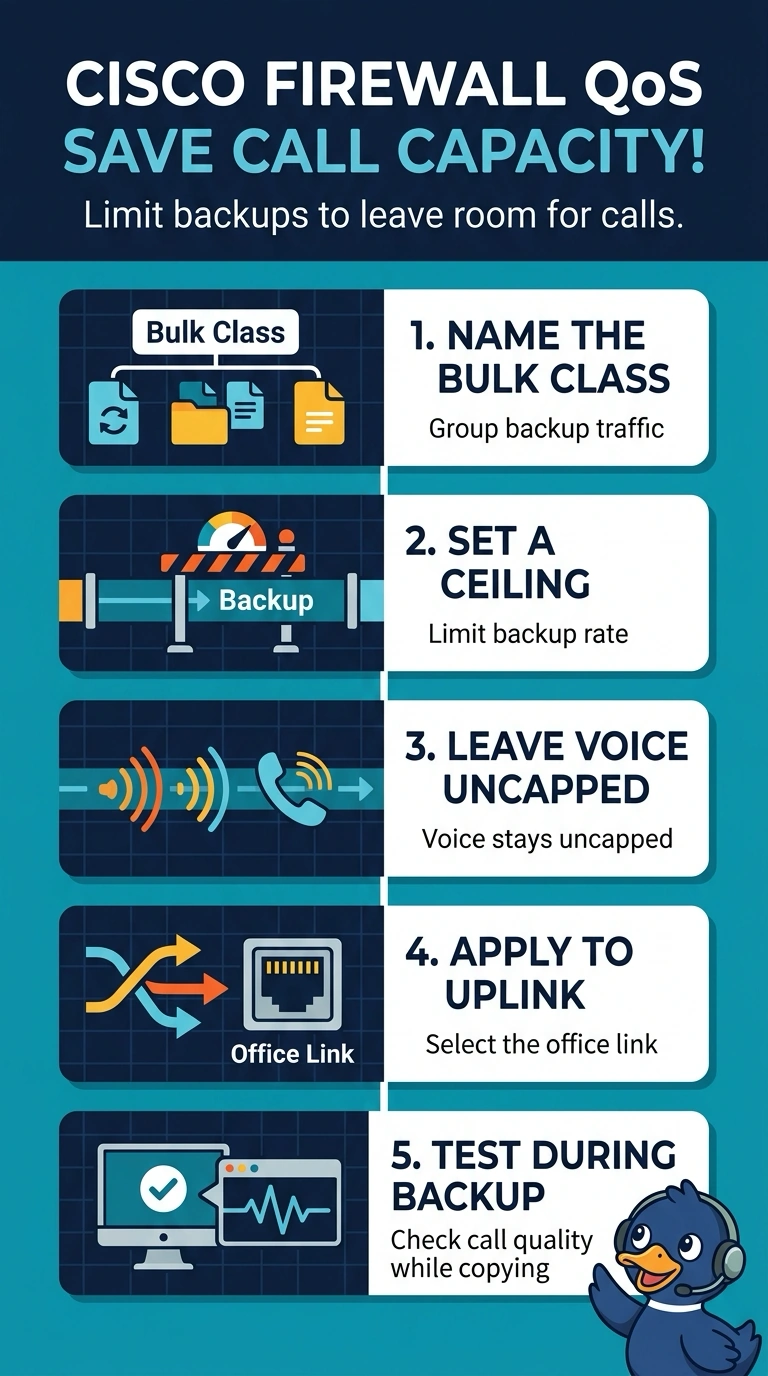
You can keep calls clear by treating backups like a line-cutter that has to slow down: add a QoS rule on the Threat Defense uplink to cap backup traffic while leaving voice uncapped. Set the cap low enough to leave room for real-time media.
Full Explanation
Threat Defense QoS provides rate limiting: a QoS rule can constrain matching traffic to a download or upload limit on the routed interfaces you specify, and the first matching rule is applied. Capping backup traffic on the uplink can leave more capacity for voice and video, but it does not guarantee call quality; choose a cap that leaves enough capacity for real-time traffic. This does not require a router change. Shaping the whole uplink would also constrain voice, while a second WAN path is outside the stated budget. An interface-wide bandwidth limit would not selectively protect the backup class. Threat Defense rate limits traffic allowed by the access control policy; fastpathed traffic is not subject to the QoS policy. Confirm that the rule matches backup traffic and the uplink, then check its counters and call quality during a backup.