
A retail chain pushes an access control policy change from the Management Center to twelve devices at 02:00. At 06:00 the NOC still sees traffic matching the old rule, and the affected device shows a green status in the health monitors with no error banners anywhere. Which Management Center view confirms whether the policy push completed on that device?
Select an answer to reveal the explanation.
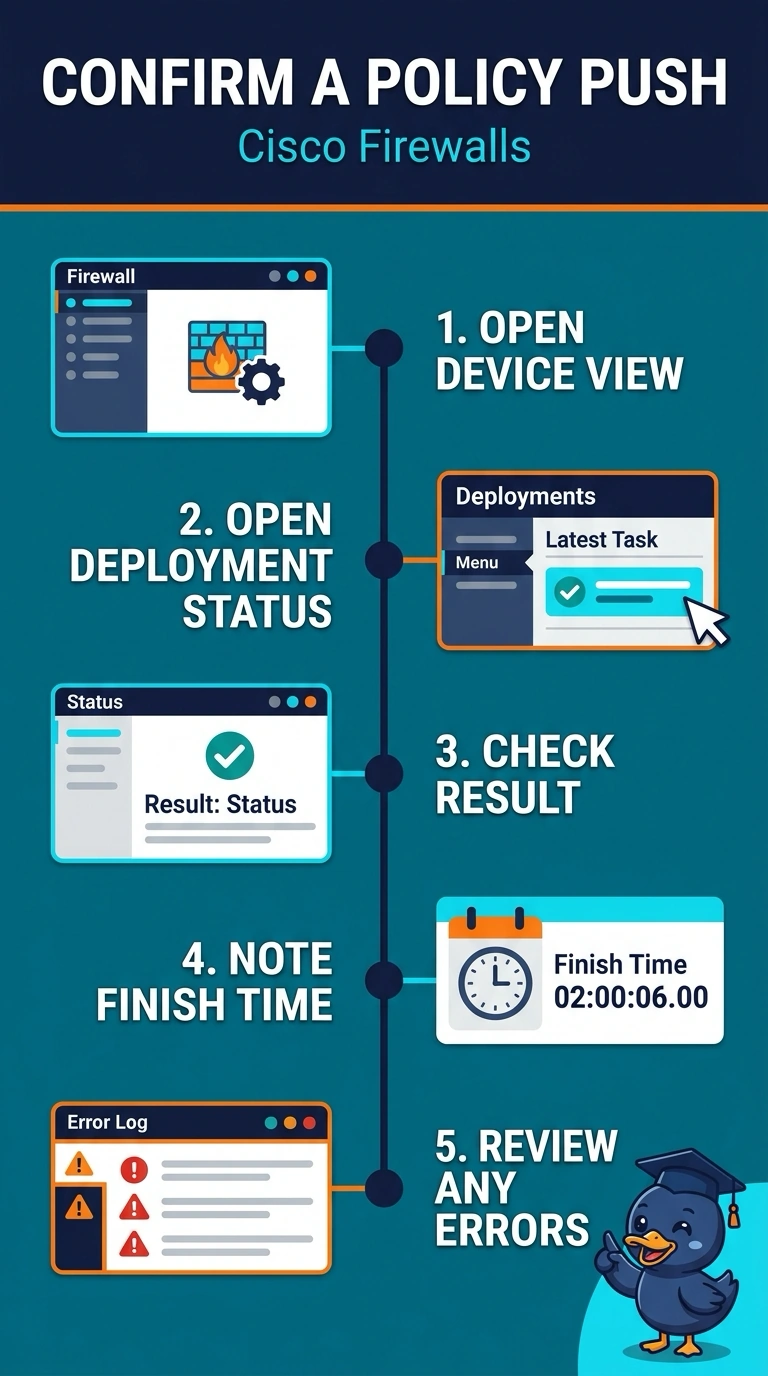
Short Explanation
Check the device’s deployment status to see whether the policy push completed and when—like a delivery receipt for its latest configuration. A green health status tells you the device is healthy, not that it received the new policy.
Full Explanation
The Management Center’s deployment status or job history shows the result and time of a deployment to a device, and may include errors. A device can be healthy and still be running an old policy: health monitoring reports device health, not the state of its deployed rules. Registration status concerns the device’s management relationship, not whether the latest deployment succeeded. Traffic events can show rule matches, but they are indirect evidence: no match could mean the rule was not deployed or simply that no matching traffic occurred. View labels can vary by release. After a policy change, check the deployment result and timestamp, then send test traffic to verify the new rule’s behavior.