
A security operations lead must send a weekly threat report to the compliance committee every Monday at 06:00, including event data filtered to match the team's Secure Firewall Threat Defense dashboard views. The report must reach an external distribution list without manual export each week. Which reporting capability in Secure Firewall Management Center should the lead configure to automate this delivery?
Select an answer to reveal the explanation.
Short Explanation
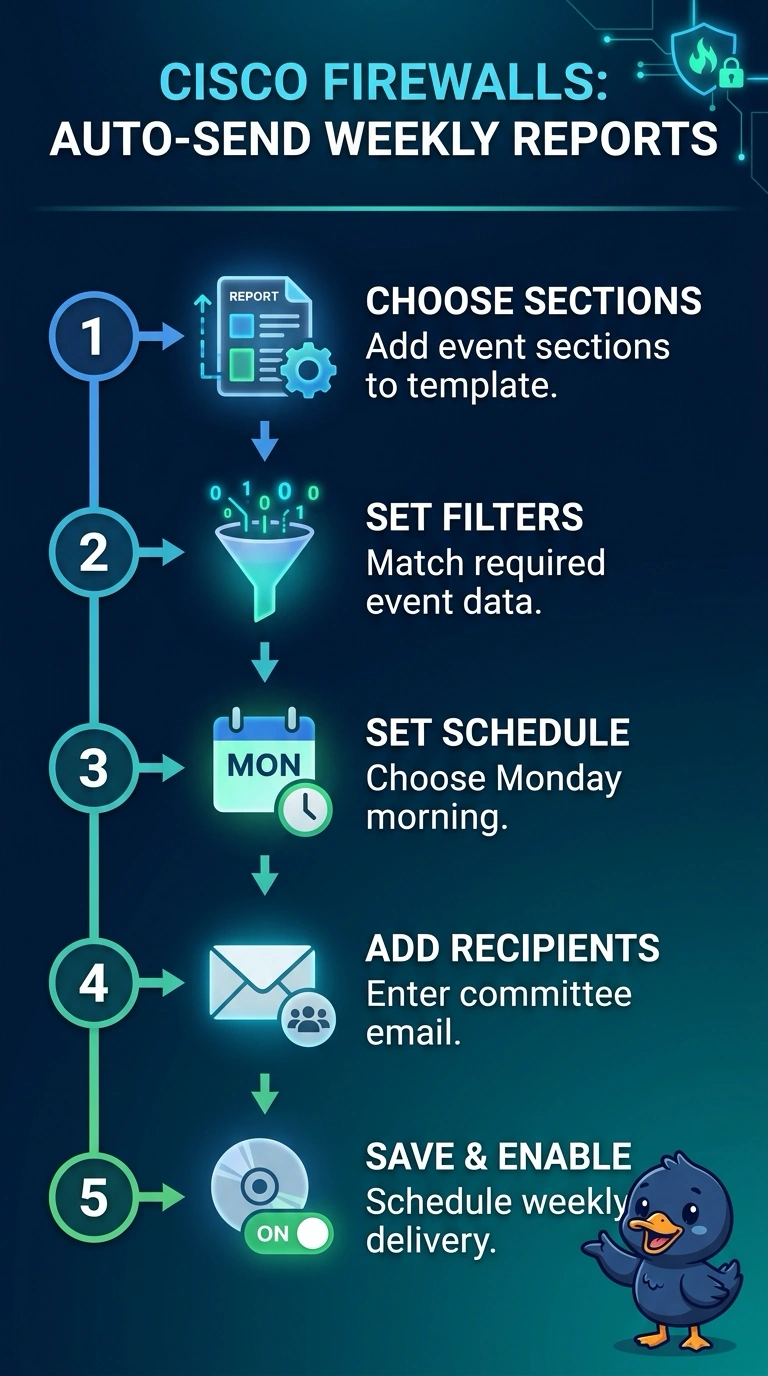
You can match the report’s event sections to your dashboard views, then schedule the email to the committee every Monday at 06:00 using the external distribution list. That gives you a recurring delivery without a manual export.
Full Explanation
A report template with event sections configured with the required filters, scheduled to email the committee’s external distribution list every Monday at 06:00, meets the reporting need: it aligns event data with the team’s Secure Firewall Threat Defense dashboard views and delivers the report automatically. The configuration that sends a filtered report to an internal list fails because the required recipients are external. The configuration that sends a filtered report externally on the first Monday of each month fails because monthly delivery does not meet the weekly cadence. The configuration that sends a report externally every Monday at 06:00 but uses standard event sections fails because, without the dashboard-specific filters, its event data may not match the requested views. Exam caveat: do not assume dashboard filters automatically carry over to scheduled reports; configure the relevant filters in the report’s event sections. Practical check: run a test report and verify the event results, external recipient delivery, scheduled time, and time zone before relying on the recurring schedule.