
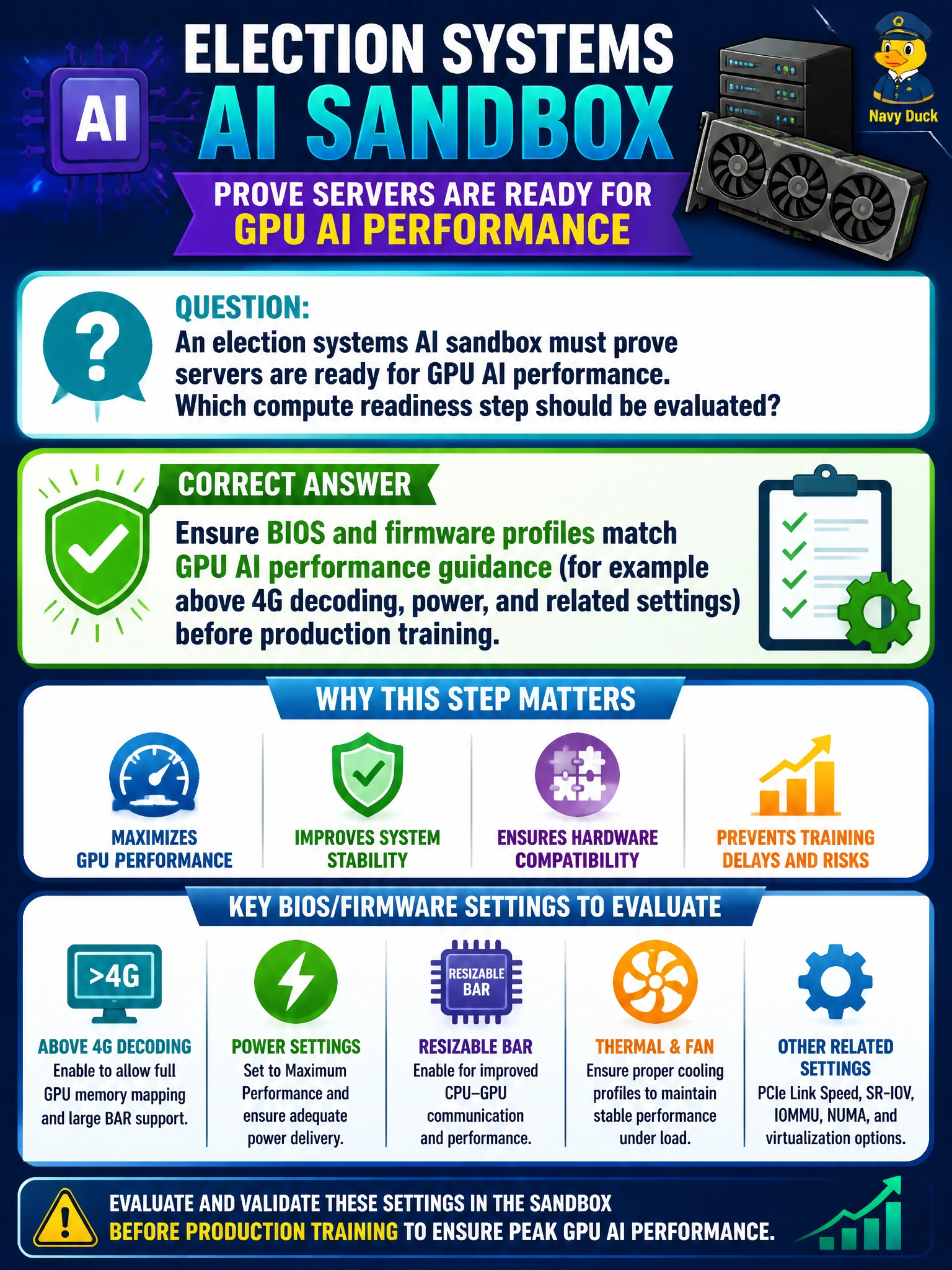
An election systems AI sandbox must prove servers are ready for GPU AI performance. Which compute readiness step should be evaluated?
Select an answer to reveal the explanation.
Short Explanation
GPUs are picky roommates—they want the BIOS set their way, think above 4G decoding and sane power profiles. If you tune for virtualization extras or security telemetry and call it done, you're leaving real training performance on the floor for no good reason. Generic OS baselines won't cut it either if they skip the GPU-specific settings you'll actually train on.
Full Explanation
Ensuring BIOS and firmware profiles match GPU AI performance guidance (for example above 4G decoding, power, and related settings) before production training is the correct compute readiness step for the election sandbox. That compute readiness step works because accelerators only deliver rated behavior when the host platform exposes the PCIe, memory map, and power policies the GPU stack expects; factory desktop defaults often leave performance on the floor.
Ensuring BIOS and firmware profiles match enterprise virtualization guidance (for example SR-IOV, balanced power, and vCPU overcommit) before production training fails because it optimizes for VM density and host sharing while skipping the GPU-specific PCIe, BAR, and power settings the stem specifically asks about. Ensuring BIOS and firmware profiles match OS vendor baseline guidance (for example microcode, memory interleaving, and C-state tuning) before production training fails because it checks general OS health while skipping the GPU AI performance settings the stem specifically asks about. Ensuring BIOS and firmware profiles match security telemetry guidance (for example secure boot, BMC attestation, and inventory polling) before production training still skips the GPU-specific BIOS and firmware tuning the stem calls for; attestation and telemetry confirm the platform is manageable and trusted, not that its GPU performance settings are correct.
Exam caveat: performance BIOS profiles can interact with security features (IOMMU, Secure Boot); readiness means meeting both GPU guidance and the municipality’s hardened-build standard, not disabling security casually. Operational check: apply the vendor-recommended AI BIOS/firmware checklist, capture a before/after training throughput baseline on the election sandbox, and lock the golden firmware bundle in the image pipeline.
Prefer to study offline? Printable PDF study book + test engine ($7.50, unofficial). These questions stay free here.