
A hospital campus application signs users in with SAML single sign-on, but the synthetic web test posts a basic username and password and never finishes login. How should that test be configured?
Select an answer to reveal the explanation.
Short Explanation
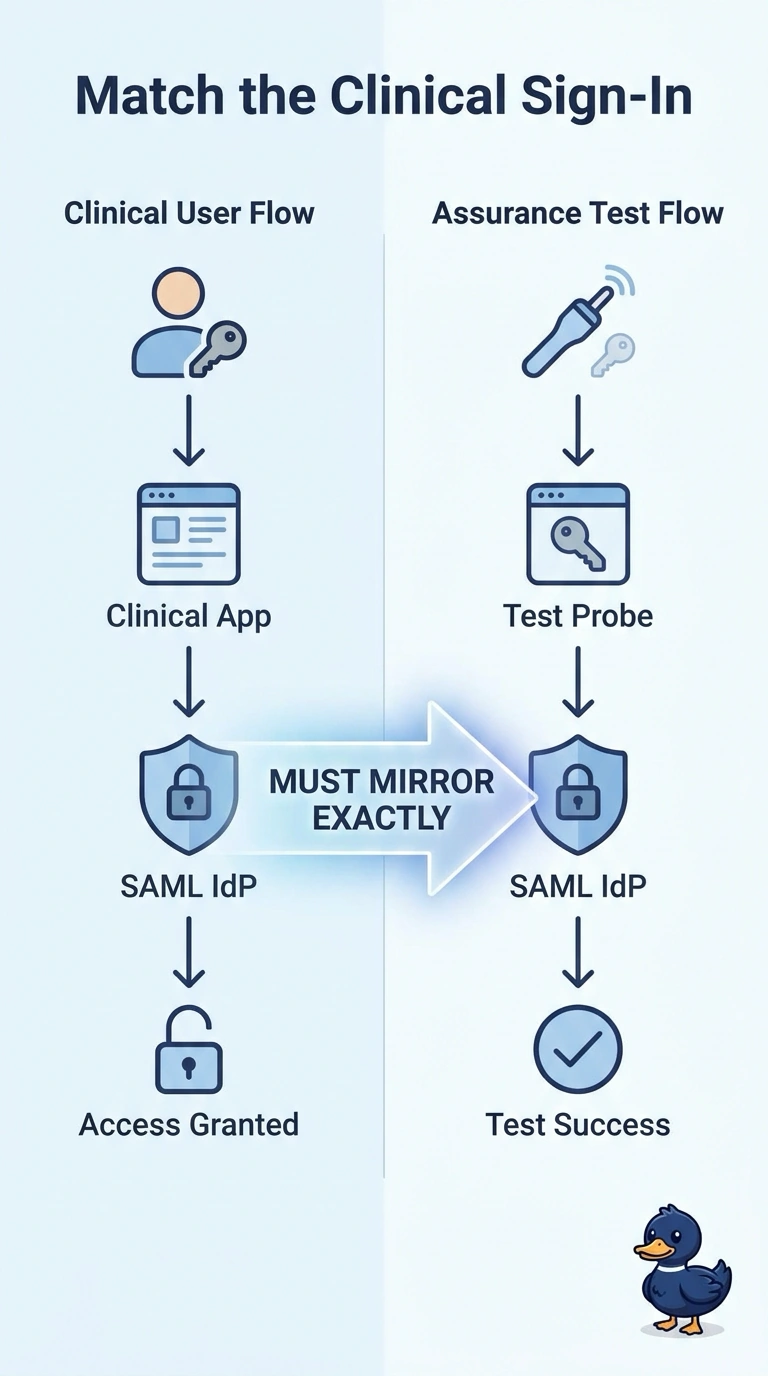
A badge reader that expects a hospital badge will not open for a handwritten note. You set the synthetic test to complete the same SAML single sign-on the application uses. Posting a basic password, skipping credentials, or probing only for packet loss does not get through that door.
Full Explanation
A synthetic web test proves the signed-in experience only when it authenticates the way the application authenticates. This hospital application uses SAML single sign-on, so the test has to complete that same flow. Posting a basic username and password uses a different method than the application, and a form on the page does not mean basic authentication is what the identity flow accepts. Running the page with no credentials and treating the sign-in redirect as a successful load scores the login wall, or the redirect to it, as if the user had entered the application. A network-loss probe that does not log in can show whether the path drops packets, and it never exercises SAML, the session, or the page behind the sign-on. Exam caveat: a failed login on a mismatched authentication method is a test-setup error, not evidence that the clinical application itself is down. Operational check: compare a successful manual SAML sign-on with the synthetic transaction and confirm the test reaches the same post-login page a clinician reaches. If the test still submits a basic password, it is not measuring the application users actually open.