
A retailer with branch stores already runs healthy page-load tests from the data center, but the same page fails only on the register laptops at the checkout counters. Which test should the team add?
Select an answer to reveal the explanation.
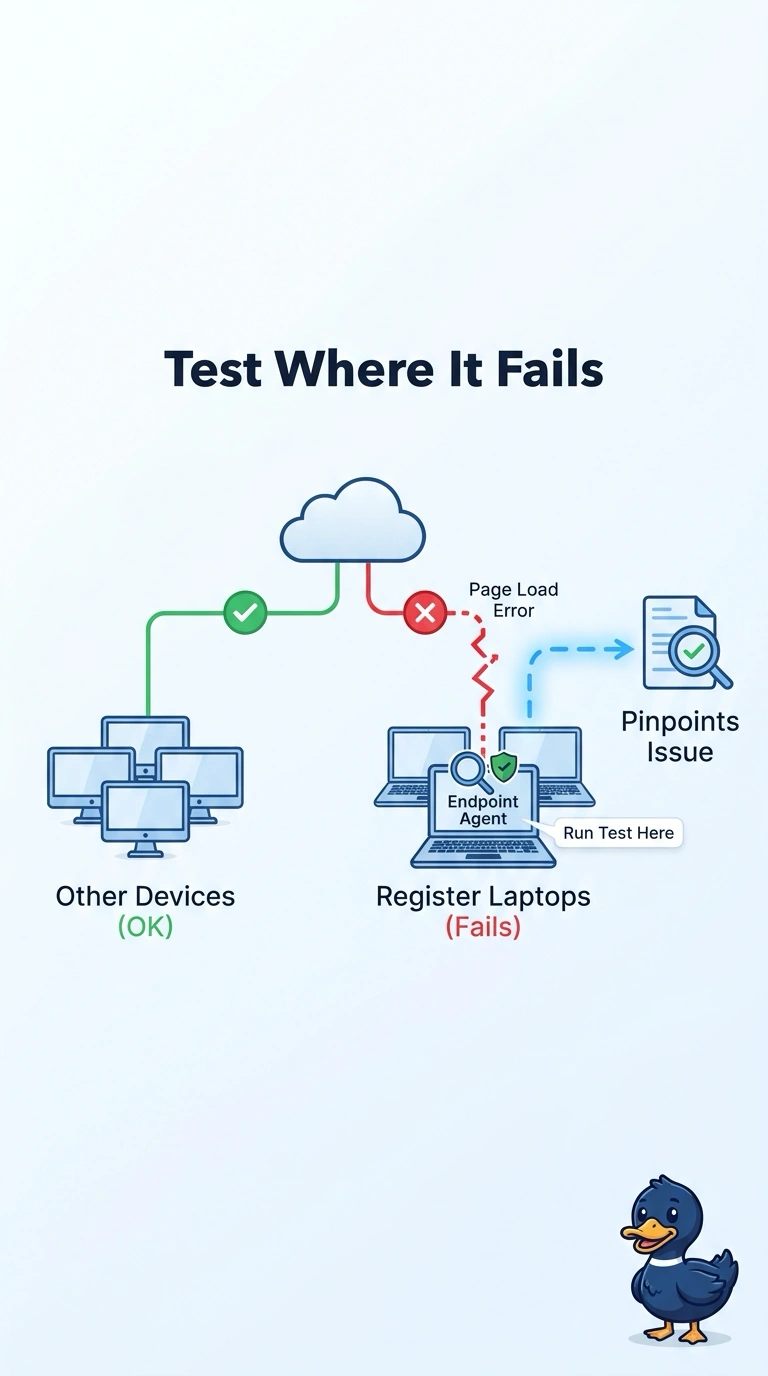
Short Explanation
Testing the kitchen does not explain a menu that fails at one table. You already have healthy page-load tests in the data center, so you put an Endpoint Agent test on the register laptops that fail. The trap is another closet probe, a cloud DNS check, or a page-load that does not touch that laptop.
Full Explanation
The data-center page-load tests already succeed, and the failure shows up only on the register laptops, so the missing view is the user device rather than another probe beside the application. An Endpoint Agent test runs on those laptops and collects the page experience from the same place the cashiers see the failure, including the local network path those devices actually use. Adding another Enterprise Agent page-load test in the data center repeats a vantage point that is already healthy and still never sits on the register. A DNS test from a cloud probe checks name resolution from the cloud, which does not reproduce a failure that is confined to the store laptops when the data-center page load is fine. A page-load test placed so that it does not execute on the cashier laptop measures some other client and leaves the failing device untested. Exam caveat: choose the agent from where the failure is observed, and a healthy test at the data center does not clear a device-only complaint. Operational check: confirm the new test is associated with the register laptops that fail, then compare that result with the existing data-center page-load before you send the stores a network-wide fault.