
A hospital campus issues staff laptops on Windows, Mac, or Room OS, while borrowed stadium handhelds run a different operating system. How should Endpoint Agents be rolled out?
Select an answer to reveal the explanation.
Short Explanation
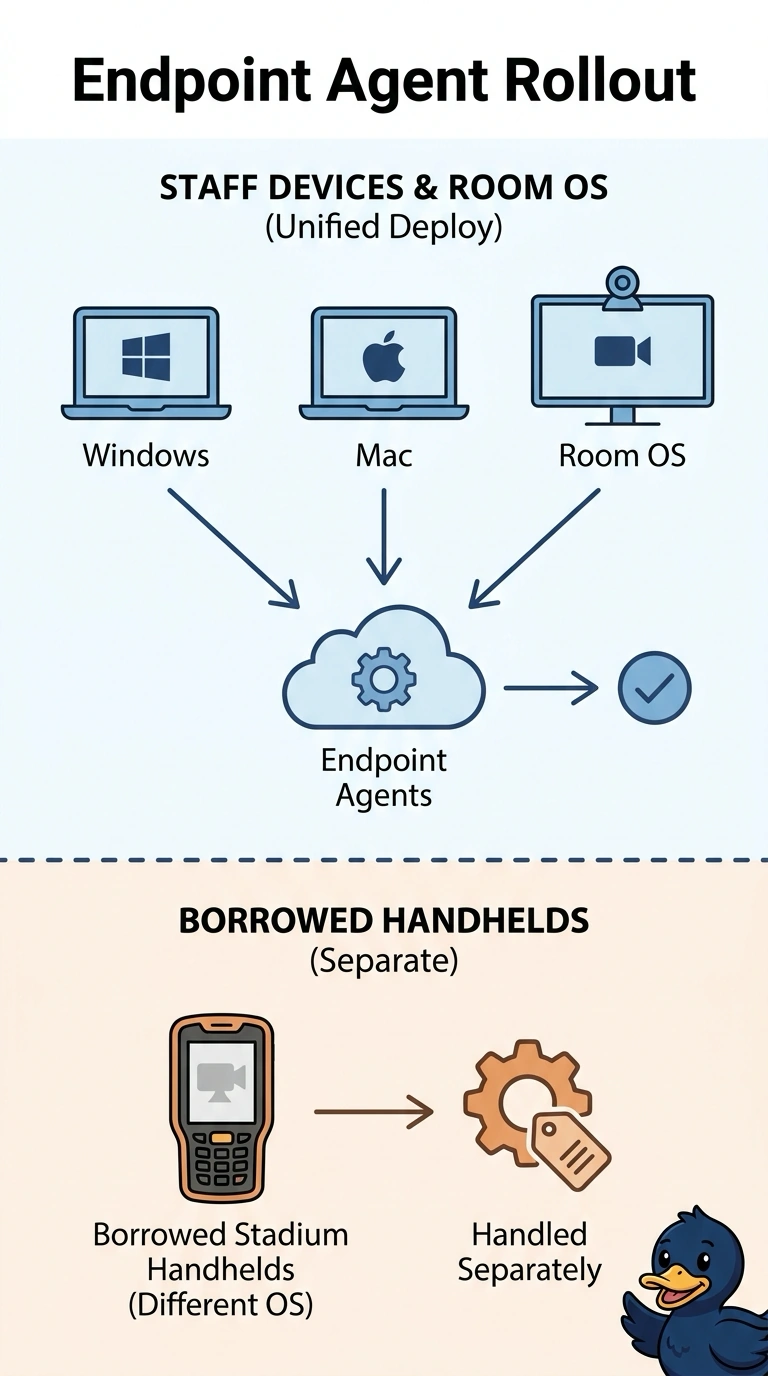
A key cut for the clinic doors will not start a radio that uses a different lock. You deploy Endpoint Agents on the staff laptops that run Windows, Mac, or Room OS, and you handle the other handheld operating system separately. One Enterprise Agent, a WAN Insights view with no endpoint, or a laptop image that omits the agent misses the staff devices.
Full Explanation
Endpoint Agents belong on the user devices whose operating system they support. On this campus that is the staff laptops running Windows, Mac, or Room OS. Borrowed stadium handhelds on a different operating system are a separate collection problem and do not change the laptop rollout. One Enterprise Agent expected to represent both the staff laptops and the handhelds is a single network vantage point; it measures neither the laptop experience nor an unsupported handheld. A WAN Insights view and no Endpoint Agent on any of the staff laptops can describe a WAN path and still leaves every clinician device uninstrumented. An image of the staff laptops that leaves the Endpoint Agent uninstalled builds the supported fleet without the collector those laptops were supposed to run. Exam caveat: a mixed device fleet does not collapse into one data-center probe; supported endpoints get Endpoint Agents and other operating systems need another method. Operational check: list staff laptops by operating system, confirm the agent is installed on the Windows, Mac, and Room OS units, and document a different approach for the handhelds.