
On event days a stadium depends on a partner hotel whose front-desk PCs are replaced often, and user tests disappear with each retired PC. What keeps collection intact?
Select an answer to reveal the explanation.
Short Explanation
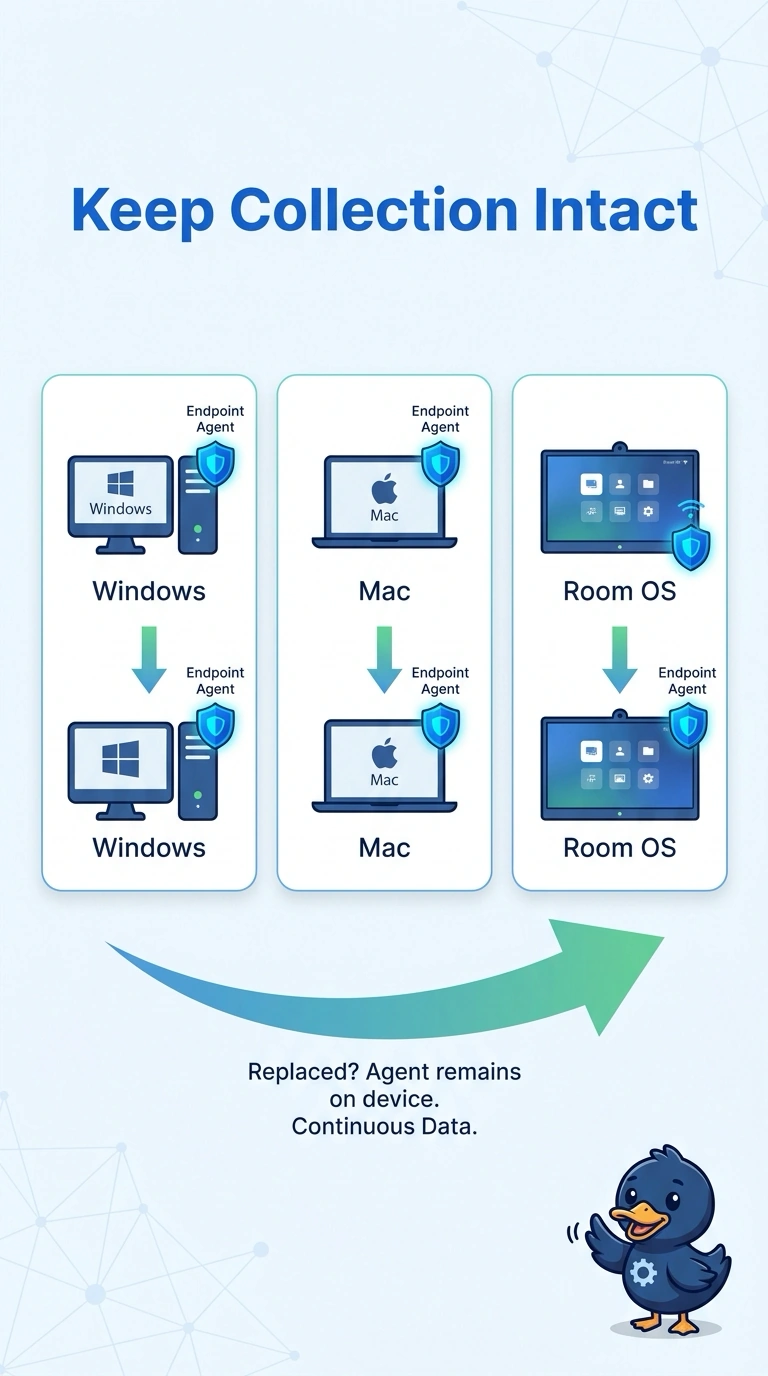
A name tag left on yesterday's uniform does not identify the person wearing today's. You install Endpoint Agents on each replacement Windows, Mac, or Room OS front-desk PC, because the retired machine takes its agent with it. One closet probe, a WAN Insights view with no endpoint, or an image that skips the agent drops the desk out of the tests.
Full Explanation
User tests vanish when the PC that ran them is retired. Collection stays intact only if each replacement front-desk PC that runs Windows, Mac, or Room OS receives an Endpoint Agent, instead of hoping one data-center probe represents the desk. One Enterprise Agent in the stadium closet is a single vantage point on the stadium network; it does not sit at the hotel desk and cannot replace agents on the PCs that were just swapped. A WAN Insights view that never places an agent on those front-desk PCs can describe WAN experience and still goes dark for the endpoint the moment the PC leaves. Imaging each new front-desk PC and leaving the Endpoint Agent off the build is how the replacement arrives unmeasured: the hardware is new and the collector was never part of it. Exam caveat: hardware churn is an endpoint-deployment problem, and a single Enterprise Agent does not absorb it. Operational check: when a front-desk PC is swapped on an event day, confirm the new device checks in with an Endpoint Agent before the desk opens.