
Remote staff at a SaaS company, working on a constrained link, report a slow home page. The browser waterfall shows most of the time spent downloading a very large video banner. Which conclusion fits this waterfall?
Select an answer to reveal the explanation.
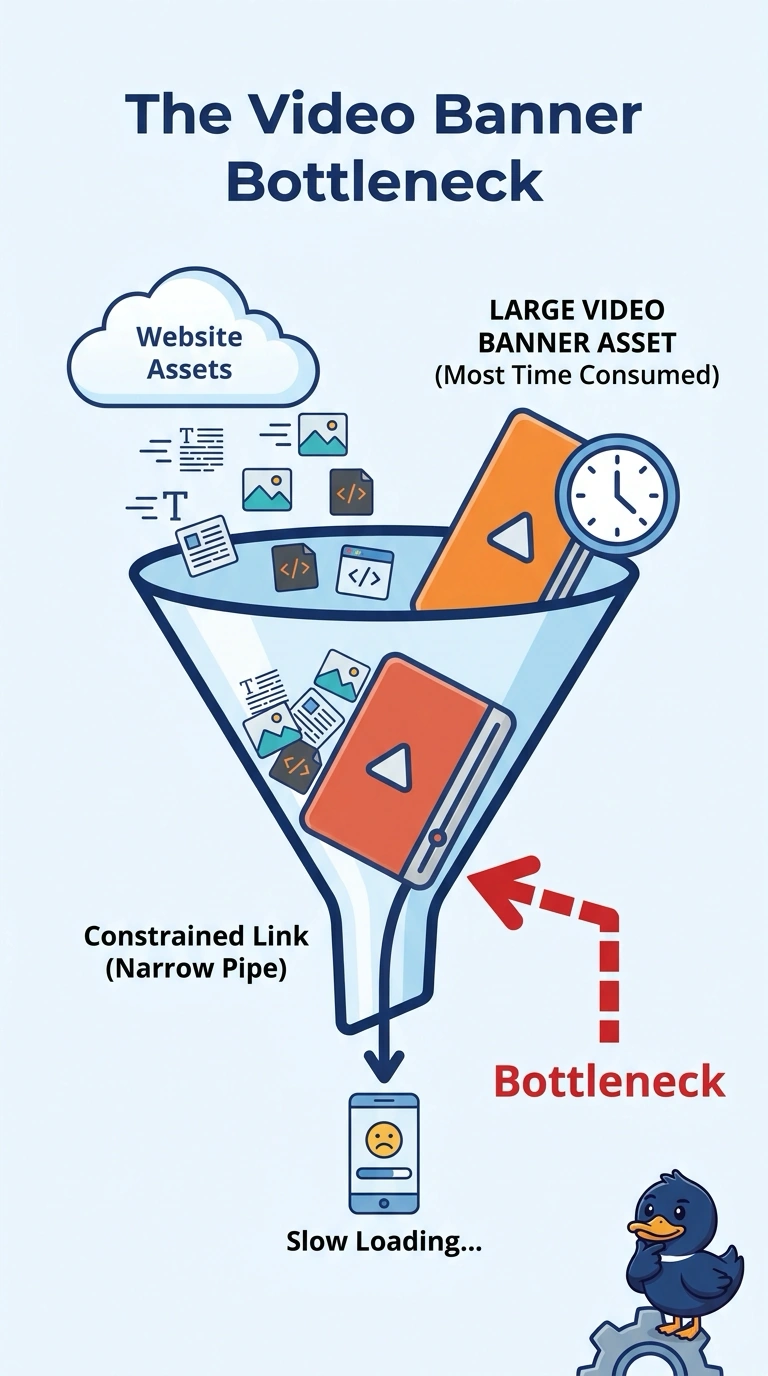
Short Explanation
A huge parade banner in a narrow alley takes the time, even when nobody is dropping packages. You attribute the delay to the large video banner that the waterfall shows filling the constrained link. The trap is a WAN loss alarm, a DNS hijack story, or a QoS change when that heavy asset is already on the chart.
Full Explanation
On a constrained link, a very large video banner has to move a lot of bytes through a narrow pipe, and the waterfall shows most of the home-page time inside that download. The asset is the finding: the page is slow because that object is huge, not because the chart is describing dropped packets. A WAN loss alarm would be the reading if the path were discarding traffic; a long, completing transfer of a known banner is size on a constrained link, and loss is a different symptom from a large object that finishes. A DNS hijack would send the name to an unintended host, but the waterfall is attributing time to the banner object the page requested, not to a substituted destination. A QoS change would reshuffle classes of service and would not remove the bytes of the banner the chart has already identified as the bulk of the wait. Exam caveat: when the waterfall shows one heavy object dominating the load, name that asset before you call loss, a hijack, or a QoS edit. Operational check: read the banner's transfer size and duration on the waterfall, confirm it accounts for most of the page time, and only then decide whether the asset itself should be smaller.