
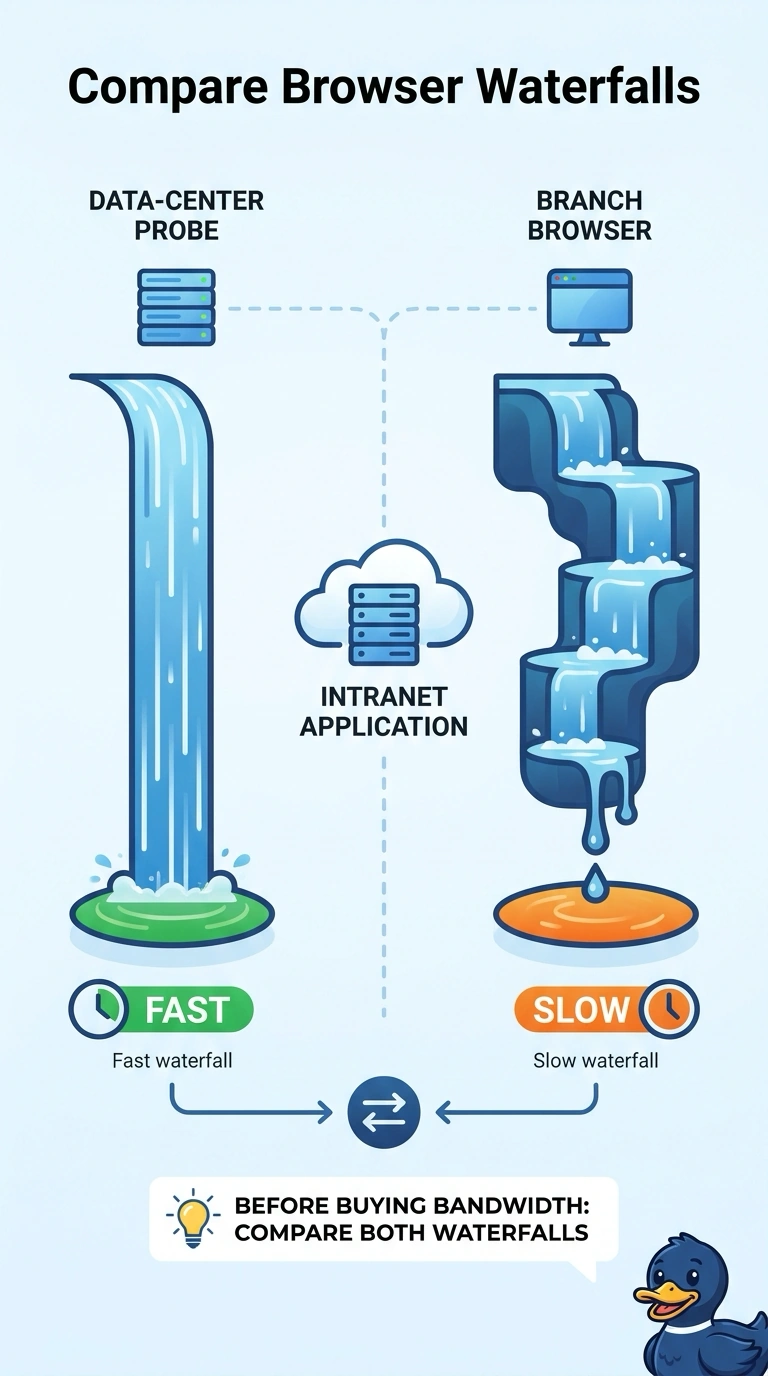
A government agency sees a fast browser waterfall from a data-center probe and a slow waterfall from the branch browser for the same intranet application. What should the team do before buying more bandwidth?
Select an answer to reveal the explanation.
Short Explanation
Timing the drive from the headquarters garage tells you little about the branch parking lot until you compare the two. You compare the data-center waterfall with the branch-browser waterfall before anyone buys bandwidth. A loss alarm, a DNS hijack story, or a QoS change skips that comparison.
Full Explanation
The same intranet application produces a fast waterfall from the data center and a slow waterfall from the branch browser, so the difference sits between those two vantage points. Comparing the fast data-center waterfall with the slow branch-browser waterfall is the step that has to happen before a bandwidth purchase, because the comparison shows whether the wait is in the branch browser, on the branch path, or in an object the data-center view does not struggle with. Raising a WAN loss alarm solely because the branch waterfall is the slower of the two treats a slower chart as packet loss. Loss has to be read from the path, not assumed from the fact that one waterfall finished later. Concluding DNS was hijacked because the branch browser waited longer than the data center confuses extra wait with a forged lookup. A hijack would point the name somewhere unexpected, which a merely slower waterfall does not show. Changing QoS for a slow object in the branch waterfall before the two views are compared retunes forwarding for an object that may be slow only at the branch, or may not be a forwarding problem at all. Exam caveat: two different results for one application are a comparison problem first. Operational check: align the two waterfalls on the same URL and the same collection interval and note which phase grows only on the branch browser.