
Every store in a region has Secure Internet Gateway tunnels except one new store. That store is missing from the site list where the SIG feature is attached. Its internet color is up. Why are its SIG tunnels absent?
Select an answer to reveal the explanation.
Short Explanation
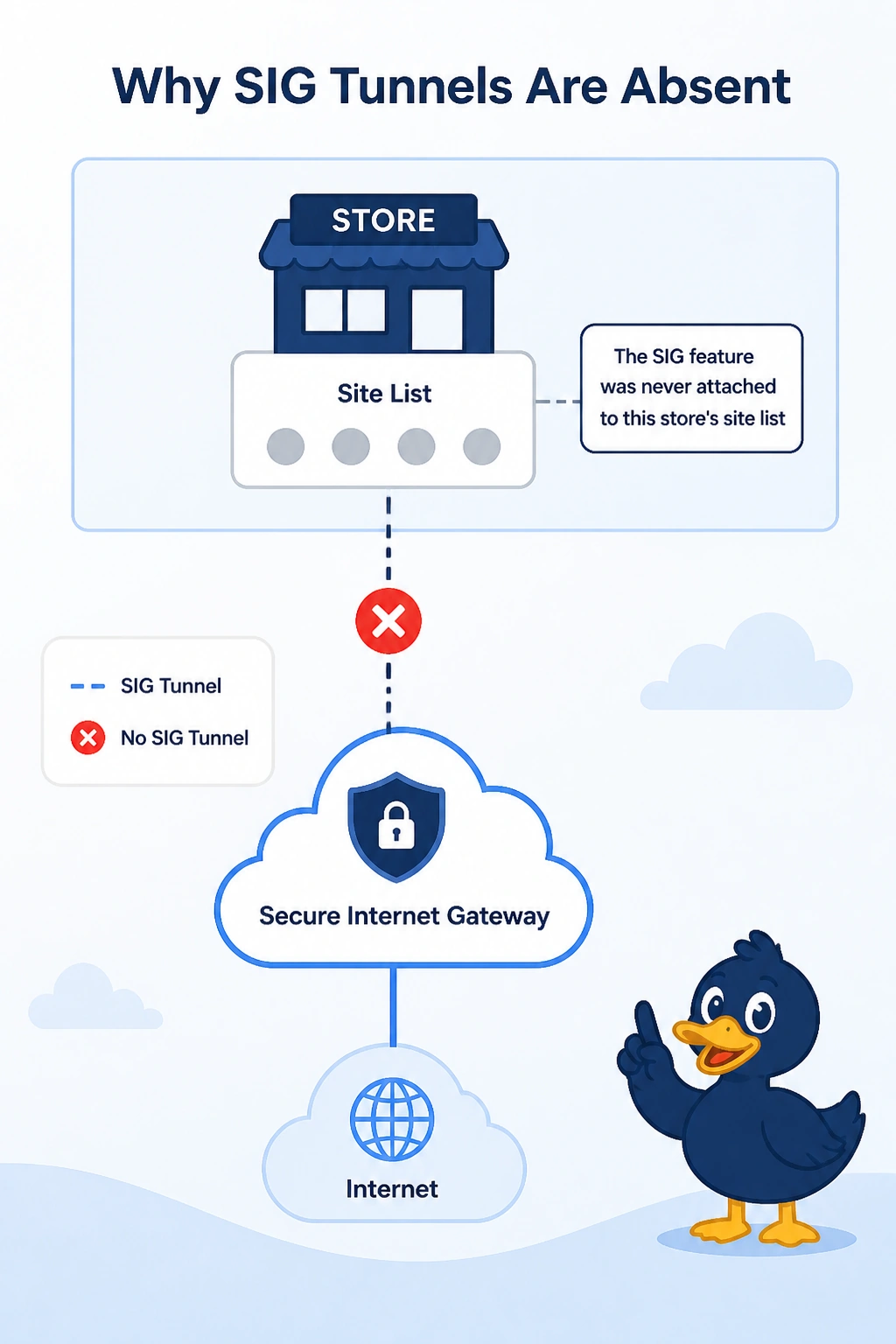
The feature is pinned to a guest list, and this store was never on it. You attach the SIG configuration to this store's site list. The internet color is up, so the store is not missing a transport, and the other stores prove the feature itself works.
Full Explanation
Catalyst SD-WAN attaches the Secure Internet Gateway feature to a site list. A store omitted from that list never receives the tunnels, even when its internet color is up and every neighboring store has the tunnels. Add the store to the site list that carries the feature. The internet color is not down, so it is not refusing the region. One store's omission does not mean the color is down everywhere. Cloud OnRamp for SaaS does not delete the SIG feature when Microsoft 365 is enabled. The two features can run together. A VPN membership policy controls service VPNs. It does not remove VPN 0, and removing the transport VPN would also kill ordinary BFD, which is not the symptom. Exam caveat: attaching the feature builds the tunnels. A data policy still has to steer this store's traffic into them or the tunnels come up and sit idle. Operational check: after the site list includes the store, its SIG tunnels should match the other stores and a steered web flow should hit the provider.