
An Azure VPN connection expects a pre-shared key. The campus IOS XE router offers only a certificate. The peer address and IKEv2 version match, and IKE fails. What must the router use?
Select an answer to reveal the explanation.
Short Explanation
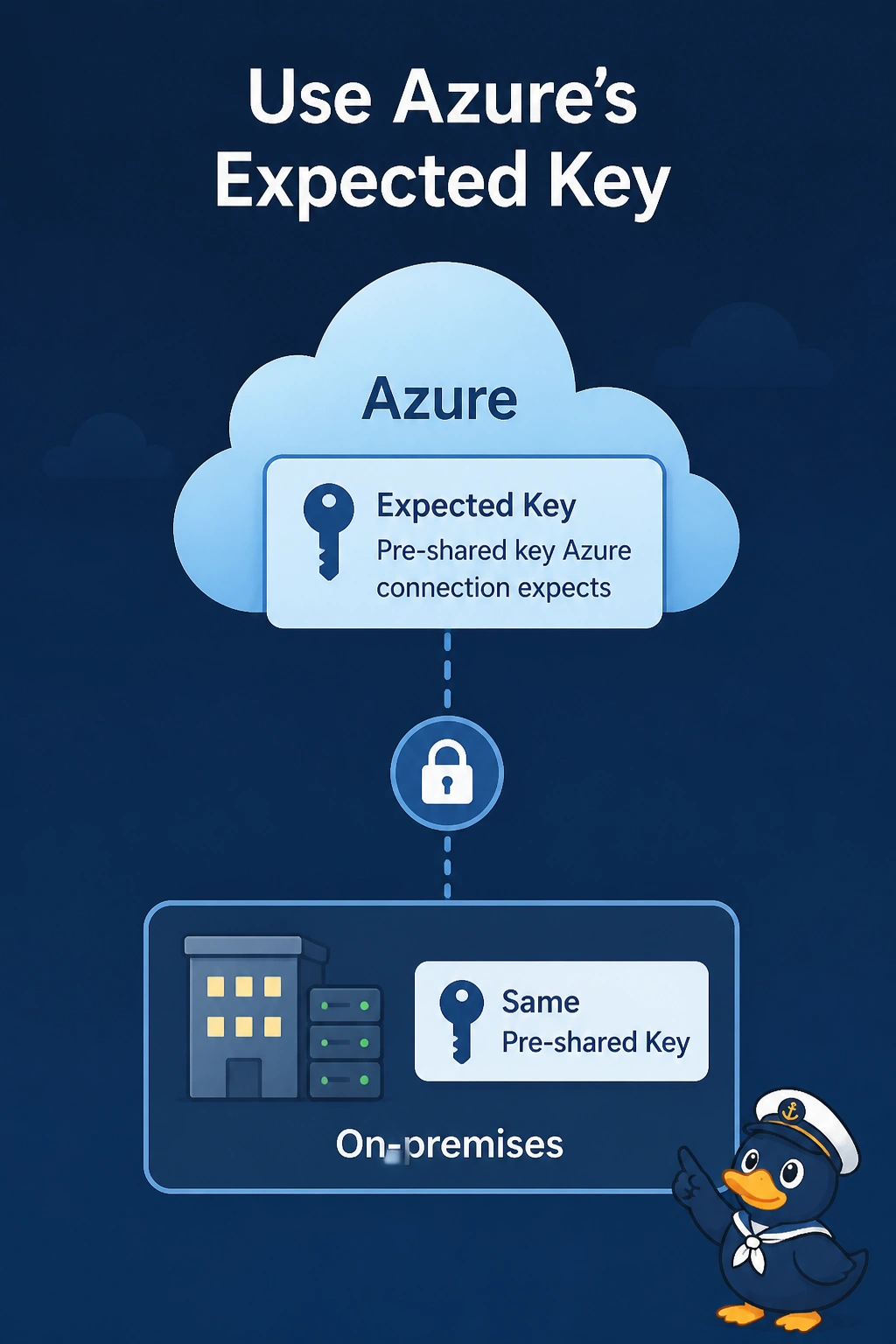
You’ve offered a certificate to a connection that is asking for a password. Configure the pre-shared key Azure expects; a different certificate, OSPF authentication, or an unauthenticated GRE tunnel won’t meet that IKE requirement.
Full Explanation
IKE must use the authentication method configured for the connection. This Azure connection expects a pre-shared key, so a router that offers only a certificate fails authentication even when the peer address is correct and both sides use IKEv2. Configure the router with the same pre-shared key Azure expects. A different certificate still does not satisfy a connection that is not configured for certificate authentication. OSPF authentication is not a substitute for the IKE credential, and the Azure VPN gateway does not use OSPF to complete IKE. A GRE tunnel with no authentication would be unauthenticated and is not what this connection terminates. Matching IKEv2 versions means only that both sides can begin the same IKE dialogue; it does not bypass authentication. Exam caveat: if the intended design uses certificates, change the Azure connection to certificate authentication rather than weakening the router’s authentication. One side’s configuration must change to match the other. Practical check: confirm that the router’s configured key matches the Azure connection’s key, then use show crypto ikev2 sa to verify that the security association reaches a ready state.