
Campus and cloud Cisco IOS XE routers use IKEv2. The cloud firewall allows UDP 500 and UDP 4500. The pre-shared keys on the two routers do not match. IKE fails. What must match?
Select an answer to reveal the explanation.
Short Explanation
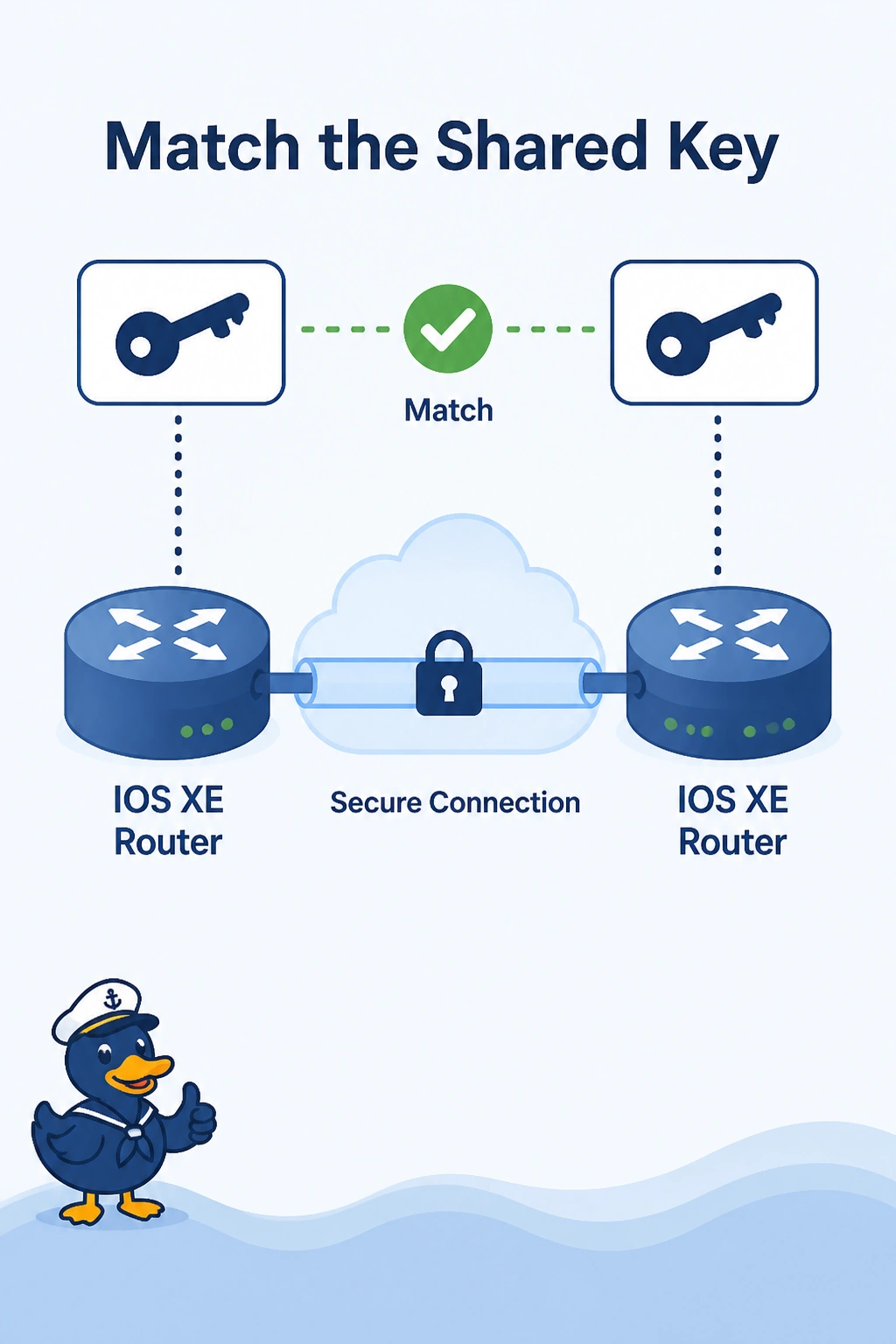
Both routers have to whisper the same password. You make the pre-shared key match on the campus router and the cloud IOS XE router. The firewall already allows the IKE ports, and OSPF, BGP, and MTU are not the password.
Full Explanation
IKEv2 authentication fails when the pre-shared keys differ. The firewall already permits UDP 500 and UDP 4500, so the packets can arrive and still be rejected. Set the same key on both IOS XE routers. An OSPF process ID is not an IKEv2 key, and it does not have to match for OSPF either. The BGP ASN is not consulted during IKE, and the two routers do not need the same ASN for IKEv2. eBGP in fact wants different ASNs later. The tunnel MTU is not checked before the pre-shared key. A key mismatch fails the handshake while MTU still matters only for traffic the tunnel will carry. Exam caveat: if one side includes a trailing space or a different key length, the strings do not match even when they look alike in a ticket. Operational check: after the keys match, show crypto ikev2 sa on both routers should reach a ready state toward each other.