
A grocery chain has MV cameras above 40 store entrances and wants a dashboard showing how many people enter each minute. The cameras have MV Sense licenses, and the chain has an MQTT broker. Which Meraki analytics capability should the script use to obtain the people counts?
Select an answer to reveal the explanation.
Short Explanation
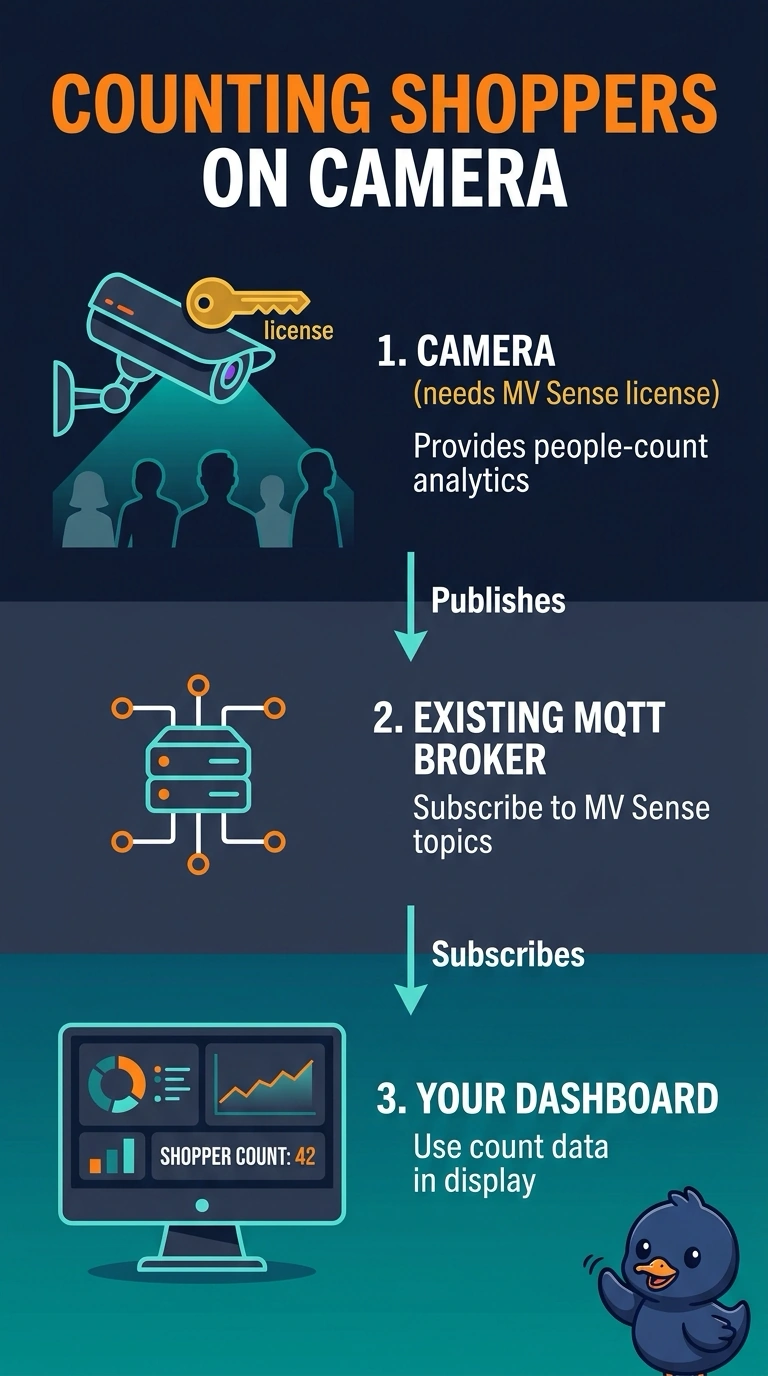
Subscribe to the cameras’ MV Sense people-count topics through your MQTT broker to get counts for each minute. It’s like tuning in to a dedicated feed; Location Analytics measures Wi-Fi clients, and RTSP requires separate video-processing software.
Full Explanation
The correct approach is to subscribe to the MV Sense people-count topics published by the cameras through the chain’s MQTT broker. MV Sense performs the people-count analytics on the camera and makes the resulting data available through MQTT; because the cameras have MV Sense licenses and the chain has a broker, the script can consume those counts and aggregate them for the dashboard’s per-minute view. A REST people-count feed in the Meraki Dashboard API is the wrong approach: it assumes that the Dashboard API exposes this camera people-count data, and that no MV Sense license is needed. Location Analytics is a Wi-Fi client analytics approach, not door-crossing detection; nearby client counts do not establish how many people entered through a particular entrance. Processing RTSP streams with OpenCV is a separate, custom computer-vision approach. It would require a service to receive and analyze video outside the cameras rather than using the available MV Sense count data. Exam caveat: confirm how the published counts update and whether they represent increments or totals before treating them as minute-by-minute entries. Practical check: subscribe to one camera’s documented people-count topic, verify the payload and timing against observed entries, then scale the tested integration to all forty cameras.