
After cloning the team repository, you edited snmp_collector.py and README.md, but only the script change is ready to share with the team right now. The shared remote branch is where everyone pulls from. Which git command sequence records exactly that one file as a new commit and publishes it to the shared remote?
Select an answer to reveal the explanation.
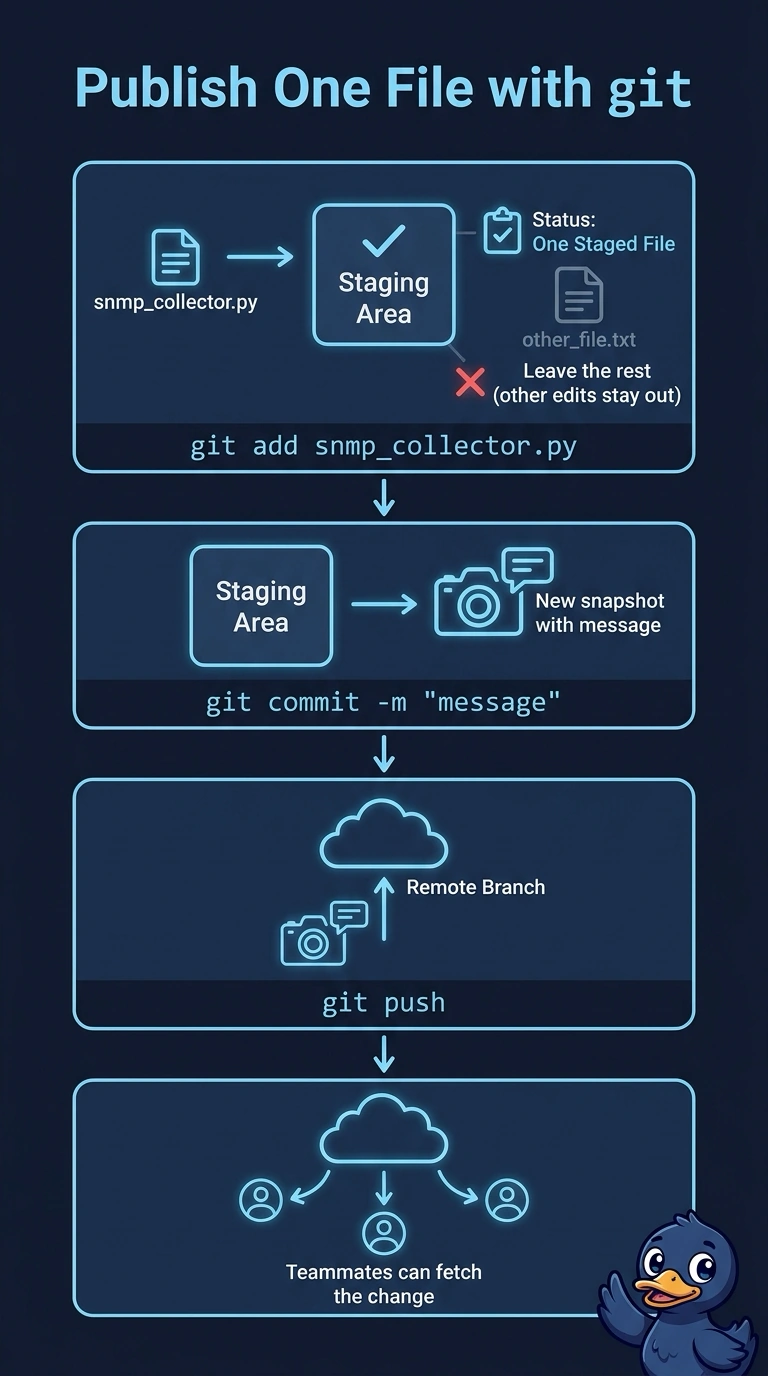
Short Explanation
Stage only snmp_collector.py, commit it as a fresh snapshot, and push it to the team. You choose what enters the commit by staging it; without the push, the commit stays on your machine.
Full Explanation
The staging area lets you choose which changes enter a commit: git add snmp_collector.py stages the script while leaving the README edit unstaged. Running git commit -m "message" creates a new commit from the staged changes, and git push publishes that commit to the shared remote branch. By contrast, git commit -a -m "message" stages modifications to tracked files, so it would include both edited files. git commit --amend -m "message" replaces the existing commit rather than creating a fresh one; pushing a rewritten shared branch may be rejected or disrupt collaborators. git add -A stages changes throughout the working tree, including the README edit, so that commit would contain more than the script. One caveat: teams may protect shared branches and reject direct pushes, requiring their feature-branch and merge-request workflow. Before committing, check git status to confirm only the script is staged; afterward, use git log --oneline -1 to verify the new local commit.