
Two contractors edit IOS XE backup scripts for a city network and overwrite each other's fixes, with no history or safe sharing. They need a repeatable team workflow for parallel edits and review. Which core git workflow implements clone, add, commit and push?
Select an answer to reveal the explanation.
Short Explanation
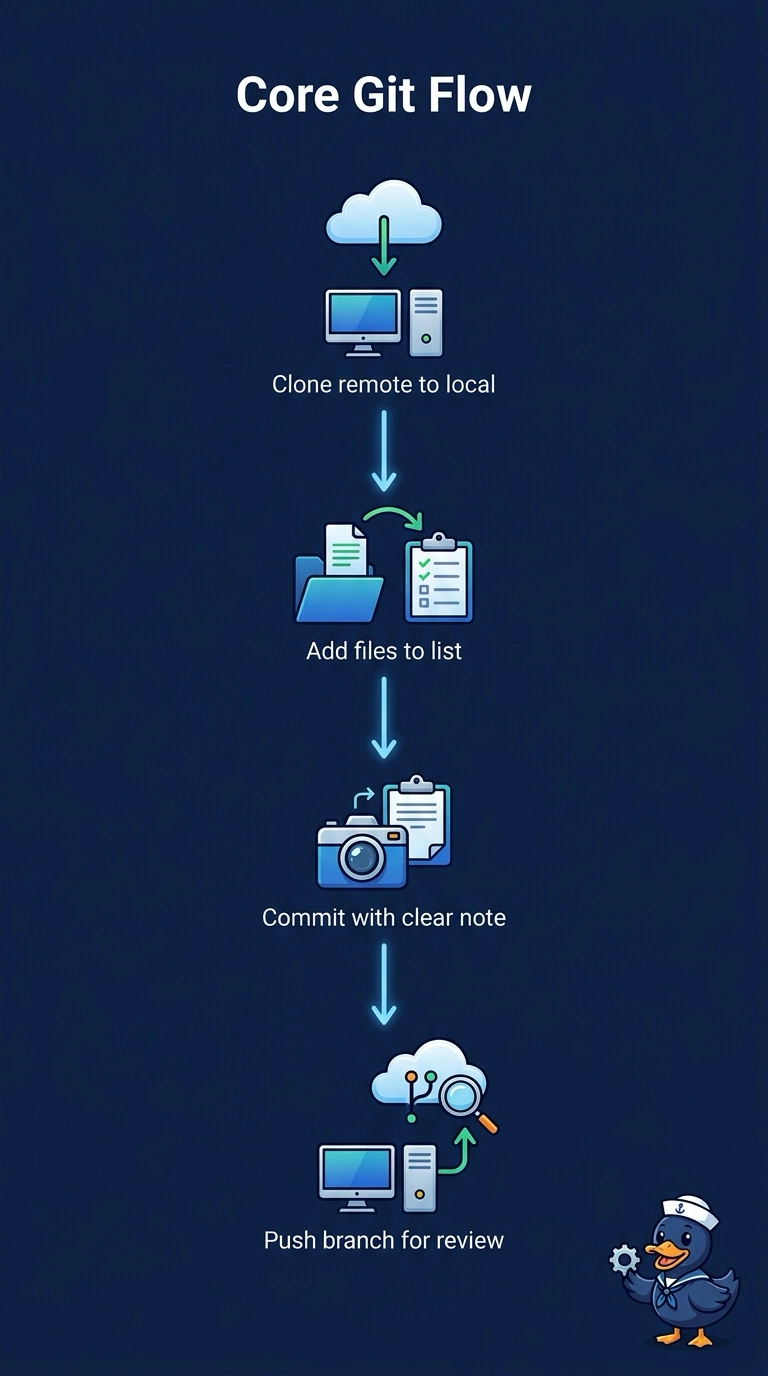
You stop stepping on toes by staging and saving work in clear shared steps. Your workflow moves like an assembly line from copy to shared shelf.
Full Explanation
The correct workflow follows Git’s core progression: clone creates a local copy of the repository, add stages selected changes, commit records those changes in local history, and push publishes the commits to a remote where teammates can review and collaborate. Pulling instead of cloning is a normal step when a developer already has a local repository, but it only brings an existing checkout up to date; it does not create the initial working copy required by the stated workflow. Fetching is also a standard way to inspect remote updates, but it transfers information from the remote to the local repository and does not publish the contractor’s new commits for review. Pushing straight to shared main uses the core commands but skips the required review step, which is typically handled through a review branch and pull request or merge request. A useful exam caveat is that add and commit are local operations: neither makes a change visible to teammates until it is pushed. In practice, verify the configured remote and current branch before pushing, then confirm that the pushed commit appears in the intended review system.