
A service account in Catalyst Center reads network health fine through the Intent API, but every POST to a template creation endpoint returns HTTP 403, while the built-in admin account succeeds with the same request. Credentials stay in the vault and the account must remain least-privilege. Which Catalyst Center permission change resolves the 403 failure?
Select an answer to reveal the explanation.
Short Explanation
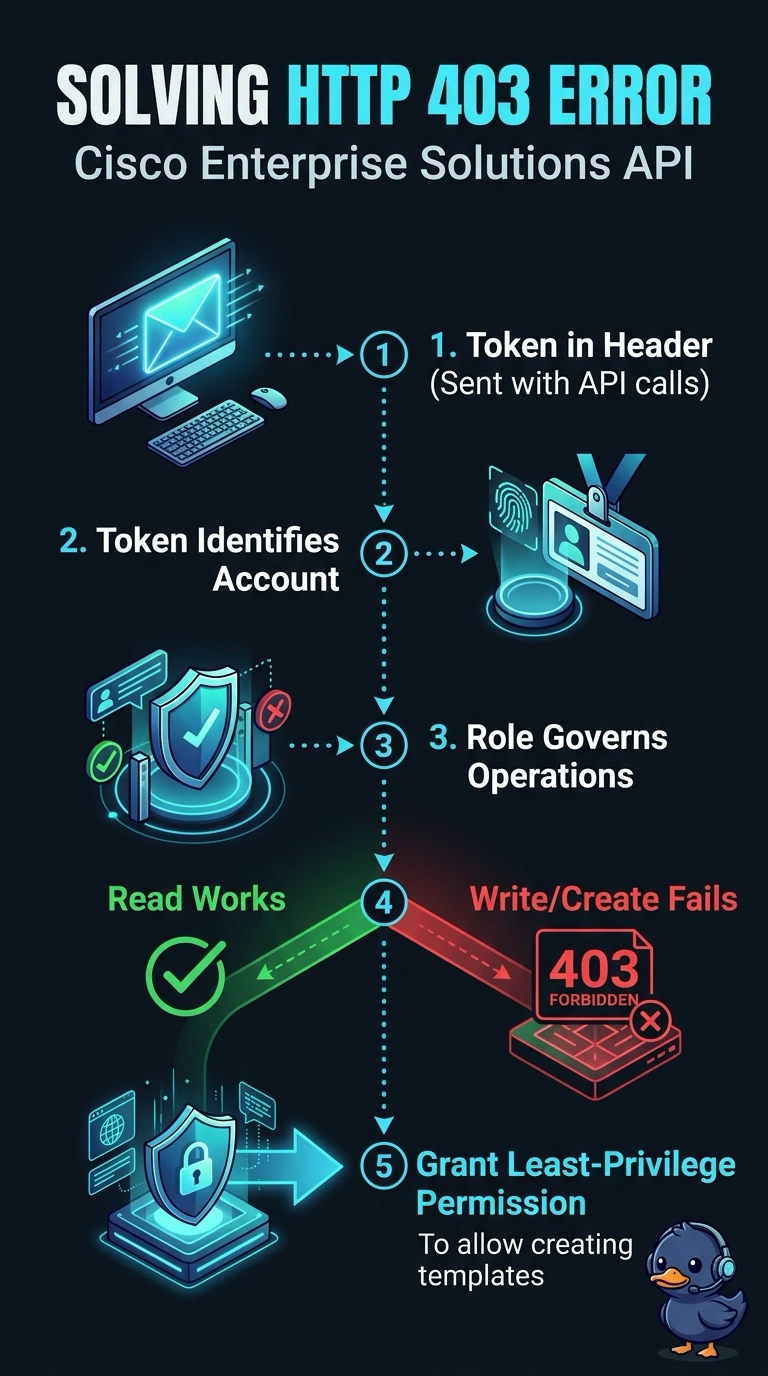
A 403 is like a locked door: your service account can read network health, but it lacks permission to create templates. Grant it only the role permissions needed for template creation, keeping its access least-privilege.
Full Explanation
The 403 occurs because your service account can read health data but lacks authorization for template creation; the successful admin request confirms that the endpoint and request can work. Granting the account the specific template-authoring permission through an appropriately scoped least-privilege role addresses the gap without changing the stored credentials or granting unrelated access. A custom role with broad network write access may include template-authoring rights, but it grants more than the task requires and violates the least-privilege constraint. Template deployment and approval rights support later stages of a template workflow; without creation permission, they do not authorize the POST that creates a template. Granting template-authoring rights to an SSO-mapped group will not resolve the failure if that group is not the source of the service account’s effective Catalyst Center authorization. Exam caveat: distinguish template authoring from deployment, approval, and general network write access; similar-sounding permissions do not necessarily authorize the same API actions. Practical check: inspect the service account’s effective Catalyst Center role and confirm it includes template creation, then retry the same POST and verify the response and resulting access scope.