
A university network team stages five new WAN Edges for dormitory buildings and must standardize them on a tested release. Images must be held centrally, pushed only to those devices, applied without an unplanned reboot, and retained as the boot version. Which software image management sequence should the administrator follow in SD-WAN Manager?
Select an answer to reveal the explanation.
Short Explanation
You’ll save yourself a midnight rollback with the right order. Staging first gives you control over when devices actually change boot behavior through proper repository-first workflow.
Full Explanation
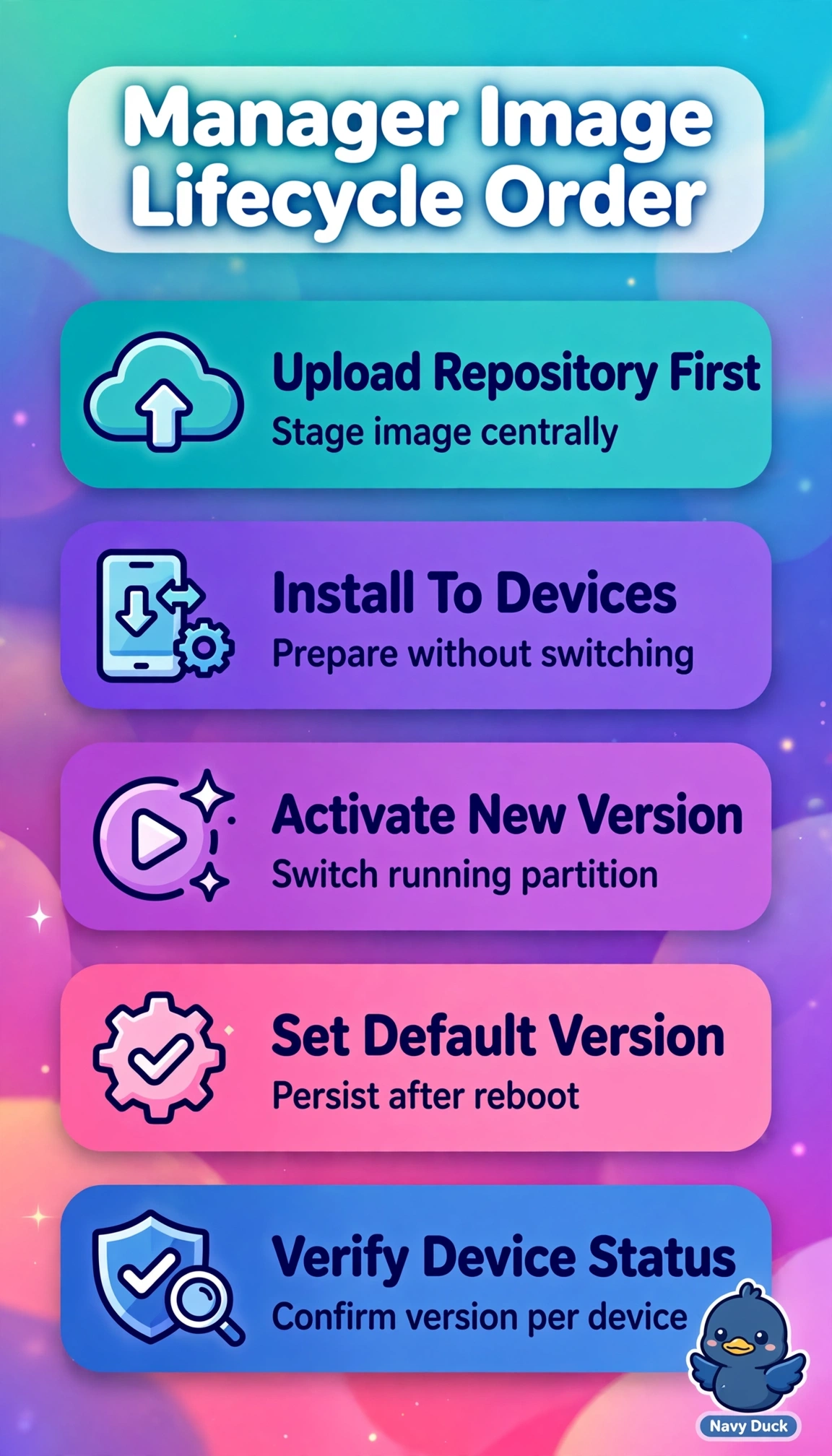
The correct mechanism is repository-first lifecycle management in SD-WAN Manager, formerly vManage: the software file is uploaded to the Manager repository for validation and storage, then distributed and installed to the selected WAN Edges where the package is prepared without changing the running version, followed by activation to switch the running partition and setting the version as default so it persists across reboots. Pushing directly to devices before repository upload fails by concept because direct installation bypasses centralized staging, version tracking, and selective distribution, so central control and auditability are lost even though devices might eventually upgrade. Activating before installing fails by concept because activation presumes the image is already present and installed on the device partition, so attempting to switch versions early causes failure or unpredictable behavior despite having the correct repository step. Setting the version as default before upload and install fails by concept because default selection only marks an already installed image as the persistent boot target, so ordering it first has no valid target and risks boot inconsistency even though later steps look complete. For the exam, do not confuse install, activate, and set-default as synonyms: install stages, activate runs, default persists; in practice always confirm repository availability, device install status, active version, and default version in SD-WAN Manager before scheduling activation windows.