
An incident responder acquires a volatile memory image from a compromised Windows server suspected of running a fileless payload that communicates with an external server. Which analytical step in Volatility best links a suspect process to active command-and-control communications?
Select an answer to reveal the explanation.
Short Explanation
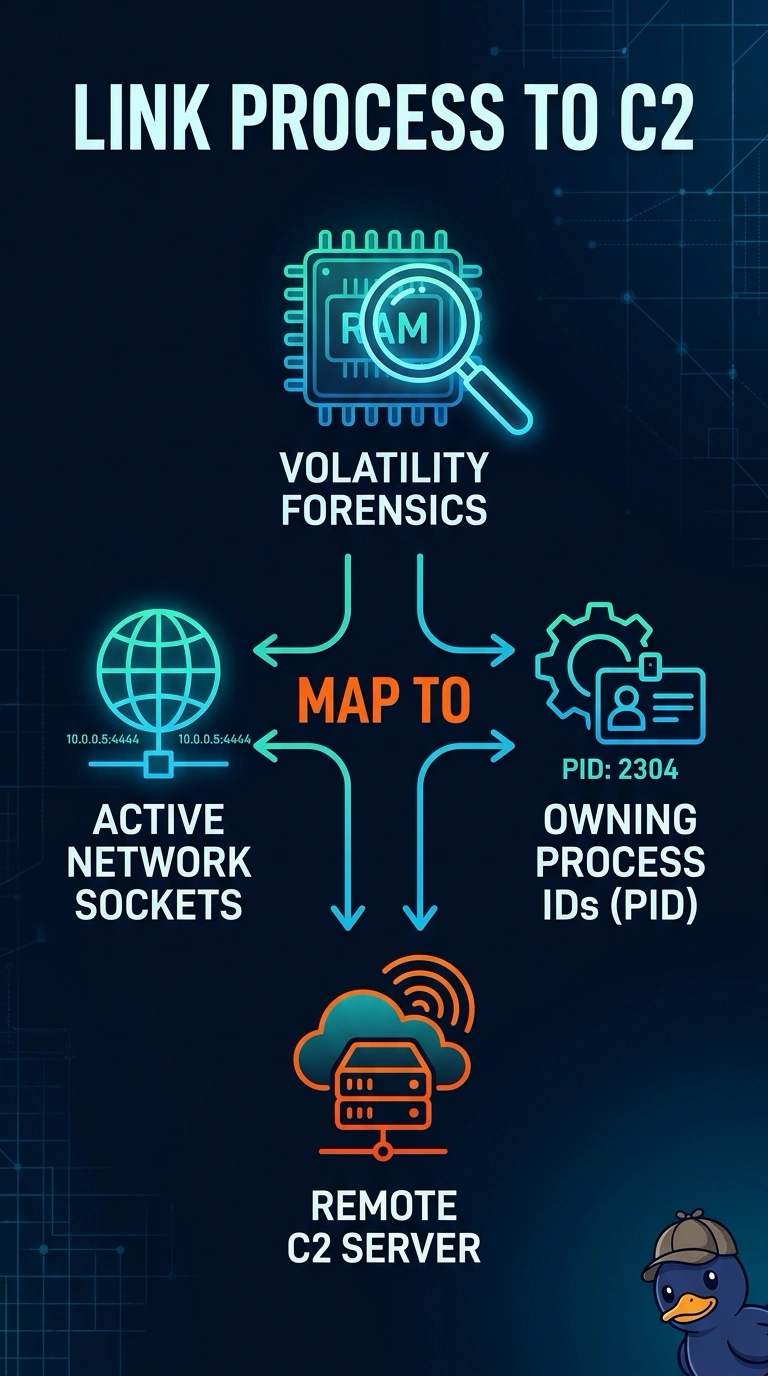
A fileless payload leaves almost no footprints on disk, so looking at the hard drive is like checking an empty driveway. Volatility lets you inspect live network sockets in memory and tie them directly to the owning process. The trap is reaching for static disk or binary tools when the evidence lives in RAM.
Full Explanation
Volatile memory preserves active kernel structures for network connections alongside process identifiers, making Enumerating active network sockets and mapping them to owning process IDs the most effective step in Volatility. By correlating open sockets, remote IP addresses, and listening ports with process IDs, an analyst can pinpoint whether a legitimate system binary or an injected process is maintaining an external command-and-control channel. Comparing file-creation timestamps on the disk partition against OS install time fails because it examines disk-based artifacts rather than volatile memory state. Inspecting static import tables inside the executable header with PE Checker is ineffective here because PE Checker analyzes static files on disk rather than live socket state in a memory image. Reviewing browser history caches stored inside the user profile folder misses non-browser, memory-resident payloads that open raw sockets directly. As a caveat, short-lived beacons may close between memory captures, so a single image might miss intermittent connections. As an operational check, cross-reference the socket-owning process IDs from the memory image against firewall and proxy session logs to confirm external communication.