
A threat hunter needs to query running scheduled tasks and unsigned startup entries across hundreds of Windows endpoints simultaneously to test a persistence hypothesis. Which approach is most effective for this hunt?
Select an answer to reveal the explanation.
Short Explanation
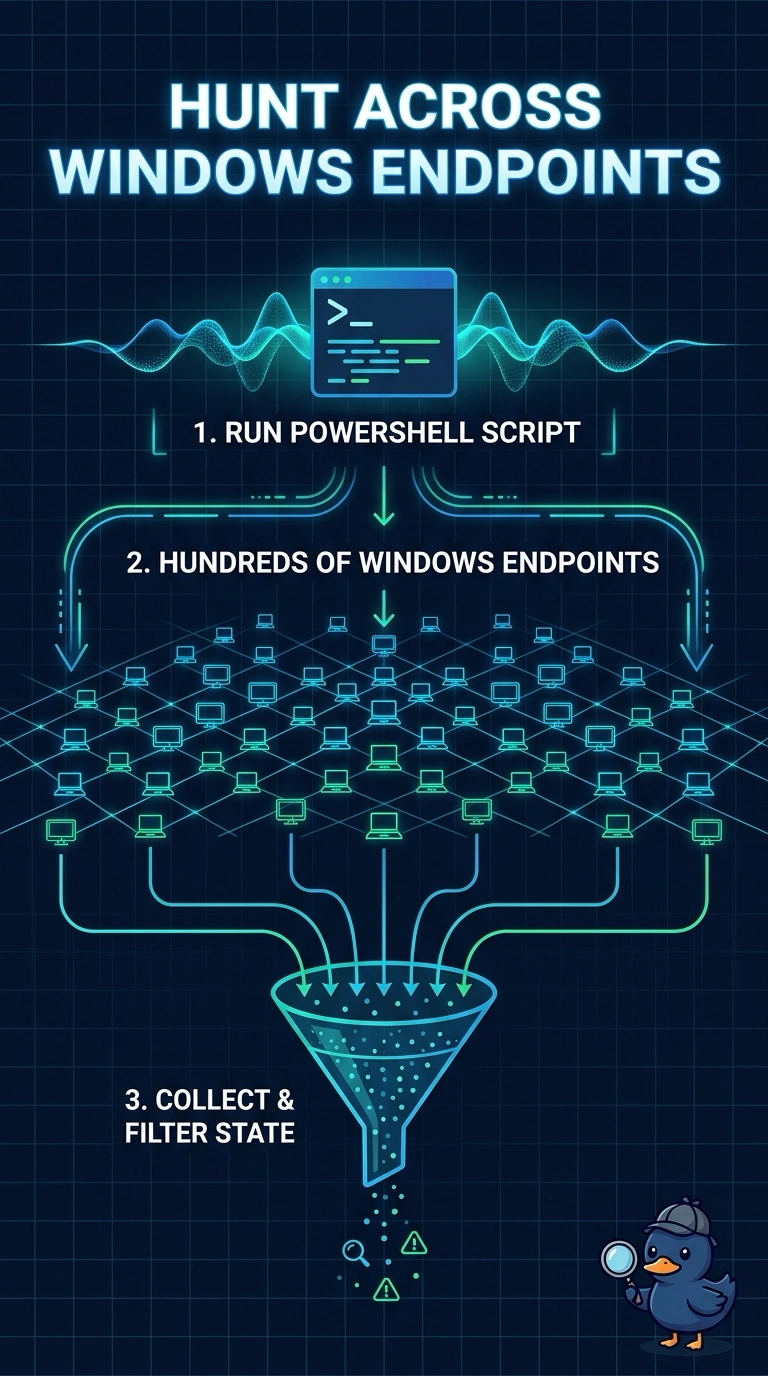
Hunting across hundreds of endpoints by hand is a recipe for burnout and missed clues. You can use native scripting like PowerShell to sweep and filter persistence artifacts at scale, avoiding the trap of manual logins or destructive reboots.
Full Explanation
Choosing "Running a PowerShell script to collect and filter endpoint state across hosts" is correct because PowerShell enables threat hunters to programmatically query scheduled tasks, registry run keys, and signature status across hundreds of Windows endpoints in parallel, returning structured records for rapid analysis. By contrast, "Manually logging into each workstation via remote desktop to inspect settings" does not scale to hundreds of systems and leaves interactive administrative sessions that can alert an active intruder. Likewise, "Rebooting all enterprise endpoints to clear volatile memory before checking logs" destroys volatile forensic evidence and disrupts business operations without inspecting persistence locations. Meanwhile, "Capturing full packet traces at the internet gateway for external web browsing" provides no visibility into local host scheduled tasks or startup entries. As a caveat, ensure remote hunting scripts run with least-privilege read-only permissions and avoid modifying host state during collection. For an operational check, test your PowerShell query on a small pilot group first to verify output formatting and confirm that endpoint performance remains unaffected.