
A threat hunter recovers a suspicious Windows executable from a quarantine folder and needs to examine its headers, section entropy, and imported libraries without running the file. Which approach best accomplishes this?
Select an answer to reveal the explanation.
Short Explanation
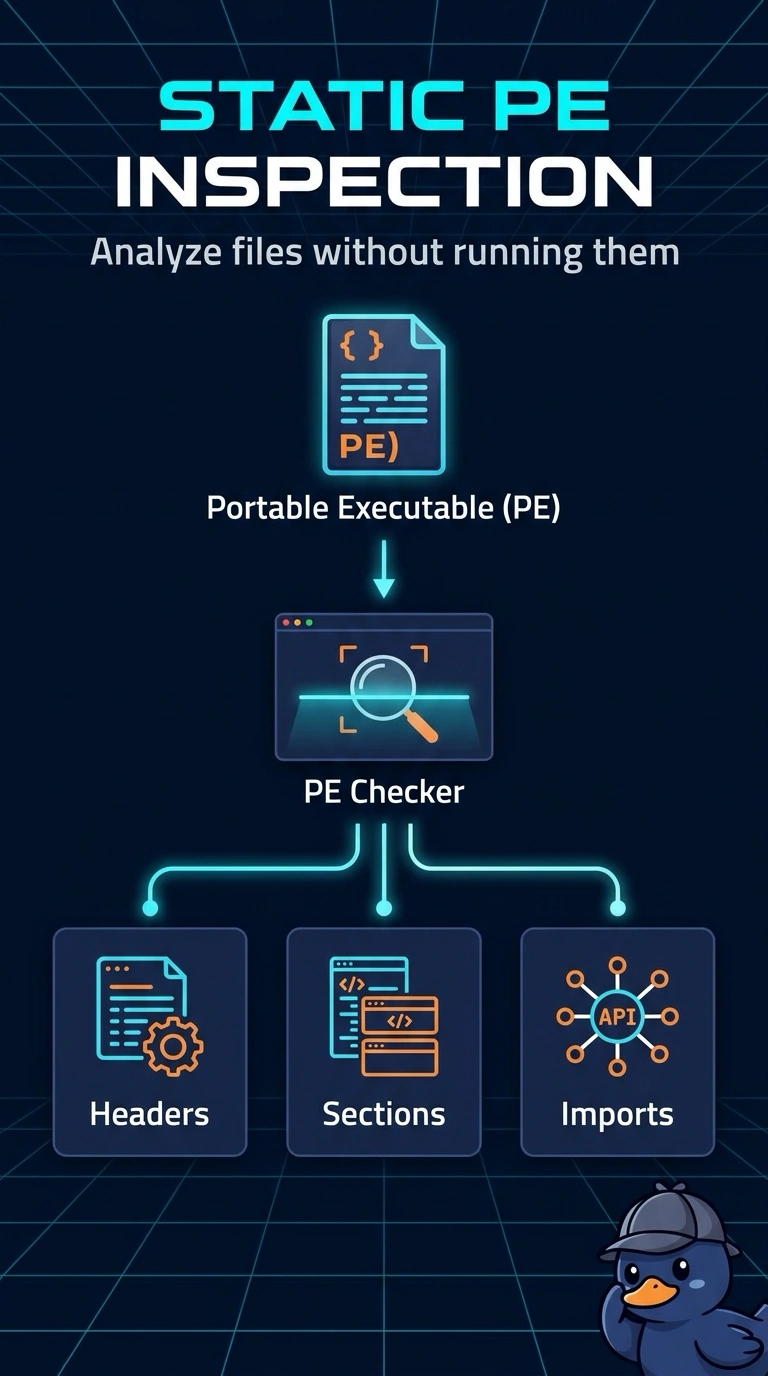
Before you ever detonate a suspicious file, you want to read its blueprint safely on paper. Using PE Checker lets you inspect headers, sections, and imports statically without executing the binary. The trap is choosing a web proxy, source scanner, or memory tool meant for entirely different artifacts.
Full Explanation
When triaging a static Windows binary, the right step is to inspect Portable Executable headers, sections, and imports using PE Checker. Examining PE metadata reveals compiler timestamps, anomalous section names, packing indicators, and suspicious API imports without risking host execution. Choosing to intercept live HTTPS checkout traffic using an inline Burp Suite proxy applies to dynamic web application testing, not static binary inspection. Choosing to scan multi-language application source repositories using Semgrep rules requires readable source code rather than a compiled executable. Choosing to extract active kernel process lists from volatile RAM using Volatility analyzes a captured memory image from a running system, whereas this task focuses on a quarantined file on disk. As a caveat, packed or obfuscated executables can hide their true imports inside PE headers, requiring deeper unpacking or behavioral analysis in an isolated sandbox. As an operational check, review imported system libraries and section characteristics alongside cryptographic hashes before deciding whether sandbox detonation is warranted.