
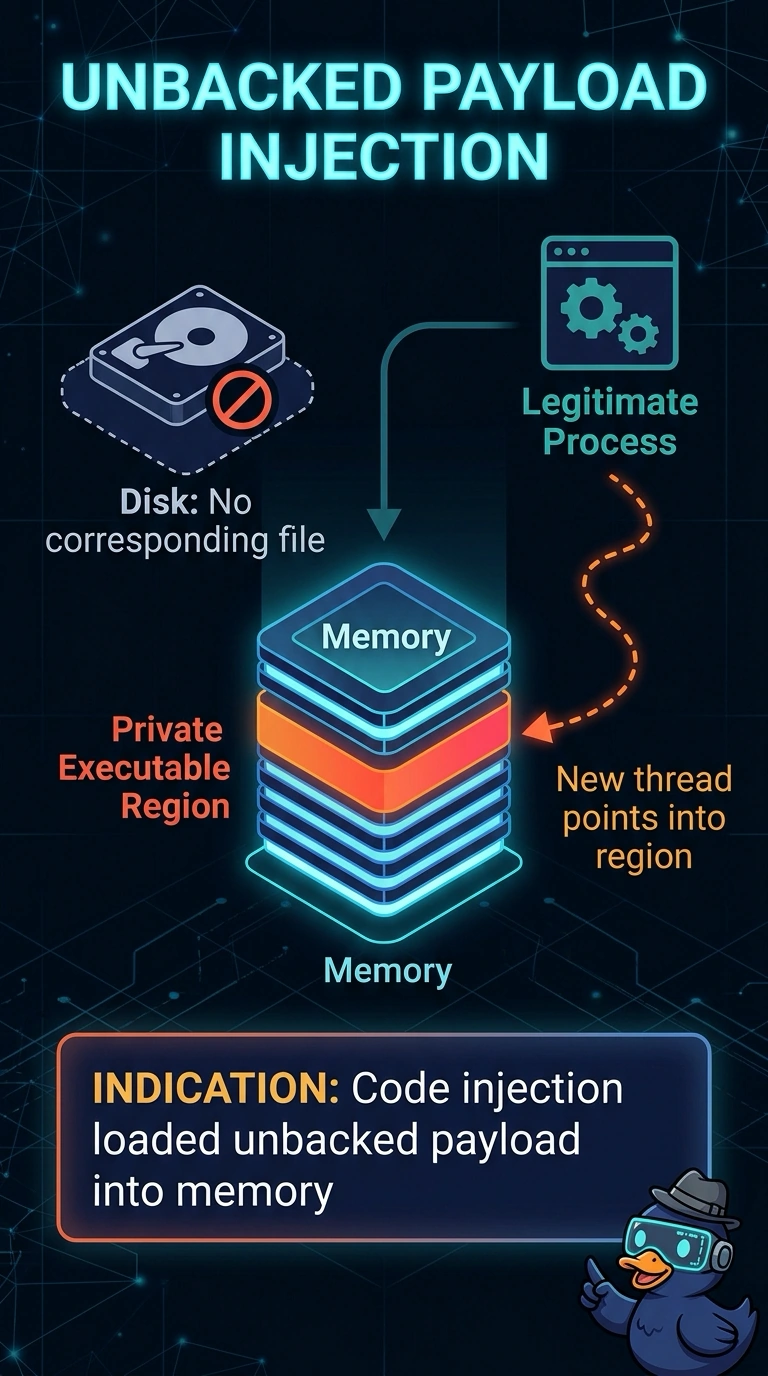
During a threat hunt on a suspected compromised workstation, memory forensics reveals a legitimate system process containing a private, executable memory region with no corresponding file on disk and a newly started thread pointing into that region. What does this memory tool evidence indicate?
Select an answer to reveal the explanation.
Short Explanation
Legitimate executable code in a process almost always maps back to a signed file sitting on disk. When memory forensics shows an executable region with no file behind it and a thread running there, you are likely looking at injected code. The trap is dismissing unfamiliar memory regions as routine OS paging.
Full Explanation
Standard Windows executables and libraries are backed by files on disk when loaded into a process address space, so Code injection where an attacker loaded an unbacked payload into memory accurately explains a private, executable region lacking a backing file alongside an active thread. Adversaries allocate executable memory inside a trusted host process and start a thread there to evade file-based antivirus scanners. Normal operating system paging of a signed system library to disk storage is incorrect because loaded system libraries retain their file-backed image mapping metadata in memory structures. A scheduled firmware update running inside the system BIOS configuration operates below the operating system process layer rather than allocating user-mode virtual memory inside a system process. A routine browser cache cleanup triggered by the local user profile writes and deletes temporary profile files on disk without injecting unbacked executable threads into system processes. As a caveat, some legitimate just-in-time compilers and security agents also allocate dynamic executable memory. As an operational check, extract the unbacked memory region for static string or disassembly inspection and correlate the parent process tree.