
Following a threat hunt that uncovered adversaries executing unapproved PowerShell scripts in memory to invoke native Windows APIs, a security architect wants a preventive host countermeasure that restricts dangerous scripting capabilities without removing PowerShell from administrative workflows. Which control best achieves this?
Select an answer to reveal the explanation.
Short Explanation
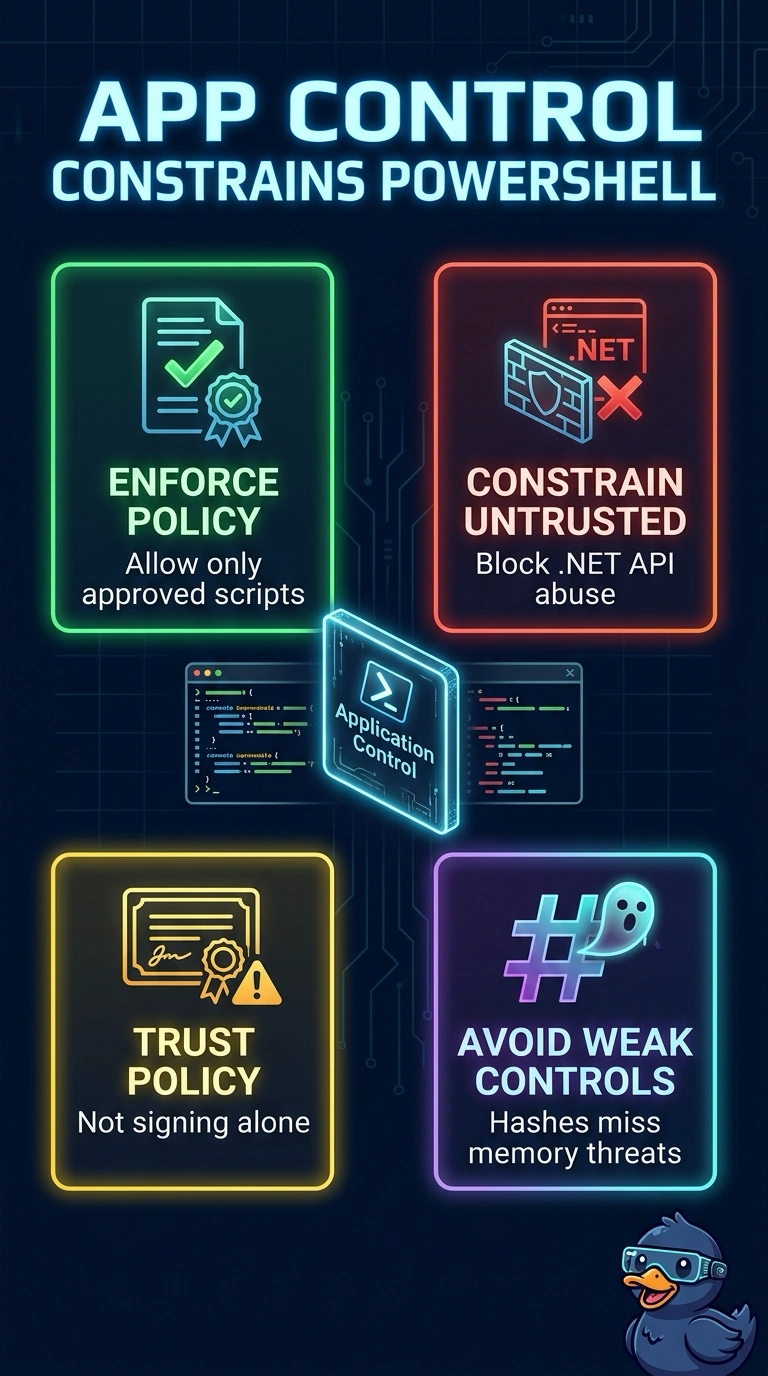
You can keep PowerShell in your administrative workflows while adding guardrails that constrain untrusted scripts and allow approved ones. Language-mode trust follows your enforced application-control policy, not signing or execution policy alone.
Full Explanation
To curb living-off-the-land script abuse while preserving legitimate automation, enforce a system application-control policy that constrains untrusted PowerShell and explicitly allows approved scripts. Constrained Language Mode blocks arbitrary .NET type creation and direct Windows API calls commonly used by memory-resident payloads, while still permitting approved administrative automation. Language-mode trust follows the enforced policy, not signing or execution policy alone; manually setting Constrained Language Mode or using an AllSigned execution policy is not a sufficient security boundary. Relying exclusively on daily file-hash blocklists inside perimeter web proxies fails because memory-resident scripts may never touch disk as static files and can mutate trivially to evade hashes. Disabling all outbound encrypted web traffic across corporate workstations disrupts normal business applications without restricting local script execution capabilities. Removing all local administrator accounts and disabling network interfaces halts operations rather than applying a targeted preventive control. As an exam caveat, distinguish a host-enforced application-control policy from signing or execution policy alone. As a practical check, remove deprecated PowerShell v2 components to prevent version downgrade and verify that standard sessions evaluate to ConstrainedLanguage on managed workstations.