
During dynamic analysis in a lab debugger, a suspicious Windows executable abruptly terminates before decrypting its configuration, even though it runs normally outside the debugger. Which reverse engineering step best helps the analyst bypass this behavior?
Select an answer to reveal the explanation.
Short Explanation
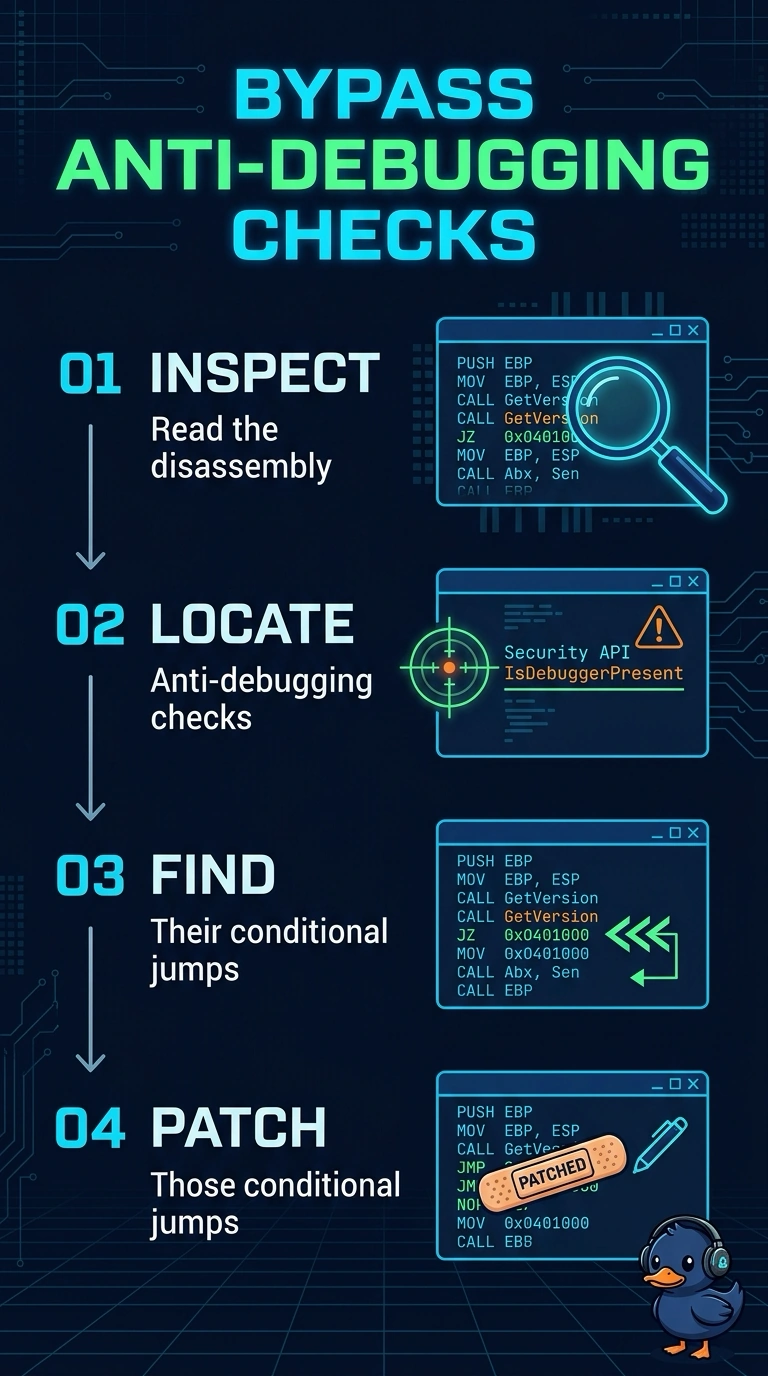
You can get past this early exit by finding anti-debugging checks in the disassembly and patching their conditional jumps, so execution can reach configuration decryption. The executable is likely detecting the debugger and deliberately stopping, rather than being corrupted.
Full Explanation
Locating anti-debugging checks in disassembly and patching their conditional jumps helps you neutralize evasion logic and direct execution toward the payload decryption routine. Malware may query debugger-presence APIs or measure instruction timing, then abort before exposing its core behavior. Recompiling the executable from its raw assembly instructions using a standard compiler is impractical for complex, stripped binaries and risks changing the runtime behavior you need to study. Increasing the virtual machine memory allocation and repeating execution without a debugger does not address explicit debugger-detection logic, and running without a debugger prevents you from inspecting memory at runtime. Running automated string extraction against the packed binary on disk is unlikely to reveal encrypted configuration data that becomes available only in memory after unpacking. One caveat is that patching conditional jumps can trigger integrity checks if the malware hashes its own code section, so you may need to avoid altering code that is checked. As a practical check, look in a disassembler for common process-environment or timing API calls and inspect the branch instructions immediately after them.