
During a threat hunt on Linux application servers, an analyst confirms that an attacker gained access and appended an unauthorized public key to a service account's SSH configuration for persistence. Which remediation step is essential to close this access path?
Select an answer to reveal the explanation.
Short Explanation
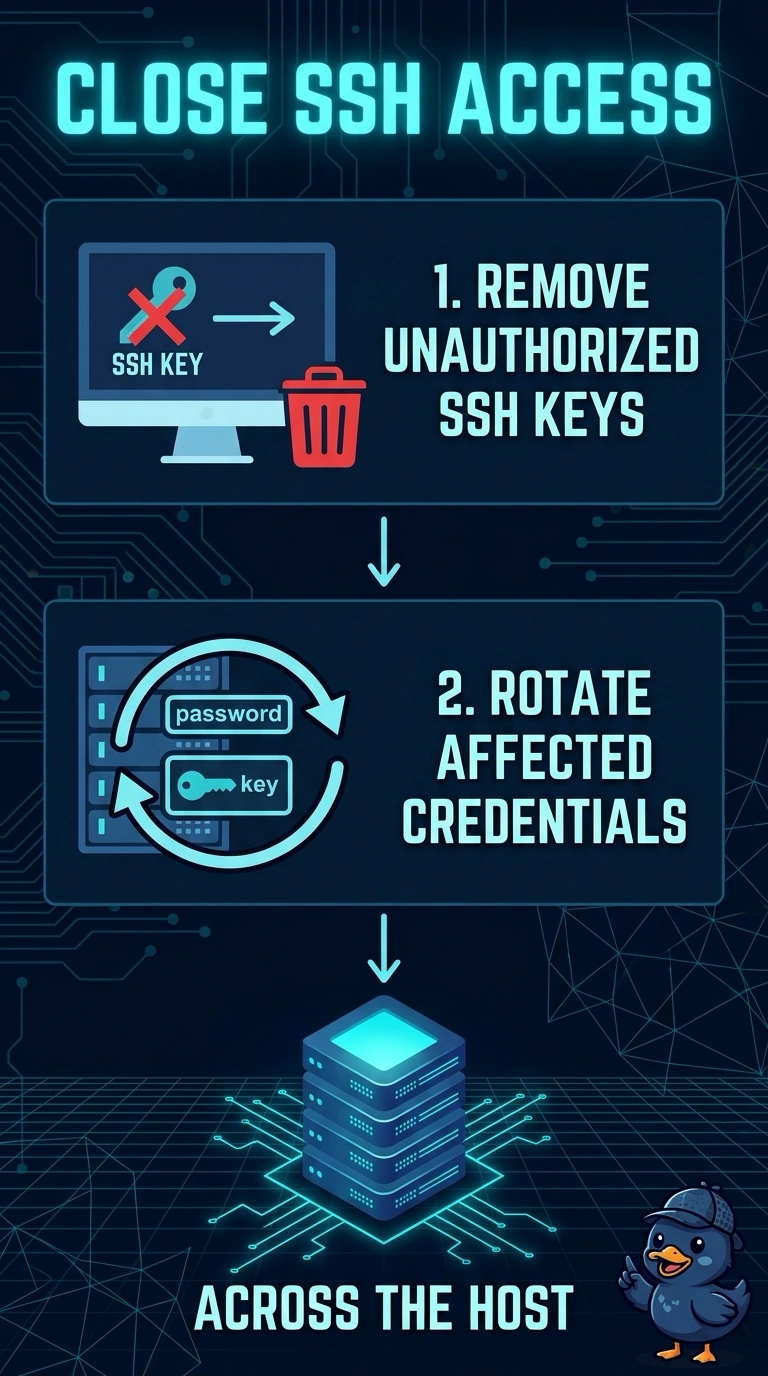
Restarting a server does not evict an attacker who left a spare key under the doormat. You must remove unauthorized SSH keys and rotate affected credentials, or the intruder can simply log right back in after the reboot.
Full Explanation
Evicting persistent key-based access requires removing unauthorized SSH keys and rotating affected credentials across the host. Because SSH authorized-keys files reside on disk, an attacker can re-authenticate silently after containment unless those rogue public keys are deleted and any exposed passwords or private keys are replaced. Rebooting the compromised Linux server without inspecting user configuration files clears only volatile state while leaving disk-based SSH persistence intact. Changing only the perimeter firewall banner while leaving local accounts intact alters cosmetic text without blocking valid key-based logins. Deleting the system authentication logs so future login alerts stop triggering destroys forensic evidence and blinds defenders instead of removing attacker access. As a caveat, check all user home directories and global SSH configuration paths, as attackers may plant keys in multiple accounts. For an operational check, audit every authorized-keys file on the host against approved configuration management baselines and verify no unexpected SSH sessions remain active.