
A malware analyst is reverse engineering a packed Windows executable that decrypts its main payload only in memory at runtime. Which technique best allows the analyst to inspect the unpacked code?
Select an answer to reveal the explanation.
Short Explanation
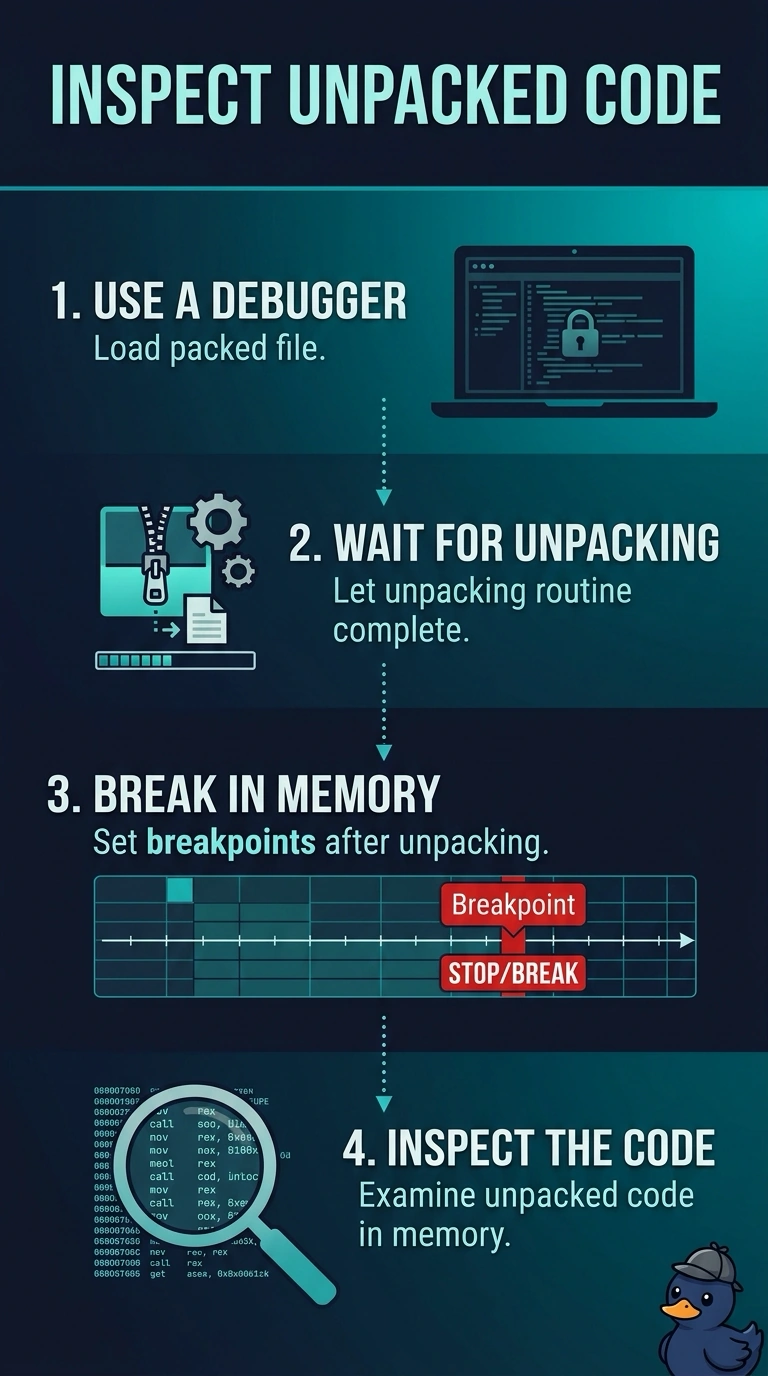
A packed binary on disk is like a locked suitcase—you need to watch it open in memory to see what’s inside. Set a breakpoint after unpacking, and debugging lets you inspect the real payload at runtime.
Full Explanation
Packers compress or encrypt a binary’s payload on disk and reconstruct it in memory only during execution. Setting breakpoints in a debugger after the unpacking routine completes lets you inspect the decrypted instructions in memory, such as when they are written to an executable region or execution transfers to the original entry point. Running basic string searches on the encrypted binary file stored on disk fails because meaningful strings may remain encrypted or compressed until runtime. Modifying the file extension to inspect raw machine instructions in a text editor neither unpacks encrypted sections nor translates binary machine code into readable assembly. Calculating the SHA-256 hash of the packed file cannot reveal its internal functions: a cryptographic hash is a one-way digest and exposes no code structure. As an exam caveat, packed malware may include anti-debugging checks that alter its behavior or trigger host changes, so execute it only in an isolated, non-persistent analysis environment. As a practical check, place a breakpoint on virtual memory allocation or protection APIs in the isolated lab debugger and verify that readable assembly appears once the unpacking stub finishes.