
A manufacturing enterprise wants a low-noise, high-confidence countermeasure on its internal file servers that will immediately alert the SOC if an intruder or ransomware payload begins browsing and modifying shared directories. Which technique best meets this requirement?
Select an answer to reveal the explanation.
Short Explanation
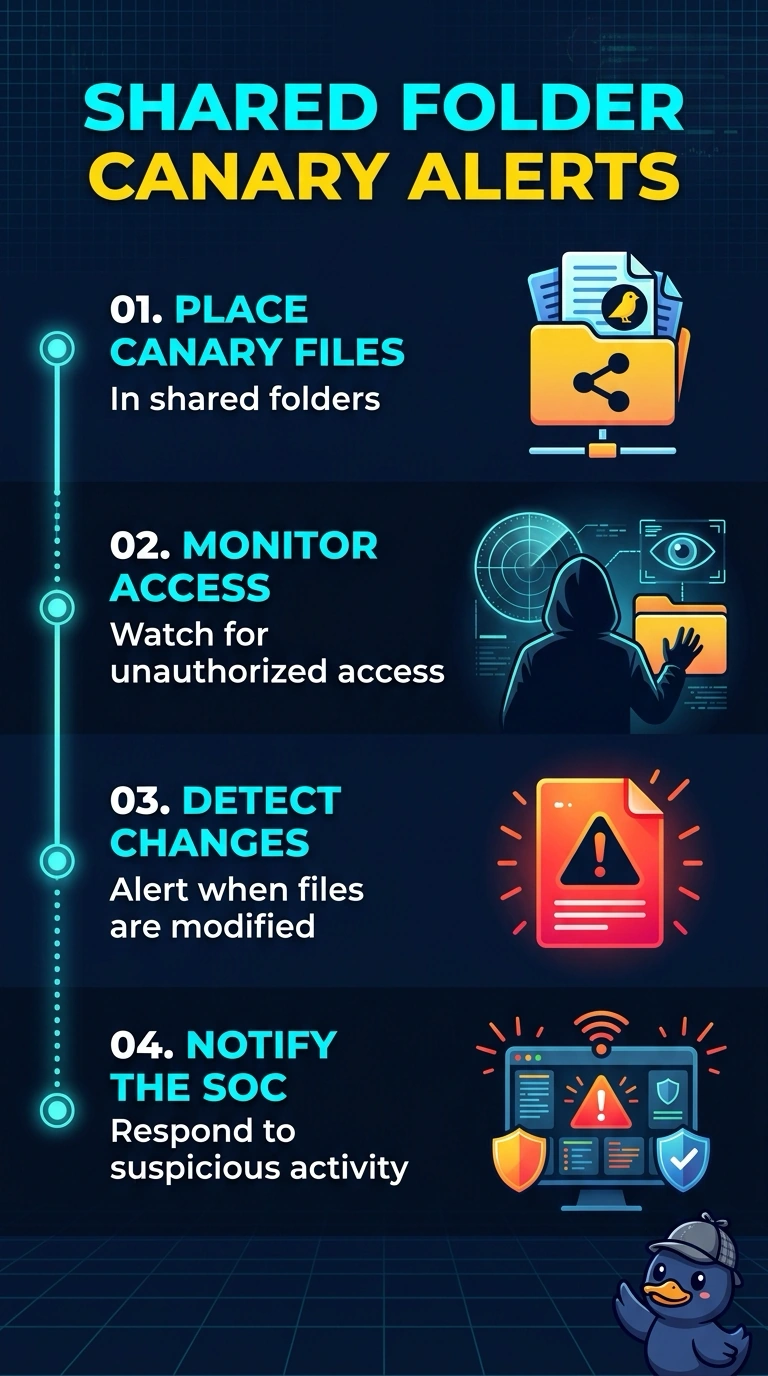
Sometimes the easiest way to catch a burglar in your warehouse is to leave a tripwire on a shelf nobody ever touches. Placing monitored canary files in shared folders to alert on unauthorized access gives you an early, high-confidence signal of ransomware or internal enumeration. The trap is relying only on periodic scans or disruptive network blocks.
Full Explanation
The best technique is Placing monitored canary files in shared folders to alert on unauthorized access. Because canary files serve no legitimate business purpose and are not referenced by normal user workflows, any read, rename, or encryption attempt against them produces a high-fidelity alert with minimal false positives. This deception countermeasure detects automated ransomware encryption and manual file-share discovery early in the intrusion lifecycle. In contrast, Increasing the frequency of full-disk antivirus scans across all corporate file servers adds heavy disk I/O overhead and may still miss living-off-the-land file browsing or novel binaries. Blocking all internal SMB traffic between branch offices and central storage servers would disrupt legitimate business file sharing. Likewise, Archiving historical user home directories onto offline tape storage every quarter supports disaster recovery rather than real-time threat detection. As a caveat, document canary file locations for IT administrators so routine maintenance or backup jobs do not accidentally trigger false alarms. For an operational check, verify that file-audit logging on the canary paths forwards real-time modification events to the SIEM and triggers a high-priority SOC alert.