
An attacker injects malicious shellcode directly into a running legitimate browser process on a corporate workstation without writing an executable payload to disk. Which investigative technique best uncovers this memory-resident activity?
Select an answer to reveal the explanation.
Short Explanation
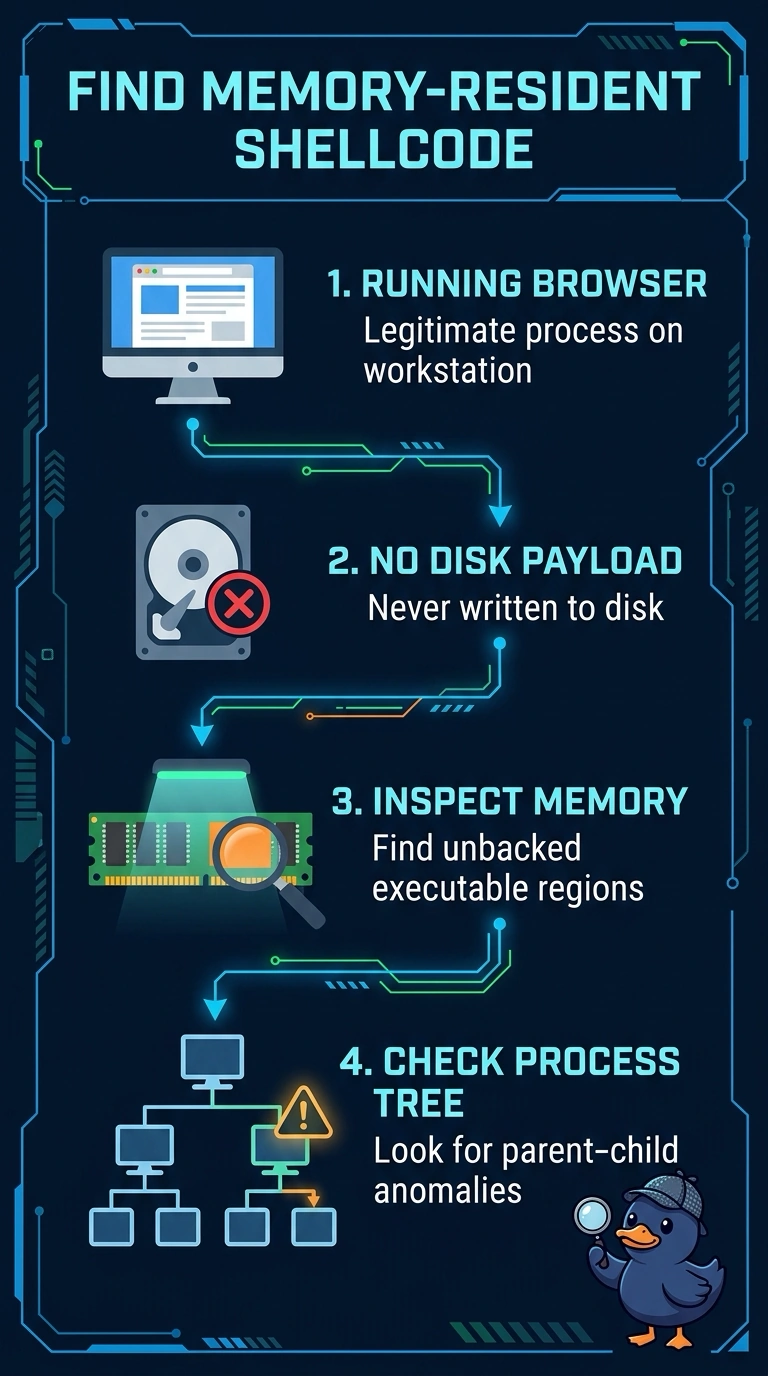
When malware hides inside a trusted browser process, checking the hard drive is like searching an empty garage while the intruder is inside the house. You uncover it by inspecting unbacked executable memory regions and parent-child anomalies. The trap is relying on disk scans or rebooting away the evidence.
Full Explanation
Detecting in-memory injection requires analysts to inspect unbacked executable memory regions and parent-child anomalies. When code is injected into a legitimate host process, it often resides in private executable memory pages not backed by a signed file on disk and may exhibit unexpected thread starts or unusual process spawning relationships. Choosing to scan only signed executable files stored on the local hard drive misses the attack completely because the host binary on disk remains legitimate and unmodified. Choosing to restart the workstation immediately to clear all volatile system tables destroys the current volatile payload state; forwarded logs, disk artifacts, and network evidence may still survive. Preserve memory where feasible and coordinate containment before any reboot. This action also leaves any initial access vector intact. Choosing to rely exclusively on file creation timestamps in the system directory fails when no new executable file is written to disk. As a caveat, some legitimate software such as just-in-time compilers also allocates executable memory not backed by disk files, so memory findings require contextual validation. As an operational check, review memory protection flags alongside process command lines and network socket ownership to confirm malicious injection.