
A SOC analyst spots multiple employees clicking an unfamiliar external link in an email that bypassed the secure email gateway and led to a login prompt. Which check best determines whether this is an authorized phishing simulation rather than a real attack?
Select an answer to reveal the explanation.
Short Explanation
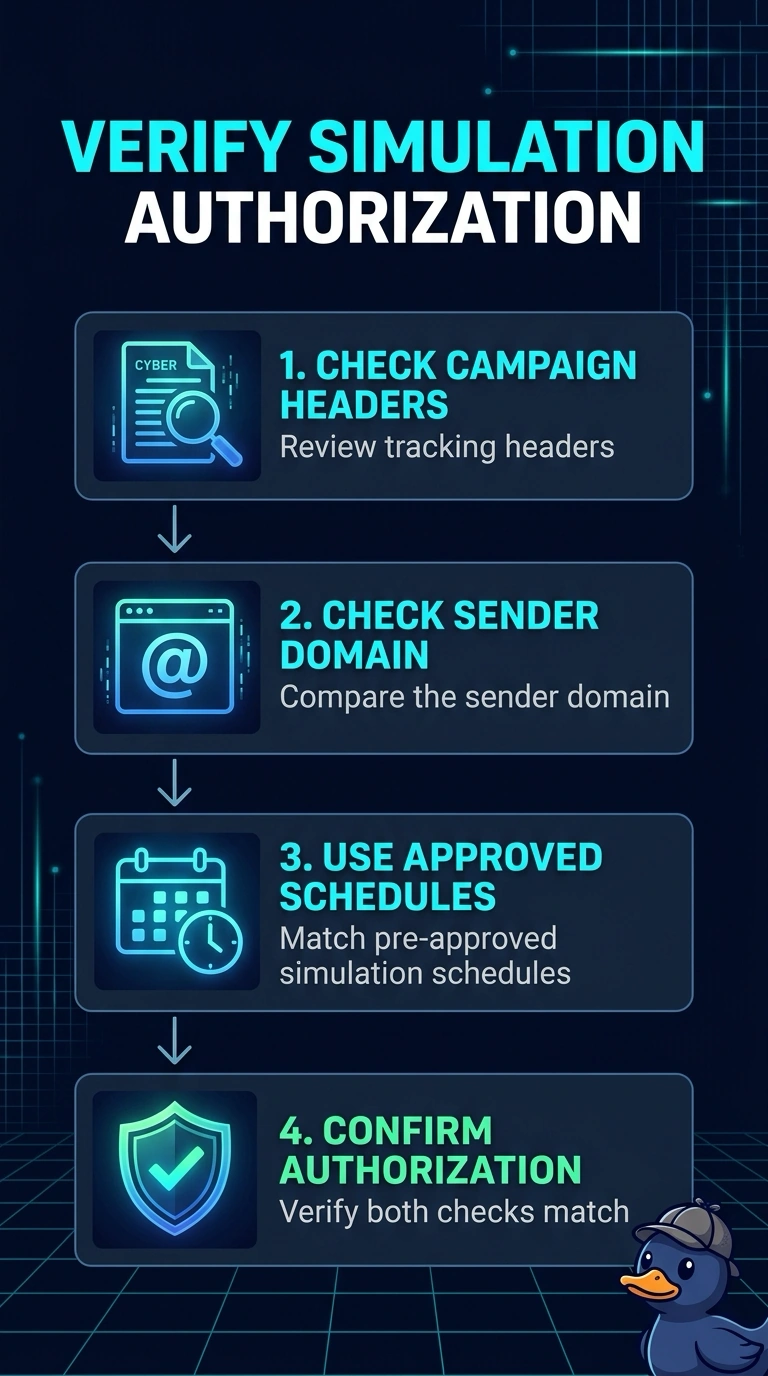
Authorized simulations and real phishers both use convincing lures, so you cannot tell them apart by reading the email alone. Checking your approved campaign schedule and gateway headers provides supporting assessment evidence that must be confirmed with the trusted awareness-team contact; sender names, headers, and templates can be imitated, while the trap is trusting HTTPS or waiting for victims to speak up.
Full Explanation
Verify the campaign tracking headers and sender domain against pre-approved simulation schedules provides supporting assessment evidence that must be confirmed with the trusted awareness-team contact; sender names, headers, and templates can be imitated because authorized exercises are documented in advance and typically include identifiable test domains or gateway allowlist entries. Relying on Inspect whether the landing page uses HTTPS encryption and displays a valid domain certificate fails because real threat actors routinely provision valid certificates for phishing infrastructure. Similarly, Wait forty-eight hours to see whether any employees report unexpected password resets on their own introduces dangerous dwell time if the campaign is genuinely malicious. Meanwhile, Check if the email body contains urgent language requesting immediate credential verification cannot distinguish a test from an attack, as both simulations and real adversaries use urgency lures. As an operational caveat, attackers occasionally spoof internal simulation templates once they learn an organization's training vendor. As an operational check, confirm the exact sending domain and simulation window with the security awareness team out-of-band before closing the alert as benign.