
While reviewing endpoint process creation logs from a finance workstation, a threat hunter spots an executable named svchost.exe launching from a user's temporary downloads directory and establishing an outbound connection. What adversary technique does this behavior most strongly indicate?
Select an answer to reveal the explanation.
Short Explanation
Just because a file wears a familiar uniform does not mean it belongs on the roster. When you see a core operating system binary running out of a user downloads folder, the trap is trusting the filename alone instead of checking its execution path and digital signature.
Full Explanation
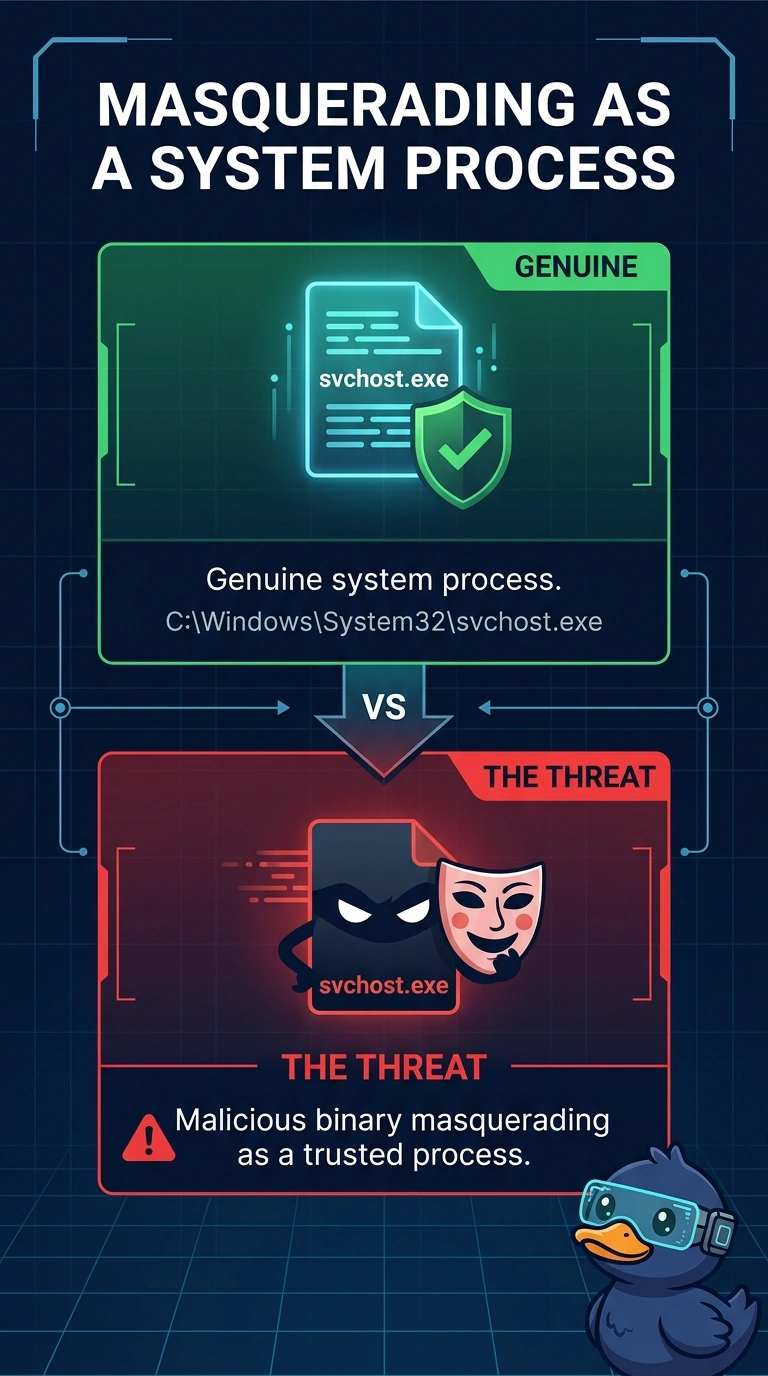
Legitimate Windows system binaries reside in protected system directories, so executing a similarly named file from a user-writable path points directly to Masquerading a malicious binary as a trusted system process. Adversaries use familiar system names to blend into casual log reviews and evade analysts who filter only by process name. Conversely, Brute-forcing local administrator passwords over remote desktop produces repeated failed authentication events rather than a renamed binary executing from a temporary folder. Similarly, Exploiting a kernel-mode driver vulnerability for privilege escalation involves suspicious driver loads or memory corruption rather than user-directory process impersonation. Likewise, Exfiltrating database backups through DNS subdomain tunneling manifests as high-volume or high-entropy DNS queries rather than a masqueraded executable path. As a caveat, legitimate software updaters occasionally extract temporary helper binaries into user folders, so execution path alone requires corroboration. For an operational check, verify the binary's cryptographic signature, parent process, and file hash against known-good system baselines in your endpoint telemetry.