
An exploit against an internet-facing server at a clinic is confirmed, and the IPS already has a signature for that exploit. How should the signature be set right now?
Select an answer to reveal the explanation.
Short Explanation
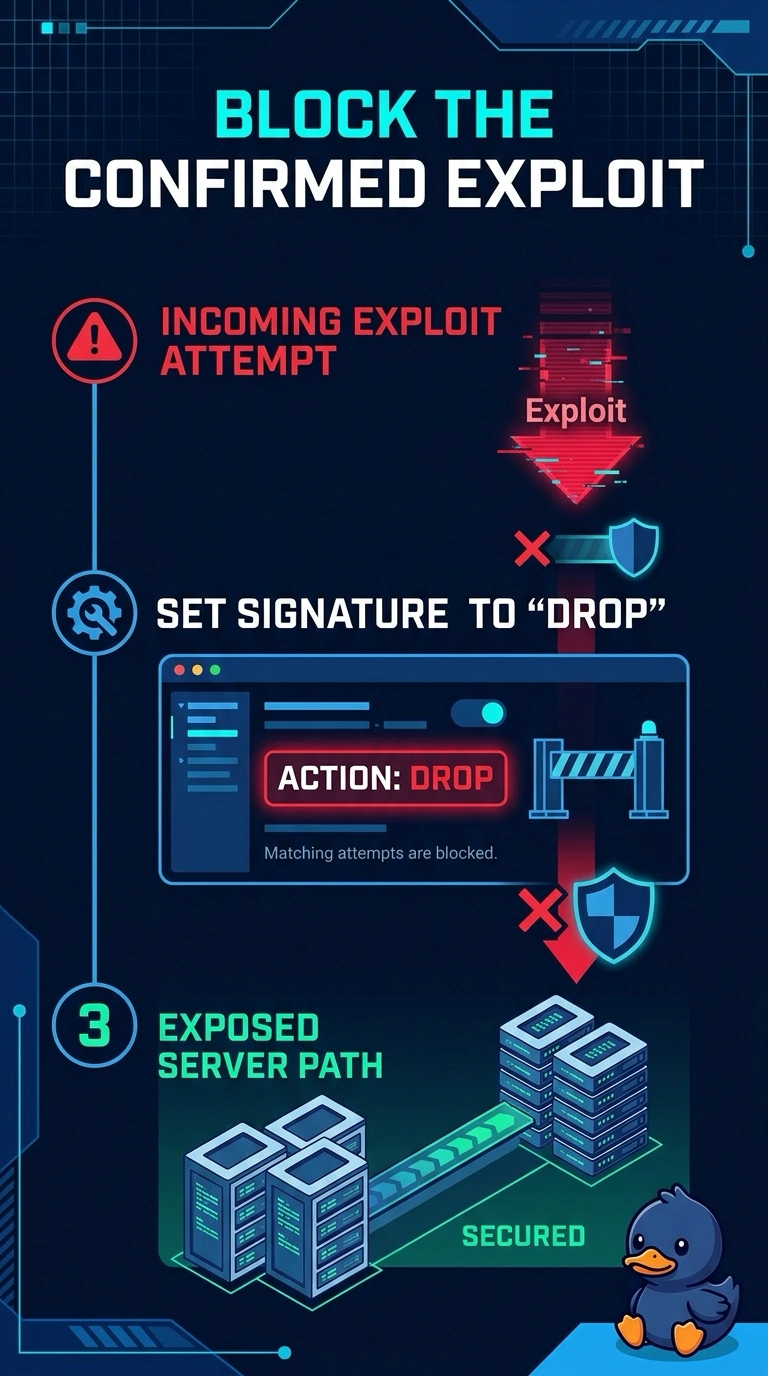
Think of detect-only as a camera on a door you already know is being kicked. Set the signature to drop so the next exploit attempt on the exposed server is blocked. Leaving it to alert or removing it to quiet the logs keeps the path open.
Full Explanation
The exploit is confirmed and a matching signature already exists, so you should block the traffic rather than only report it. For this confirmed exploit, enable validated prevention where operationally safe rather than wait solely for maintenance. Set the signature to drop so matching attempts are blocked on the internet-facing server path. Leaving the signature in detect-only mode until the next planned maintenance window records the attack but still allows it through. Removing the signature entirely to keep server logs quiet deletes the control, while applying it only on internal switch ports protects the wrong segment and leaves the confirmed internet-facing exposure open. Exam caveat: if the signature is broad enough to match legitimate clinical traffic, narrow the rule or destination before dropping traffic; do not leave the confirmed exploit in detect-only mode on the open path. Dropping requires an inline prevention deployment, a matching rule configured to block and authority to apply the change; passive monitoring cannot enforce a drop. Practical check: confirm that new IPS events for the signature show a drop action on the internet-facing interface, and watch for legitimate sessions that the rule may also interrupt.