
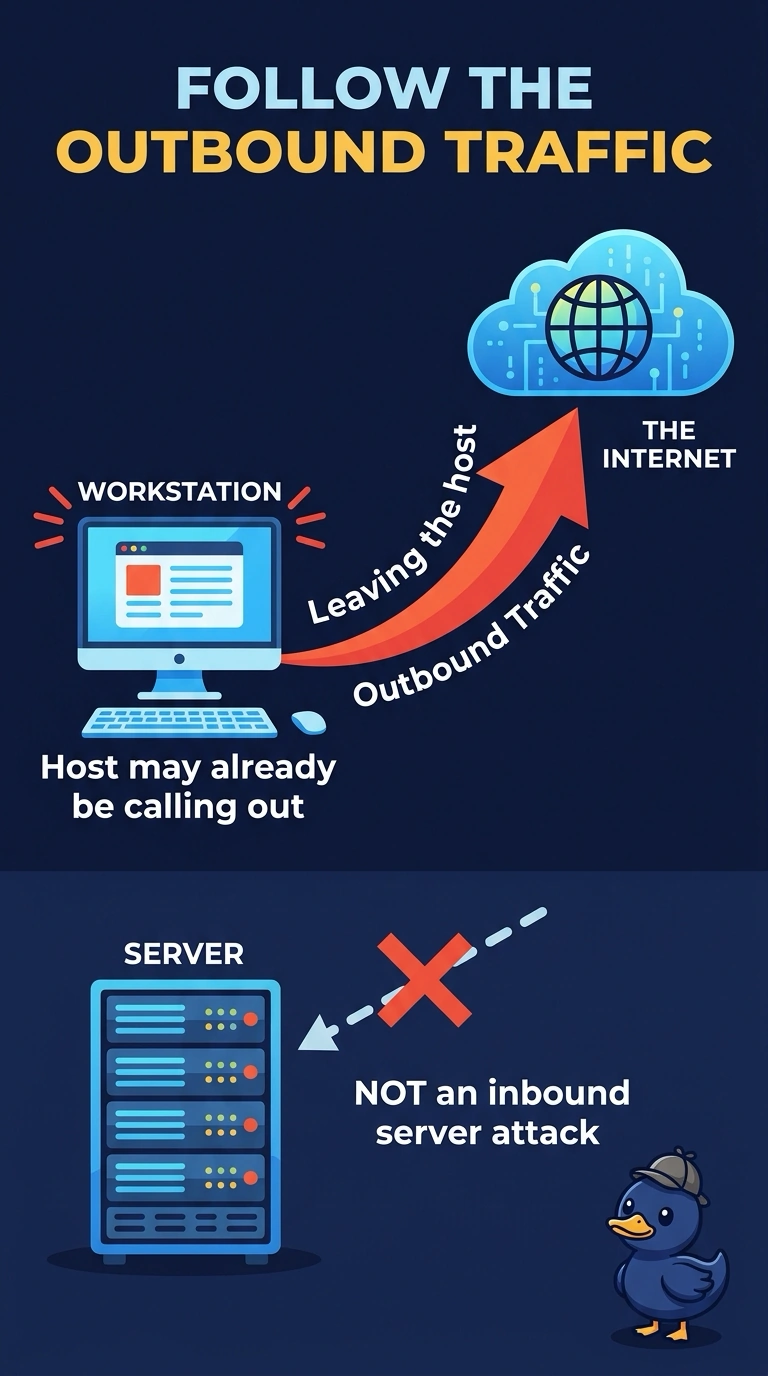
An IDS alert is on traffic leaving a branch workstation toward the internet, not on traffic inbound to a server. Session telemetry confirms the workstation initiated the connection. Why does that direction change the investigation story?
Select an answer to reveal the explanation.
Short Explanation
A car leaving the garage tells a different story than someone knocking at the warehouse door. You are looking at traffic leaving a workstation toward the internet, which fits a host that may already be calling out, not an inbound attack on a server. Direction changes the hypothesis, and it does not finish the case by itself.
Full Explanation
Observed packet direction describes traffic orientation; session/transport evidence is needed to establish the initiator. Here initiation is explicitly confirmed, making a callback a useful hypothesis. Outbound from the workstation fits a host that may already be calling out, unlike an inbound attack aimed at a server that is listening. The next look is that workstation's processes and proxy history, not a write-up that assumes a server was the target. Direction is not cosmetic, and both alerts do not mean the same inbound exploit attempt against a server. Outbound alerts are not scanner noise by default, and it is not the case that only inbound alerts qualify as real incidents worth paging. The workstation alert proves nothing about power state, and the signature does not prove the branch firewall is powered off and is passing every network flow. An alert is a match on traffic that was observed, not a reading of whether the firewall has power. Exam caveat: outbound traffic can also be an ordinary user action or a false match, so direction changes the hypothesis and does not by itself prove compromise. Operational check: note the source host and the direction, then review that workstation's process tree and proxy log for the same time.