
A school incident handler can quarantine a confirmed malicious installer or delete it from the teacher laptop. Why is quarantine the stronger evidence choice?
Select an answer to reveal the explanation.
Short Explanation
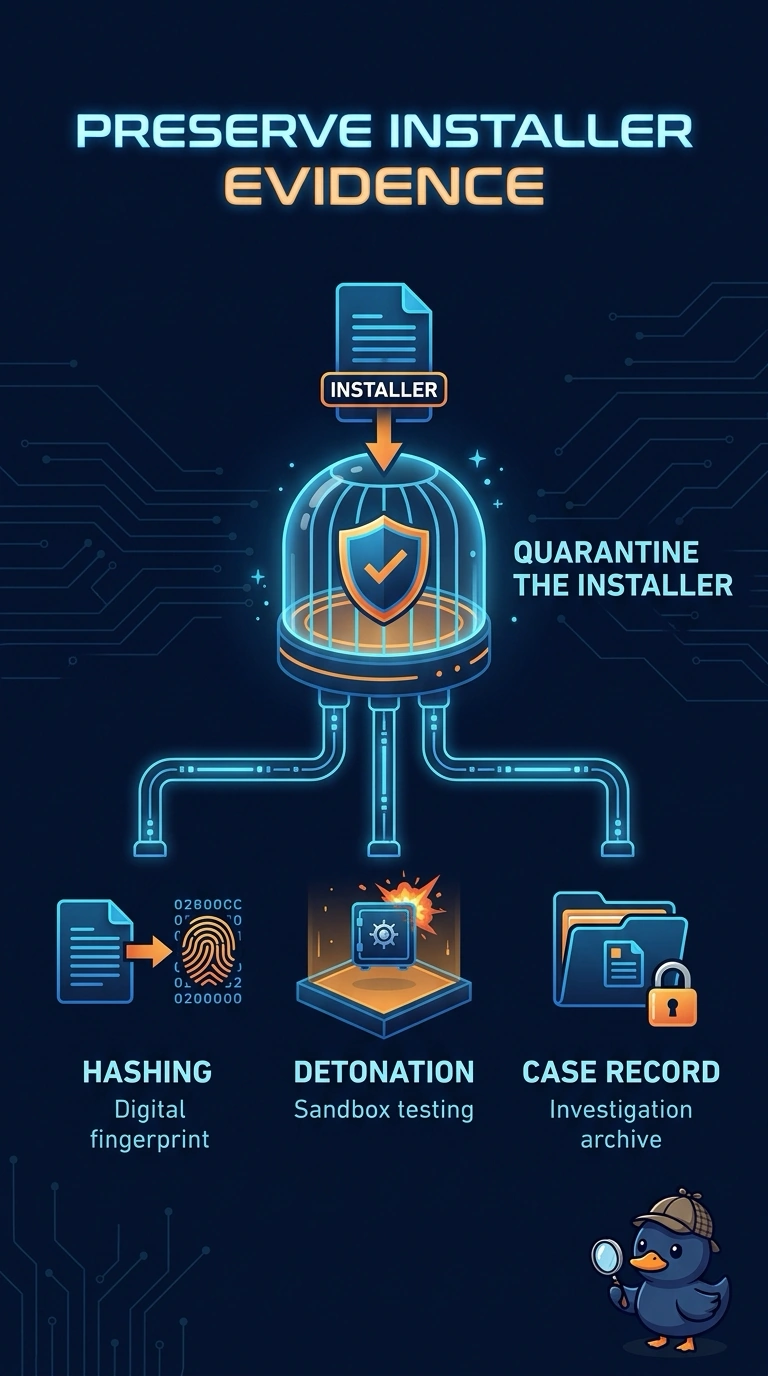
Quarantine is the evidence locker, while delete is the shredder. You keep a copy of the installer for hashing, detonation, and the case record, and the host still cannot run it. Wiping the laptop or isolating it does not preserve that sample.
Full Explanation
Quarantine keeps a copy of the installer while blocking execution, so a copy remains for hashing, detonation, and the case record. Delete the installer and the attacker has no local copy left to launch again on that laptop, but the handler also loses the bytes needed to confirm the hash and to reproduce the sample later. Isolate the laptop and host containment stops the machine from talking to the network, yet containment is not a substitute for keeping the file itself. Wipe the disk immediately and ship the laptop before any hash is recorded and the evidence is gone before the case file exists. Exam caveat: isolation can still be the right containment step for a live host, and it pairs with quarantine rather than replacing the preserved sample. Operational check: after quarantine, collect the preserved copy, hash it, and store that digest with the ticket before anyone deletes the original path. That digest is what you search across the other school laptops, and the preserved copy is what you submit when a sandbox run is still required to document behavior.