
An on-demand file scan of a grocery-store PC is clean, memory was never captured, and a suspicious process is still running. Why does that scan fail to clear an injected process?
Select an answer to reveal the explanation.
Short Explanation
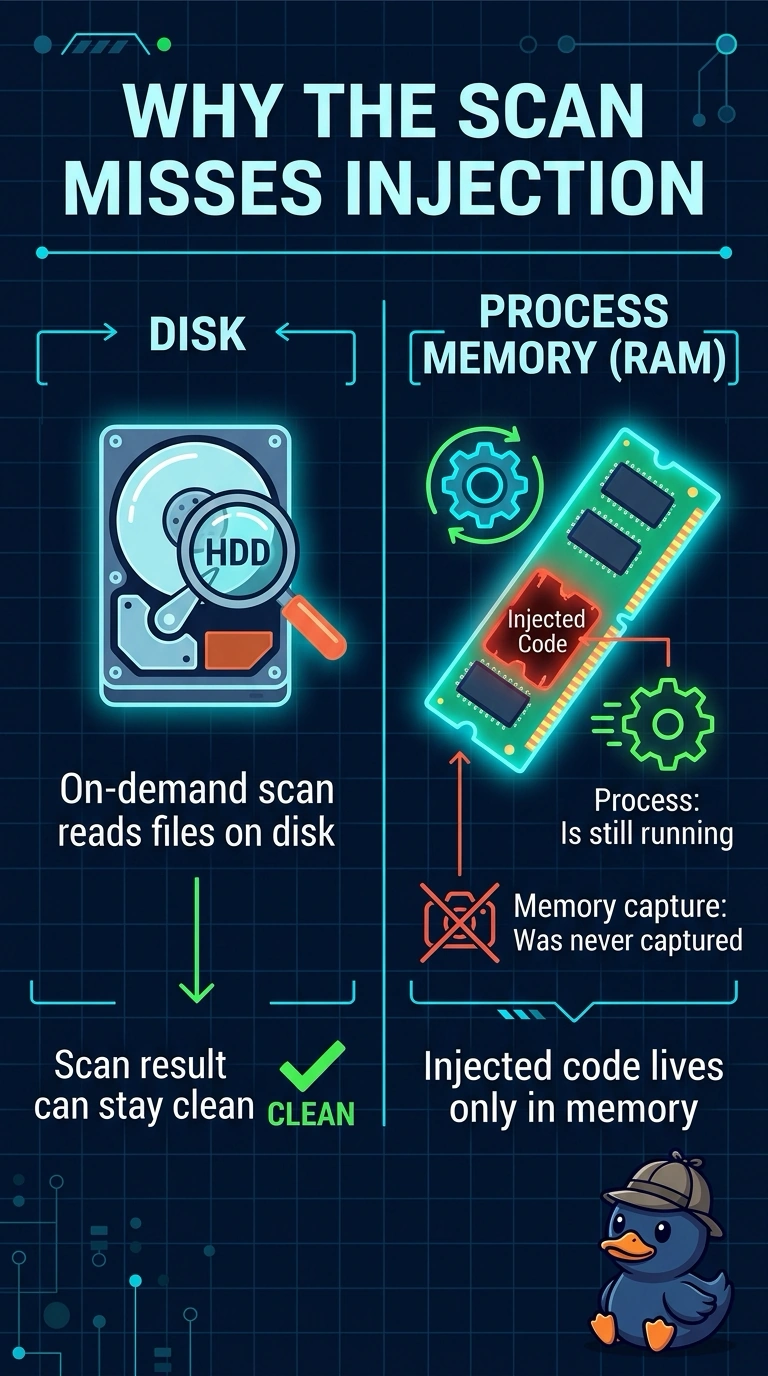
Searching the lockers does not tell you who is still standing in the hallway. An on-demand file scan reads disk files, so injected code that lives only in process memory can remain, and memory was never captured. A clean result is not a memory review, a process quarantine, or a rebuilt pagefile.
Full Explanation
An on-demand file scan reads files on disk and compares those files with known dispositions. Injected code living only in process memory can stay untouched because it may have no file of its own for the scanner to hash, and this case has no memory image to inspect either. The scan already reviewed process memory, so a clean result proves that running process is benign, overstates what a file scan does: it did not review the process address space, so the clean result is not a memory verdict. The scan quarantines every running process, so injection cannot remain after a clean result, confuses a file scan with containment; quarantine keeps a copy of a file and this scan did not quarantine the running process. The scan rebuilds the pagefile, so injected pages would have been written out and then hashed, invents a memory-to-disk step the file scan does not perform, and a pagefile is not a full image of a running process. Exam caveat: separate memory-protection features can exist on an endpoint product, and they are not the same control as an on-demand file scan. Operational check: capture memory of the still-running process, or inspect that process with a memory-aware tool, before you accept the clean file scan as a verdict.