
A malicious process is still running on a nurse workstation, and the manual review will take a long time. What should the responder do first?
Select an answer to reveal the explanation.
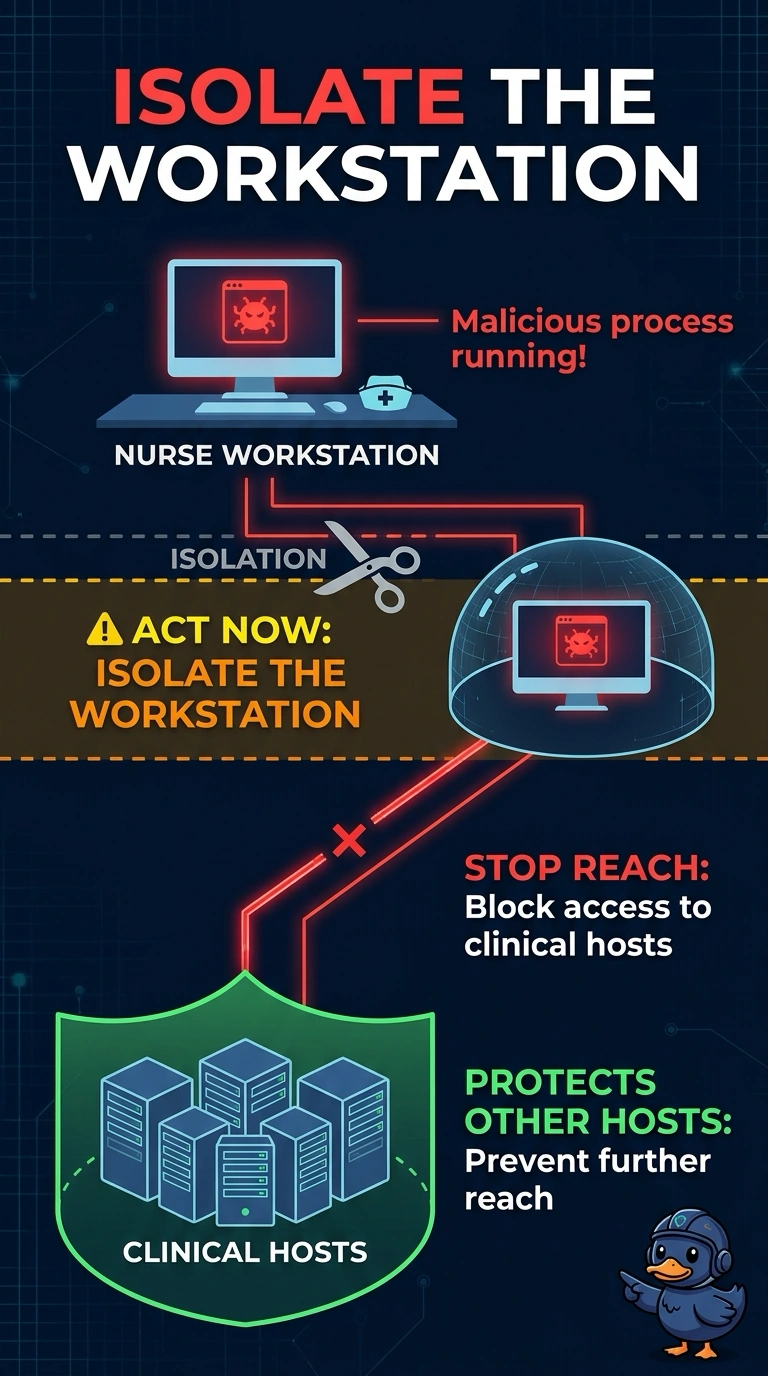
Short Explanation
Think of it like closing the ward door while an illness can still spread, before you finish the long chart. Isolate the nurse workstation now so the running process cannot keep reaching other clinical hosts. A slow manual review, a lengthy disk image that leaves the process online, or deleting the file while keeping the workstation connected all wait too long.
Full Explanation
Because the malicious process is still running and manual review will take a long time, isolate the workstation now so the process cannot keep reaching other clinical hosts. Isolation is host containment: it cuts off the general network path while the investigation continues. Finishing the full manual review on the live host before changing its network state leaves the workstation able to reach charts, shares, and other workstations throughout the review. Taking a lengthy disk image while leaving the process on the network preserves disk bytes but does nothing to stop live network harm; a disk image is not a capture of the process’s memory. Deleting the on-disk program while keeping the workstation connected can miss code already loaded in the running process and leaves the host on the clinical network. Exam caveat: isolation contains the host; it does not eradicate the process or replace a memory capture, and it is not the same as quarantining one file. Practical check: start endpoint isolation on the workstation and confirm the console shows it isolated before continuing the long timeline review.