
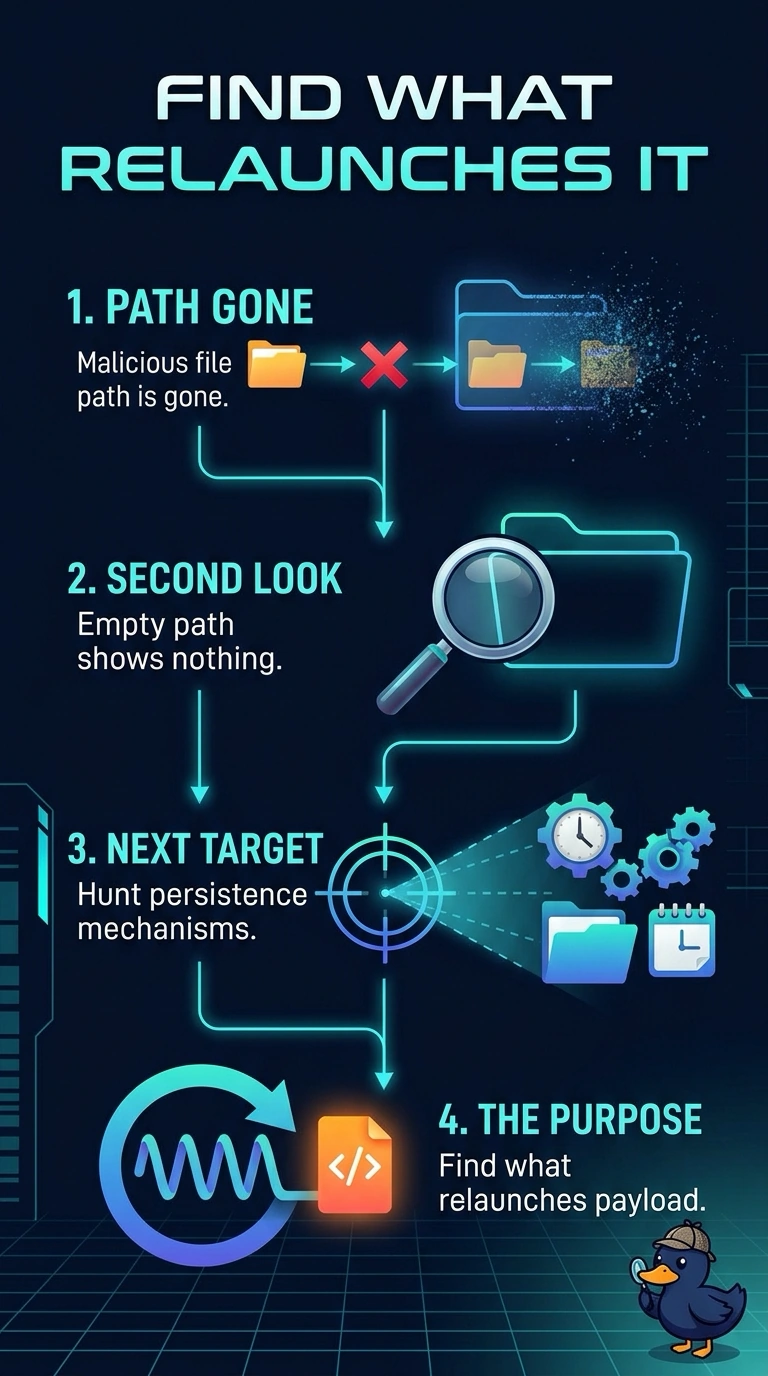
The malicious file path on a pharmacy PC is already gone, and a second look at that empty path shows nothing. What should the hunt target next?
Select an answer to reveal the explanation.
Short Explanation
The burglar already left the windowsill, so staring at the empty sill will not catch the spare key. With the path gone, you hunt the persistence mechanism that would relaunch the payload. Repeating the listing, clearing the Security log, or excluding the empty folder throws away the next clue.
Full Explanation
Once the file path is gone, another directory listing will stay empty, so the hunt moves to the persistence mechanism that would relaunch the payload even after that path is gone. On a Windows pharmacy PC that means startup locations such as scheduled tasks, services, and Run keys that can point at a new path or a rebuilt copy. Repeat the directory listing of the empty path until the original filename shows up again waits on a file that has already been removed and does not ask what will start it tomorrow. Clear the Security log so messages about the missing path stop filling the analyst console destroys evidence of process creation and logons and is an anti-forensic act, not a hunt step. Add an exclusion for the empty path so later scans skip that folder on the pharmacy computers hides future detections in that folder and does not find the mechanism that survived the deletion. Exam caveat: persistence often uses a different filename than the one you lost, so a hunt limited to the old name will miss a renamed startup entry. Operational check: review scheduled tasks, services, and Run keys for a command that relaunches the payload, and leave the Security log intact while you do it.