
Real-time protection on a software build server excludes the build directory, and a complaint names a file in that path. What follow-up should the analyst run?
Select an answer to reveal the explanation.
Short Explanation
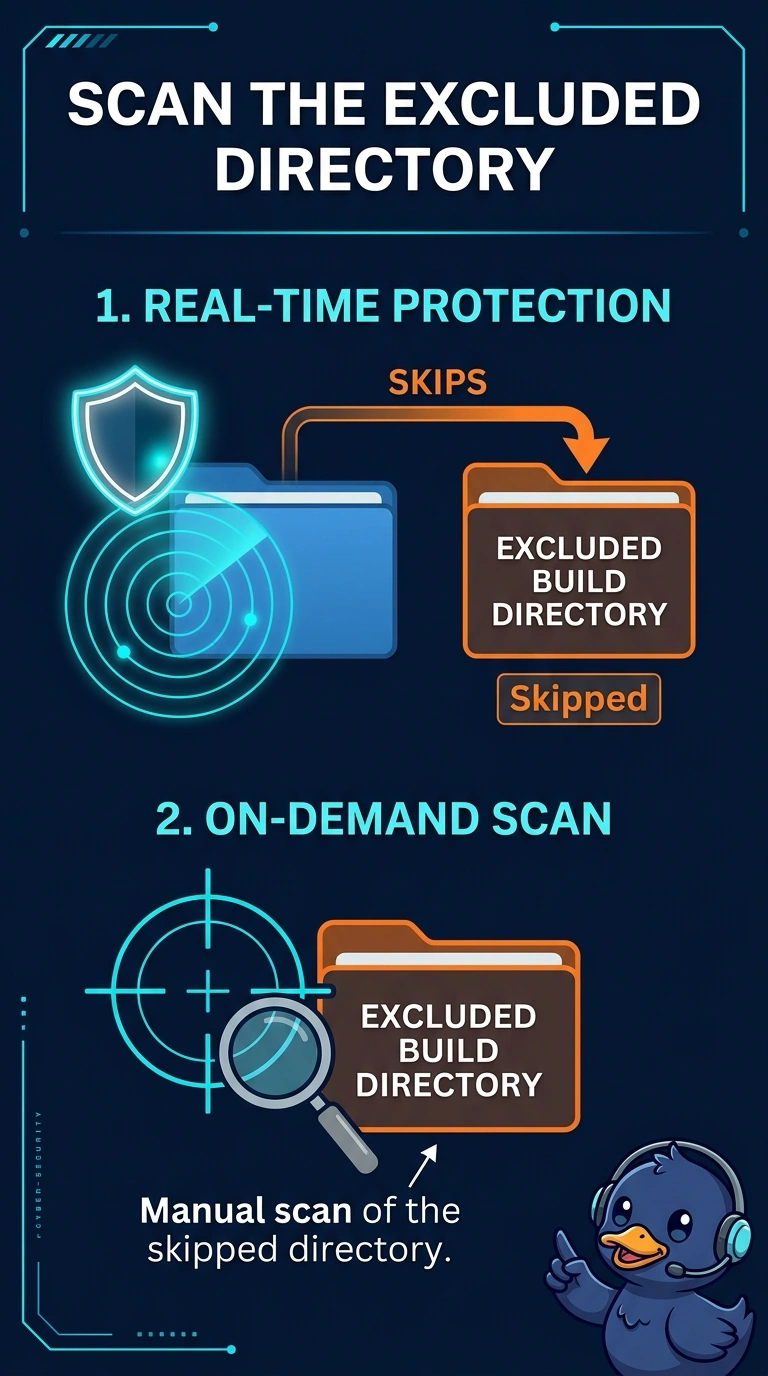
Tape over a camera lens does not prove the room behind it is empty. Real-time protection skips that excluded build directory, so you run an on-demand scan of the path the complaint named. Deleting the tree, trusting the exclusion as a clean result, or copying the skip onto the firewall leaves the file unchecked.
Full Explanation
An exclusion that hides a build directory means real-time protection is not watching that path, so a complaint about a file there will not be settled by the live engine. Run an on-demand scan of the excluded build directory that real-time protection skips, and confirm the scan is allowed to read the directory. Do not accept the exclusion as proof the build directory was already checked and found clean; a blind spot is not a passing result. Do not delete the build directory so the complaint no longer has a path to reference, because that destroys the file and the context around it. Do not add that directory to a firewall skip list so network sensors ignore the same folder; a network skip does not inspect the host. The complaint is a host-path problem, and the follow-up is a deliberate scan of that path. Exam caveat: some path exclusions also apply during scans, so an empty result counts only after you confirm the directory was included. Operational check: compare the exclusion with the scan policy, run the on-demand scan on the named build path, and review what the scan logs.