
A packer scan, corroborated by rabin2, shows that a school-lab sample is packed with UPX, and the analyst needs the unpacked payload. Why is an unpacker the next tool rather than xortool?
Select an answer to reveal the explanation.
Short Explanation
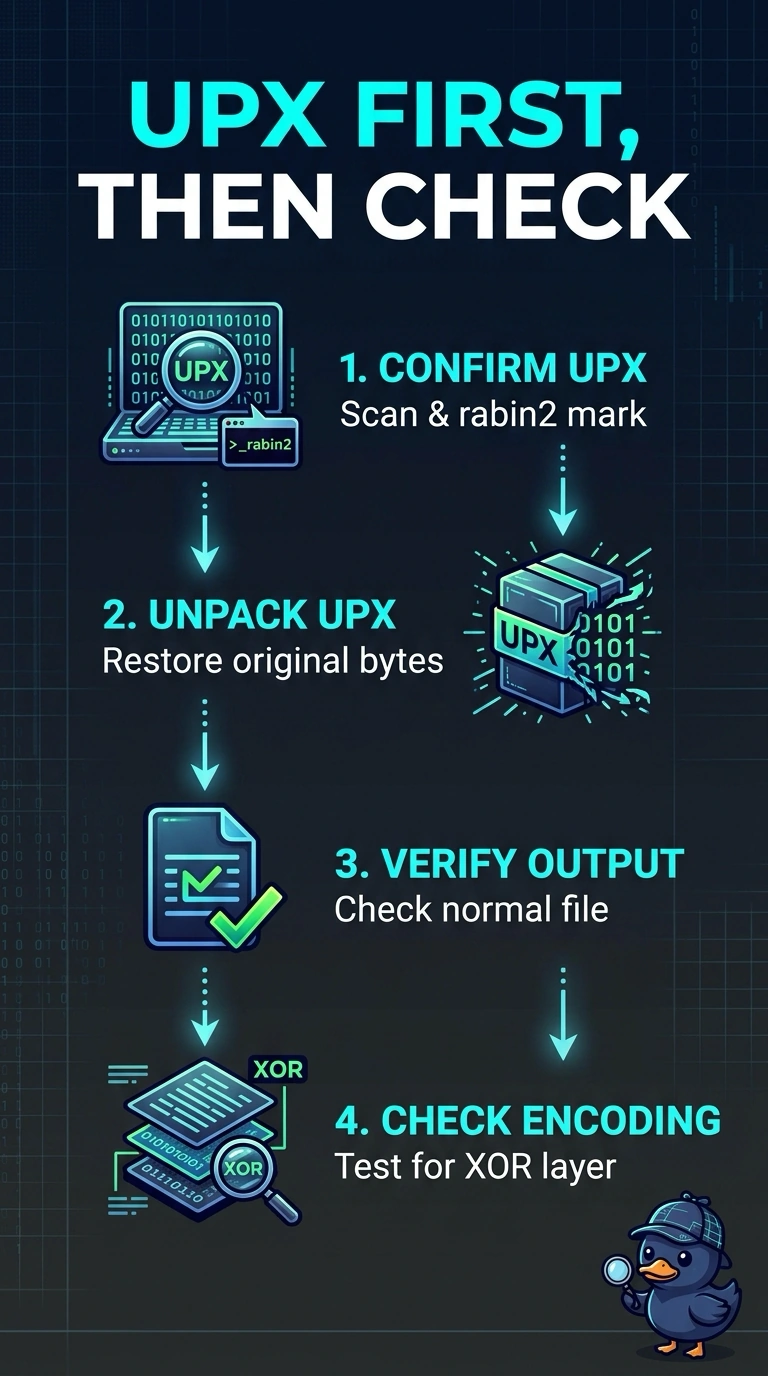
You’re looking at packing, not a note written in a simple cipher. Start with a UPX-compatible unpacker, then check the recovered data for any additional encoding. xortool can help with an XOR layer, but it does not unpack the confirmed UPX layer.
Full Explanation
UPX is a packer: it wraps an executable so the original bytes are compressed inside a stub, and a UPX-compatible unpacker writes that payload back out. Run a UPX-compatible unpacker first, then assess the recovered data for any additional encoding. xortool can be useful for an XOR layer even in a sample that also used packing; it does not substitute for unpacking the confirmed UPX layer. Running xortool while reading the UPX mark as a short XOR key wrapped around the payload bytes mixes two different hiding methods: compressed stub data does not decode with a repeating-key guess. Running XORBruteForces while reading the UPX mark as XOR encoding that brute force will remove makes the same conceptual mistake, spending key trials on a compression layer. Running a strings search and expecting the packed bytes to already show the original payload text fails because the payload is compressed and readable strings are mostly from the stub. Exam caveat: if the UPX header was stripped or altered, a stock unpacker may refuse the file, and the analyst may need to unpack it manually; the task is still unpacking, not XOR recovery. Practical check: after unpacking, confirm the output is a normal executable before testing for another layer.